20 March 2026

10 Best Mailchimp Alternatives for Email Marketing (2026)
Let’s be honest — Mailchimp was once the go-to choice for email marketing, and for good reason. It was simple, beginner-friendly, and had a decent free plan.
But things have changed. Over the past few years, Mailchimp has significantly hiked its prices, removed features from its free tier, and bundled everything into premium packages that many small businesses simply cannot justify.
If you’ve found yourself frustrated by Mailchimp’s pricing or limitations, you’re definitely not alone. Thousands of marketers, solopreneurs, and growing businesses are actively seeking Mailchimp alternatives that offer better value, greater flexibility, and features that actually meet their needs.
In this article, we’ve done the hard work for you. We’ve researched and compared the top Mailchimp alternatives — including free options, budget-friendly tools for small businesses, and powerful platforms for advanced email marketers.
Whether you’re looking for better automation workflows, a drag-and-drop email builder, SMS marketing, or simply cheaper alternatives to Mailchimp, there’s something on this list for you.
Ready? Let’s dive in!
Why Are Marketers Switching Away From Mailchimp?
Before jumping into the Mailchimp alternatives, it’s worth understanding what’s driving people away. Mailchimp isn’t a bad tool — but it’s not the best fit for everyone anymore.
Here are the most common complaints:
- Pricing that scales steeply: Once you cross a few thousand contacts, Mailchimp pricing jumps considerably. Many businesses find themselves paying for features they don’t use.
- Reduced free plan: The free plan now caps at 250 contacts and 500 monthly emails, which isn’t enough for most growing lists.
- Limited advanced automation: While Mailchimp has added automation, it still lags behind competitors when it comes to complex, behavior-based automation workflows.
- Segmentation constraints: Advanced segmentation is locked behind higher-tier paid plans.
- Customer support issues: Many users on the free or lower-tier plans report limited or slow support.
With so many capable email marketing platforms now available, there’s little reason to stay with a tool that no longer fits your needs or budget.
How to Choose the Best Mailchimp Alternative?
If you’re considering switching from Mailchimp, it’s helpful to pause and ask yourself a few key questions first.
- What are your main email marketing goals? Are you mainly sending newsletters, handling transactional emails, or building automated workflows? Knowing this makes it easier to spot the features you really need.
- What is your budget? Some tools offer solid free plans, which can be a great option if you’re trying to keep costs low.
- How many contacts do you have? Choose a platform that can handle your current size and still keep up as you expand.
- Do you need advanced segmentation or detailed automation features? If so, make sure the platform you pick can handle that without limitations.
- How important are integrations with your existing toolkit? If you already use other tools, it’s much easier if your new email platform integrates smoothly with them. This saves time and avoids extra headaches later.
- What kind of support are you looking for? Do you need help available 24/7, or are you okay with standard business hours support? Pick what fits your workflow.
Switching tools isn’t always easy. But asking these questions upfront can make the decision a lot clearer—and help you choose something that truly works for your business.
The Best Mailchimp Alternatives By Use Case
- MailerLite — Best Cheap Mailchimp Alternative
- Brevo — Best Free Mailchimp Alternative
- ActiveCampaign — Best for Advanced Automation
- Kit — Best for Content Creators & Newsletters
- GetResponse — Best All-in-One Marketing Platform
- Moosend — Best Affordable Alternative to Mailchimp
- HubSpot — Best All-in-One CRM & Marketing Platform
- Omnisend — Best for eCommerce Businesses
- Klaviyo — Best eCommerce Email Marketing
- Constant Contact — Best for Small Business
The 10 Best Mailchimp Alternatives for 2026
Here’s our carefully curated list of the best email marketing alternatives to Mailchimp, covering a range of budgets, use cases, and business sizes.
1. MailerLite — Best Cheap Mailchimp Alternative

MailerLite hits a sweet spot between ease of use, useful features, and price. That’s why many small businesses see it as a strong alternative to Mailchimp.
The interface is clean and simple. You won’t feel lost when you first log in. At the same time, it still has enough depth to run more advanced campaigns as your needs grow.
The free plan is also quite generous. You can send up to 12,000 emails each month to 500 subscribers. That’s a lot more than Mailchimp offers on its free tier now.
When it comes to automation, things are smooth and straightforward. There’s a visual workflow editor that’s quick to use and gets the job done. Just note that if you want multiple triggers in a workflow, you’ll need the highest plan.
MailerLite also comes with some handy extras. You can build a custom unsubscribe page and even try to win people back. On top of that, you get popups, forms, and a landing page builder. This makes it easy to sell digital products like ebooks, downloads, or paid newsletters.
Switching from Mailchimp is pretty simple, too. MailerLite has a built-in integration that helps you move your contacts in just a few clicks. If you get stuck, there’s 24/7 support to guide you.
Key Features:
- Drag and drop editor to build an email newsletter in minutes
- Advanced automation builder with multi-trigger workflows
- 100+ Professional templates for newsletters, promotions, and announcements
- Generate catchy subject lines and email body copy with an AI writing assistant
- Landing page & website builder for creating unlimited high-converting pages
- Use 7 pre-built segment templates to instantly target “Devoted Customers” or “Inactive Subscribers
- Automatically sends emails at times tailored to individual subscriber engagement
- Targeted popups and embedded forms with logic-based triggers
- Personalizes email sections based on recipient data
Best For:
Small businesses, freelancers, and startups want a no-fuss email marketing tool.
Pricing:
Free plan available for up to 500 subscribers and 12,000 emails per month.
The paid plans start at $10/month for 500 subscribers with unlimited monthly email sends and advanced features.
You can also get a free 14-day trial of premium features, no credit card needed.
2. Brevo — Best Free Mailchimp Alternative
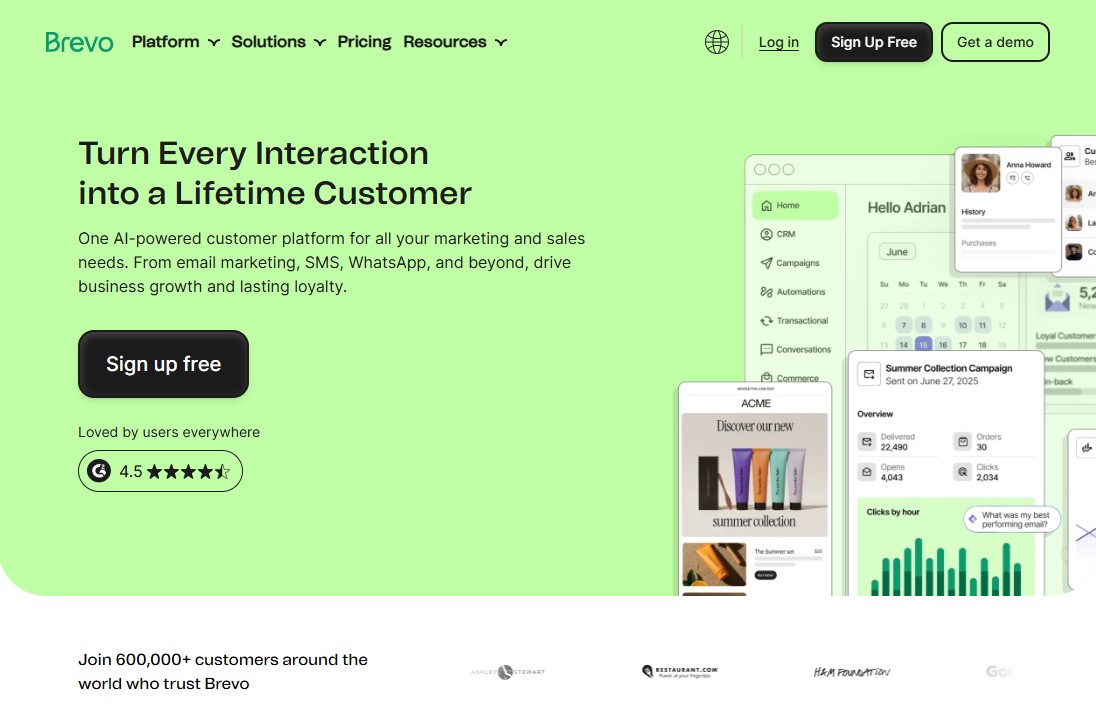
If you’re looking for a free alternative to Mailchimp, Brevo (formerly Sendinblue) is a solid option. Like Mailchimp, it offers a free plan with useful features such as unlimited contacts and transactional emails.
That said, there is a limit. You can only send up to 300 emails per day, which might not be enough if your business is growing fast. On the flip side, Brevo’s pricing is based on the number of emails you send, so it can be a better fit if you already know your email needs.
Where Brevo really stands out is in how many ways it lets you connect with your audience. Besides email and SMS marketing, you can also run WhatsApp campaigns, which adds another layer of reach.
It also lets you add a custom live chat widget to your website. That’s a nice touch if you want to talk to visitors in real time.
Building advanced workflows in Brevo is pretty straightforward. Compared to Mailchimp, it gives you more flexibility with actions and conditions. This means you can create different paths for users based on their behavior.
There’s more you can do, too. Brevo can help you run Facebook ads, create landing pages, and send transactional emails using ready-made templates.
When it comes to integrations, it doesn’t have as many built-in options as Mailchimp. But you can connect it to other tools using Zapier, which helps fill that gap.
All in all, Brevo works well as an all-in-one solution. It supports your marketing efforts and can even double as a simple sales CRM.
Key Features:
- Unlimited contacts for all plans, including the free tier
- Advanced automation with workflow templates and custom automation
- Powerful segmentation tools for creating more personalized marketing campaigns
- In-depth campaign reports, including real-time stats, heat mapping, and A/B testing
- Design landing pages and signup forms that integrate directly with campaigns
- Drag-and-drop email builder & HTML email editor
- Send order confirmations and receipts with high deliverability
Best For:
Small businesses and newsletters that need an affordable all-in-one marketing platform.
Pricing:
Free plan available for up to 300 emails per day.
The paid plans start at $9/month for 5,000 monthly emails (500 contacts) with no daily sending limit.
3. ActiveCampaign — Best for Advanced Automation
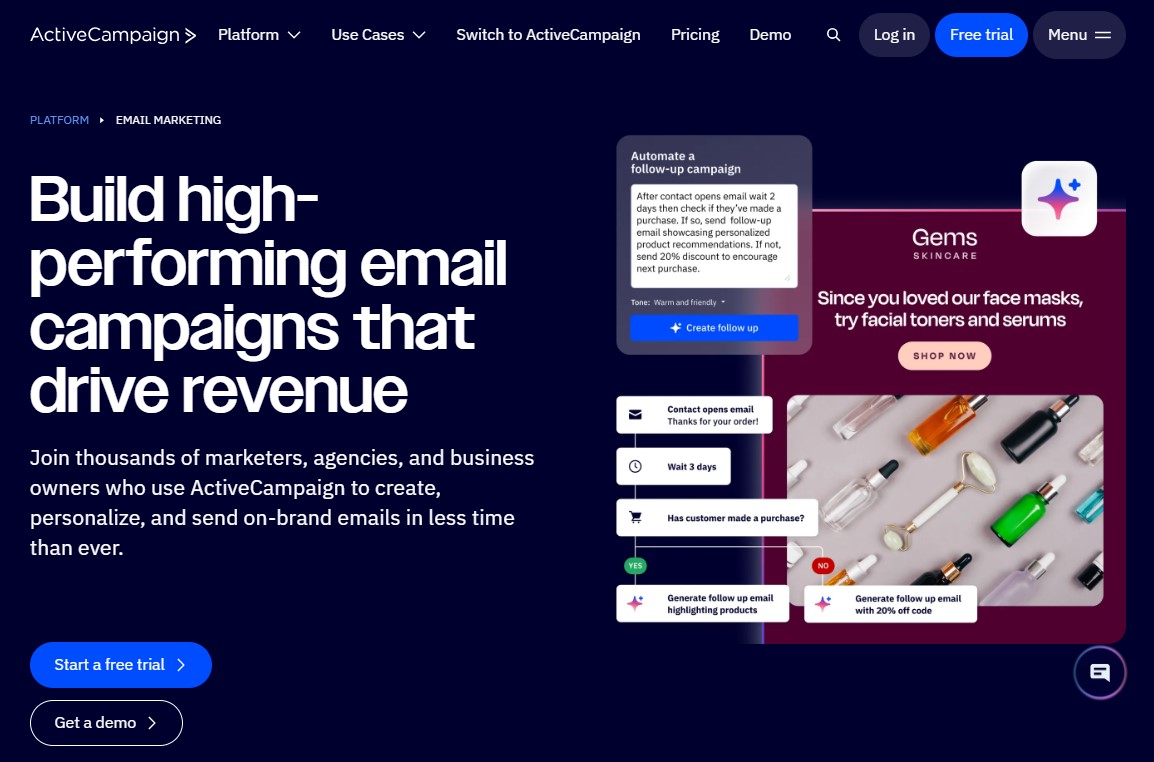
ActiveCampaign is a well-known platform that brings together email marketing, CRM, sales tools, and transactional messaging in one place. If you’re comparing it to Mailchimp, one thing stands out right away—its automation features are much more advanced.
For example, you’re not limited to just emails. You can also include SMS and website messages in your workflows, which adds a lot of flexibility. The Automation Map is another helpful feature. It lets you see multiple workflows at once and understand how they connect, so you have better control over everything.
There’s also a huge library of over 750 ready-made automation journeys. These are designed for different goals and industries. Whether you want to nurture leads, upsell products, cross-sell, or ask customers for reviews after a purchase, you’ll likely find something that fits.
When it comes to building emails, ActiveCampaign keeps things simple. It offers an easy drag-and-drop editor, similar to Mailchimp. You get plenty of elements to design your campaigns. That said, personalization and segmentation feel a bit smoother here. For instance, you can trigger actions based on what people click, like images or links.
Another key difference is the CRM. ActiveCampaign’s CRM is more detailed than Mailchimp’s marketing CRM. You can see everything about a contact in one place—what they’ve bought, what they’ve viewed, and any tags assigned to them.
It also does a solid job with lead scoring. You can track a lead’s full history right from their contact record, which makes it easier to understand where they stand. The only downside is that all these features can feel a bit overwhelming at first.
On top of that, ActiveCampaign connects easily with popular eCommerce platforms like Shopify and WooCommerce. This makes it simple to sell products and send transactional emails, such as order confirmations or shipping updates, without extra hassle.
Key Features:
- Creates email layouts, content, and subject lines with the AI campaign builder
- Segments users based on behavior, preferences, and engagement
- Drag-and-drop workflow builders to create personalized, automated follow-ups triggered by user actions
- Connects email with SMS, social ads, and WhatsApp to reach customers across multiple channels
- A/B testing for email content and automation paths to maximize results
- Tracks real-time engagement, including opens, clicks, and conversions
Best For:
Mid-sized businesses and marketing teams that need deep automation and CRM integration.
Pricing:
No free plan, but it offers a 14-day free trial for users to test out most of its features.
The ActiveCampaign plan starts at $15/month (billed annually), which includes email and marketing automation for up to 1,000 contacts.
4. Kit — Best for Content Creators & Newsletters
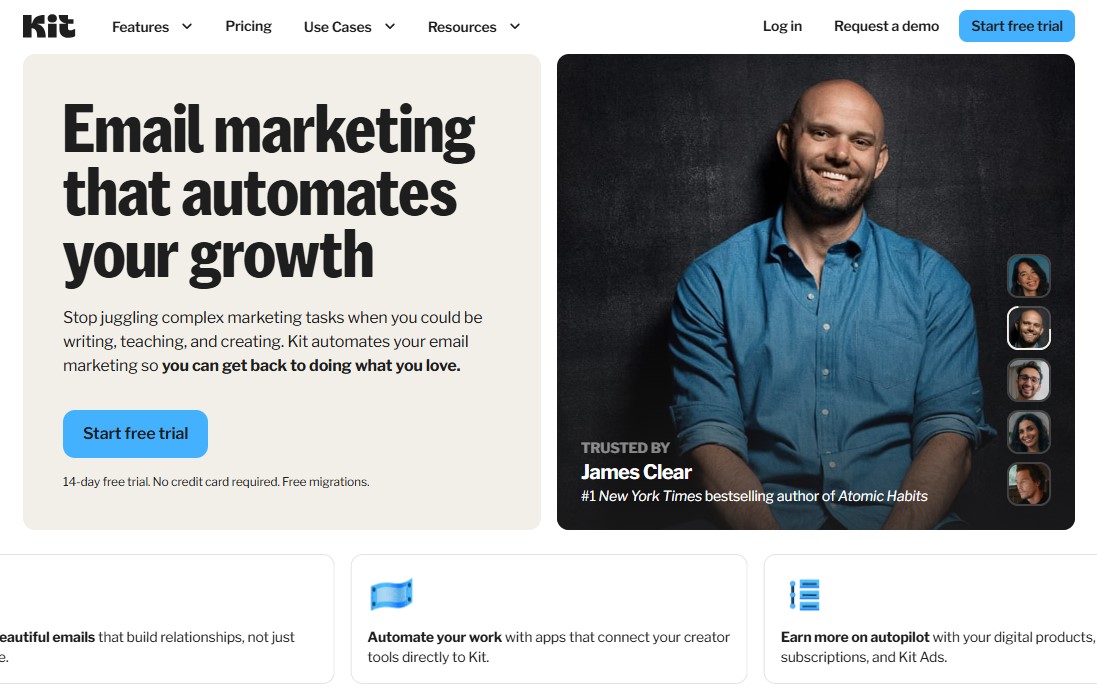
Kit positions itself as an email marketing platform built specifically for creators. That includes bloggers, artists, musicians, YouTubers—pretty much anyone running a creative business.
Compared to Mailchimp, it offers more tools designed to help creators connect with their audience and turn that attention into results. It also comes with ready-made automation workflows tailored for creator needs.
The email editor is quick and simple to use. You can drop in products, videos, music, and more right inside your emails. Want to create a sense of urgency? You can add countdown timers to your campaigns. There are also pre-designed layout blocks, so formatting your emails doesn’t take much effort.
For automation, Kit includes a visual builder that’s easy to follow. You can set up different sequences, like welcoming new subscribers or launching a product. It also lets you clean up your email list automatically using reactivation sequences.
This helps you keep your audience engaged and improves your email deliverability.
Another useful feature is the landing page builder. It comes with a range of clean, attractive templates. If you’re looking to grow faster, the Creator Network can help. It connects you with other creators so you can collaborate, cross-promote, and support each other’s growth.
You can also set up paid newsletter subscriptions, which gives you another way to earn from your audience.
All in all, Kit works well if your main goal is to grow a creator-focused business. That said, its email and multichannel features are still a bit limited compared to other platforms.
Key Features:
- Visual automation workflows for advanced drip campaigns
- Subscriber tagging and list segmentation
- Built-in landing page builder and lead generation forms
- Paid newsletter and digital product selling features
- Custom domain name for landing pages, even on the free plan
Best For:
Creators, bloggers, and independent newsletter publishers.
Pricing:
Free plan available for up to 1,000 subscribers, unlimited landing pages and forms, and audience segmentation.
The paid plans start at $39/month for 1,000 subscribers and include free data migration and other advanced features.
5. GetResponse — Best All-in-One Marketing Platform
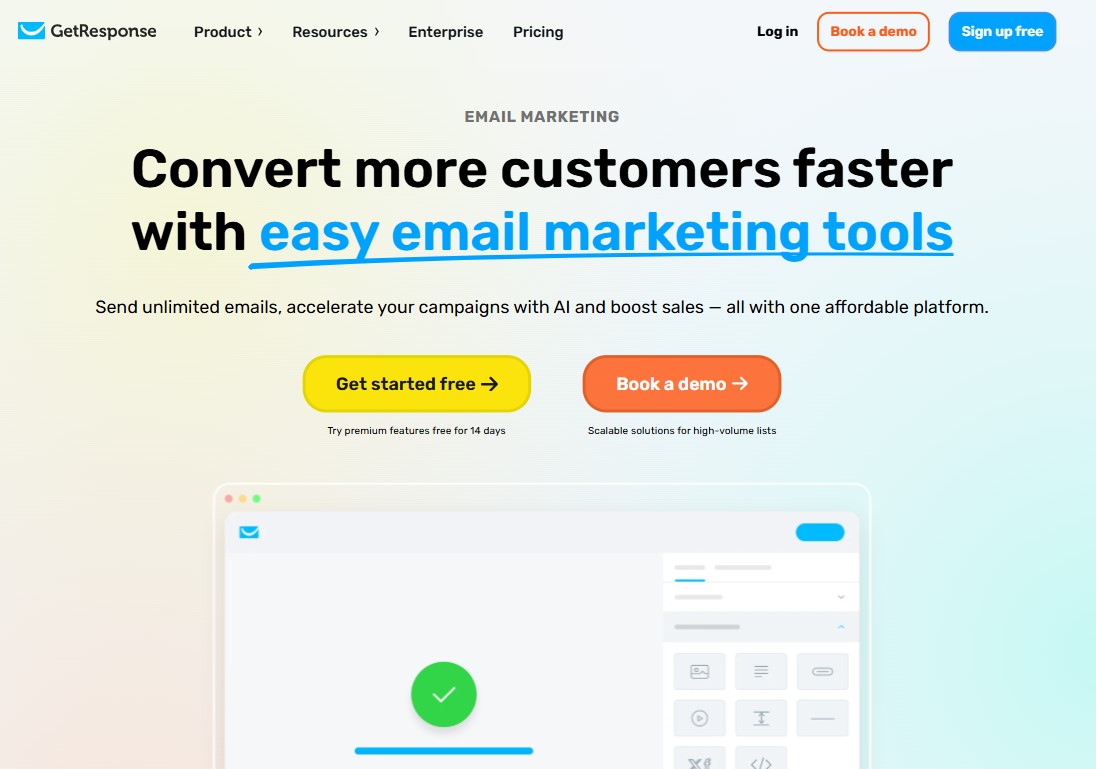
GetResponse is an email marketing and automation tool that comes loaded with useful features. It’s a solid Mailchimp alternative, offering both simple building blocks and more advanced eCommerce tools. You also get plenty of ways to customize your emails, so your newsletters can look exactly how you want.
But it’s not just about email. GetResponse also includes a website builder and a landing page creator. The landing page tool is easy to use, thanks to drag-and-drop editing. It also comes with an AI content generator and lets you run A/B tests to see what works best.
When it comes to lead generation, GetResponse really stands out. You get access to over 200 landing page templates. On top of that, there are flexible signup forms, banners, and bars that help grab your visitors’ attention.
The automation features are just as helpful. You can automatically group your audience into segments, assign lead scores, and tag contacts based on their behavior.
What makes GetResponse even more interesting is that it offers tools you don’t usually see on other platforms. For example, you can create and host webinars. There’s also a Conversion Funnel feature that helps you build complete sales funnels from start to finish.
Key Features:
- Email marketing with a drag-and-drop email builder and 200+ templates
- Marketing automation workflows with advanced trigger options
- Built-in webinar hosting (unique among email marketing platforms)
- Landing page builder with conversion funnels
- Segment audience lists based on behavior, contact scoring, and engagement data
- AI email generator to generate content and predict the best subject lines for engagement
Best For:
Businesses want a complete marketing suite without cobbling together multiple tools.
Pricing:
Free plan available for up to 500 subscribers and 2,500 emails per month.
The paid plans start at $19/month for 1,000 subscribers with unlimited monthly email sends and advanced features.
You can also get a free 14-day trial of premium features, no credit card needed.
6. Moosend — Best Affordable Alternative to Mailchimp
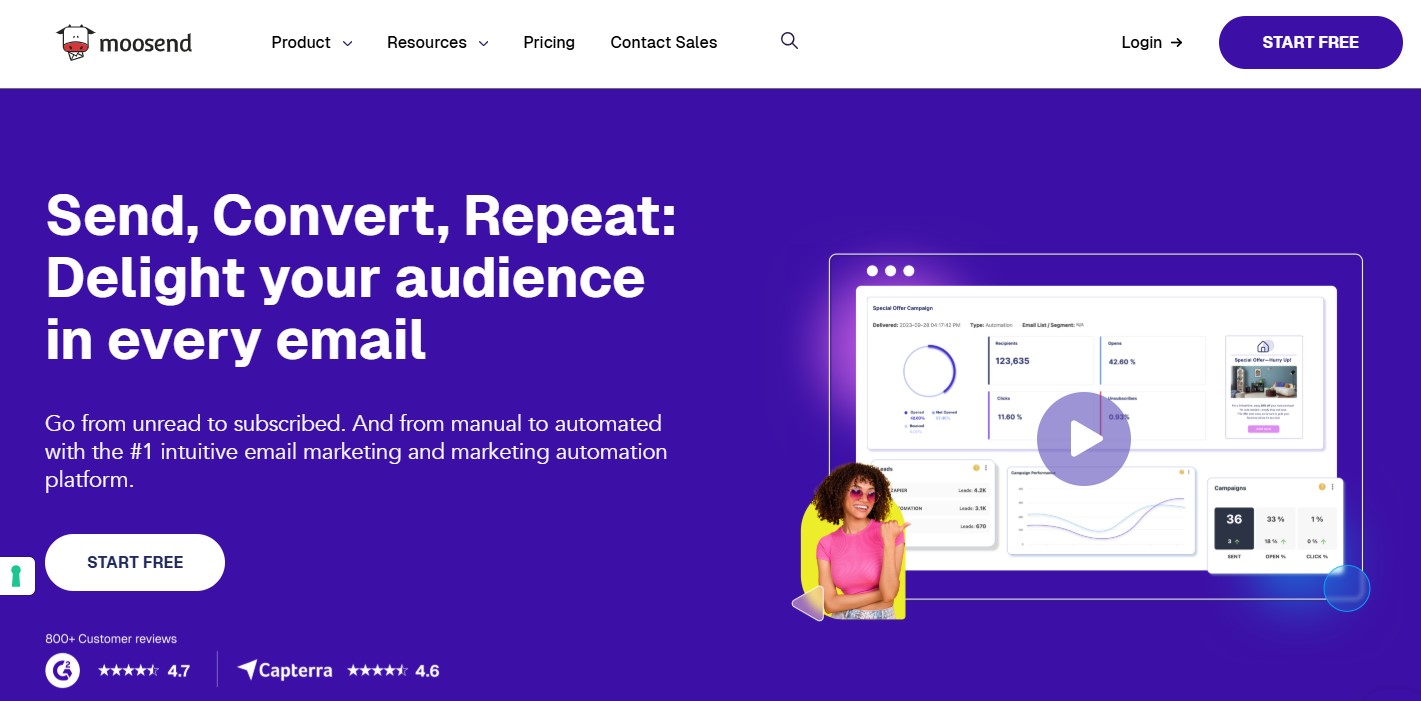
If you’re looking for something affordable without giving up powerful features, Moosend is a solid Mailchimp alternative. Its interface feels simple and easy to navigate. In fact, it’s often cleaner and more user-friendly than Mailchimp’s.
The drag-and-drop email builder is quick to learn and even quicker to use. You can choose from a variety of layouts to create designs that stand out. It also includes advanced elements like videos, buttons, countdown timers, and product blocks.
To save time, Moosend offers a library with over 110+ ready-made newsletter templates. There’s also an AI Writer that helps shape your ideas and turn them into engaging messages that encourage action.
When it comes to automation, Moosend gives you more flexibility than Mailchimp. You can trigger workflows based on actions like page visits, product views, or purchases. With AI support, you can send personalized product suggestions, build smart audience segments, and automatically tag users using the Audience Discovery feature.
Another big advantage is how it handles contacts. Mailchimp charges you for duplicate contacts across lists, which can get expensive. Moosend, on the other hand, lets you create unlimited lists and segment your audience using a wide range of filters.
To help you track performance, Moosend includes detailed reporting and analytics. You get insights such as click heatmaps, location data, and device and email client information. On top of that, it has strong email deliverability, so your campaigns are more likely to land where they should—in your audience’s inbox.
Key Features:
- Intuitive email builder with 110+ email newsletter templates
- Easy-to-implement automation (wide range of triggers & actions)
- Easy list segmentation for sending targeted emails
- Automation workflows “recipes” for abandoned cart campaigns, loyalty sequences, and more
- A/B testing for subject lines, content, and sender name
- Seamless integration with popular apps & services
- Landing pages and subscription forms to capture leads
Best For:
Price-sensitive small businesses that want a solid feature set without breaking the bank.
Pricing:
No free plan, but it offers a 30-day free trial for users to test out most of its features.
The Moosend plan starts at $9/month, which includes unlimited email campaigns for up to 500 contacts.
7. HubSpot — Best All-in-One CRM & Marketing Platform

Compared to Mailchimp, a pure email marketing service, HubSpot is an all-in-one platform that combines email marketing with sales, operations, content management, and customer service. That makes it a strong choice if you’re dealing with a more complex sales funnel.
Creating emails is straightforward. The drag-and-drop editor is easy to use, and there are plenty of ways to customize your campaigns. You also get a library of ready-made templates designed around specific goals. That said, the templates feel a bit basic compared to Mailchimp’s designs.
When it comes to improving your emails, HubSpot has solid tools. You can run A/B tests to see what works best and use smart time-zone sending so your emails land at the right time.
Where HubSpot really stands out is its built-in CRM. It lets you organize your contacts based on things like behavior or where they are in the customer journey. This makes it much easier to send targeted emails and create a more personal experience.
Automation is another strong point. You can set up simple follow-ups or build more advanced workflows, depending on your needs. Just keep in mind, the more you want to do, the more it’s likely to cost. On the plus side, HubSpot does a good job of guiding you through the process, so it doesn’t feel overwhelming.
For lead generation, you get useful tools such as signup forms, popups, and a flexible landing page builder. To top it off, the analytics dashboard provides clear insights through easy-to-read charts and click maps, helping you fine-tune your campaigns over time.
Key Features:
- Create emails in minutes with an intuitive drag-and-drop editor
- Dynamic lists based on CRM data (behaviour, location, interests)
- Workflows triggered by CRM or website behaviour
- Unified data across the entire sales and marketing funnel
- A/B testing for subject lines, content, images, CTAs, or even entire layouts
- Real-time metrics and performance insights
Best For:
Growing businesses that want email marketing tightly integrated with a CRM from day one.
Pricing:
Free plan available for sending up to 2,000 emails per month.
The paid plans start at $20/month with the Starter plan. To get the whole stack, you need the Professional plan starting at $890/month.
8. Omnisend — Best for eCommerce Businesses
If you’re looking for a tool to boost sales for your eCommerce store and help you better understand your audience, Omnisend is worth checking out. It’s a solid free Mailchimp alternative, packed with features to help you build a strong marketing funnel. You get tools like popups and advanced segmentation right out of the box.
Like Mailchimp, Omnisend offers a drag-and-drop email builder, making email creation simple. But it goes a step further with some handy extras. You can add discount blocks, product recommendations, and ready-made product listings to your campaigns. These features save time and make the process much smoother.
Whether you’re setting up basic emails like welcome messages or abandoned cart reminders, or building more detailed workflows, both platforms can handle it. The big difference is that Omnisend brings multiple channels into one place. You can combine SMS, push notifications, and even Facebook messages in a single workflow.
On top of that, you can use conditional logic and run A/B tests to fine-tune your campaigns.
When it comes to growing your audience, Omnisend gives you plenty of options. You can use exit-intent popups, landing pages, interactive forms, and back-in-stock alerts to capture new subscribers and turn them into customers.
The reporting tools are also quite detailed. You’ll see all the key metrics, along with revenue tracking. There’s even a lifecycle map that shows where your contacts stand—whether they need a little nurturing, are loyal buyers, or might be slipping away.
Key Features:
- Prebuilt templates for promos, newsletters, or launches
- Advanced segmentation based on user behavior, location, or custom properties
- Email automation for (welcome, cart abandonment, order confirmation, and more)
- High-converting signup forms to grow your email list
- 160+ ecommerce integrations (like Shopify, WooCommerce, Wix, and WordPress)
- A/B testing to test subject lines, content, and timing for best results
- Send email with SMS and web push notifications within a single workflow
Best For:
Ecommerce businesses want multichannel outreach beyond email alone.
Pricing:
Free plan available for sending up to 500 emails/month and 500 web push notifications to 250 contacts.
The paid plans start at $16/month and include 6,000 emails/month and unlimited web push notifications to 500 contacts.
9. Klaviyo — Best eCommerce Email Marketing
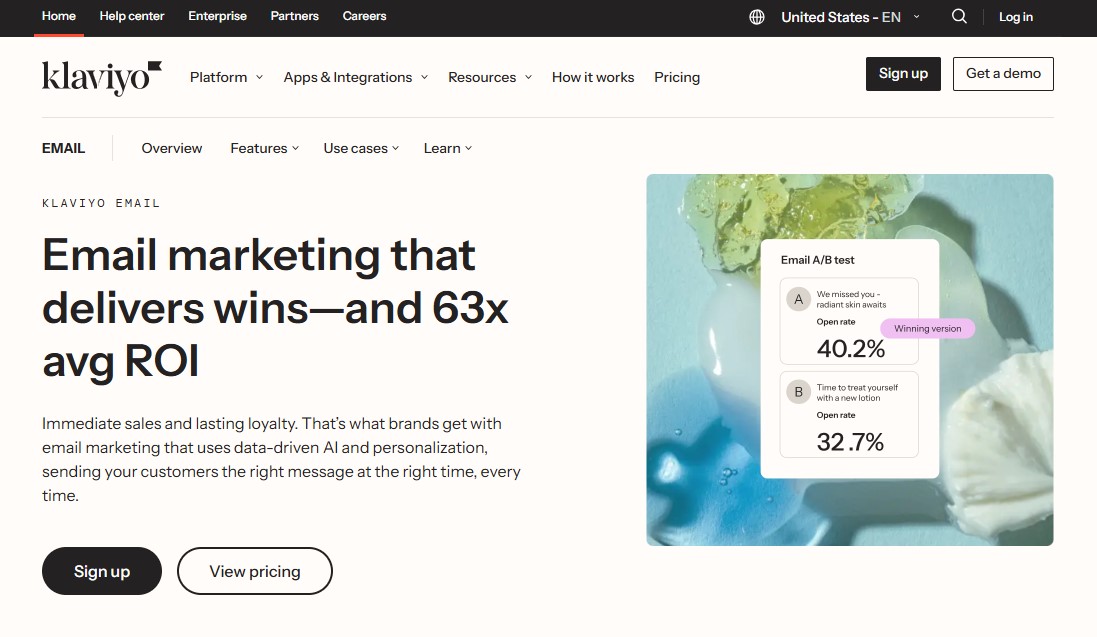
Klaviyo is a great option if you’re looking for a Mailchimp competitor, especially for eCommerce email marketing. It integrates smoothly with popular platforms such as WooCommerce, BigCommerce, and Shopify. The interface is easy to use, and the email editor makes it simple to design campaigns that actually convert.
Klaviyo also uses AI to help you work smarter. You can build smart audience segments and send highly personalized product recommendations. These suggestions are based on factors such as browsing behavior, past purchases, and customer preferences.
Even better, the segments update in real time. This means the right message reaches the right person at the right moment.
When it comes to analytics, Klaviyo gives you deeper insights than Mailchimp. You can see how your entire business is performing through ready-made dashboards. The platform also includes predictive analytics that help you plan your next steps with confidence.
Klaviyo goes beyond email, too. You can run SMS marketing campaigns and send web push notifications from the same platform.
Key Features:
- Pre-built templates for automation workflows
- Automate personalized emails based on customer behavior and preferences
- 70+ customizable form templates to help you collect new subscribers
- 1-click integrations with many apps and services
- Easily track & measure the email marketing ROI
- Comprehensive reporting across email, SMS, and mobile push data
Best For:
Ecommerce brands and online stores want data-driven, revenue-focused email marketing.
Pricing:
Free plan available for up to 250 active profiles (contacts) and 500 emails per month.
The paid plans start at $20/month for 5000 active profiles with 5,000/email month sends
10. Constant Contact — Best for Small Business
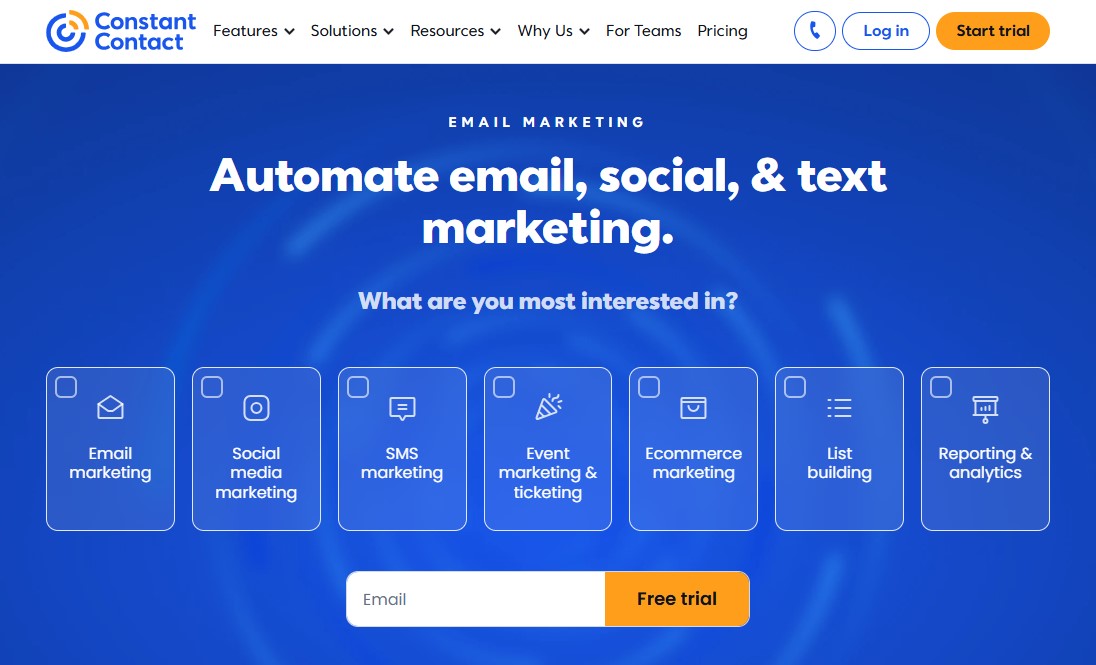
Constant Contact is a popular Mailchimp alternative. It’s easy to use and comes with a solid set of features. The email builder feels modern, and it offers a much larger selection of templates—about twice as many as Mailchimp. This makes it especially helpful for beginners who just want to get started quickly.
It works best if you’re looking for simple automations. You can easily set up emails for things like welcomes, birthdays, or anniversaries. There’s also the option to create more customized automation paths, but those aren’t included in the basic plan. One handy feature is the ability to resend emails automatically to people who didn’t open them the first time.
The platform also includes tools to help you grow your contact list. You can use signup forms, create landing pages, and even run Facebook Ads. While these tools aren’t as advanced as some competitors offer, it’s convenient to have everything in one place. On top of that, you get options for social media and event marketing too.
When it comes to tracking results, Constant Contact gives you real-time reports and analytics. You can see key stats like open rates and click-through rates, along with more detailed insights such as click-tracking heatmaps.
There’s also a separate mobile app. It lets you create emails, get notifications, and manage things on the go.
Key Features:
- An extensive library of over 600+ email templates
- User-friendly drag-and-drop email editor
- Customizable email signup landing pages to grow your email list
- Social media & SMS marketing
- A/B split testing for subject lines
- Automated email series/nurturing workflows
- AI content builder to generate branded emails, subject lines, and content
Best For:
Small businesses, non-profits, and marketers are looking for an easy-to-use platform with strong email templates and AI-driven content creation.
Pricing:
No free plan, but it offers a 30-day free trial for users to test out most of its features.
The Constant Contact plan starts at $12/month, which includes email and marketing automation for up to 500 contacts.
Final Thoughts: Best Mailchimp Alternatives
At the end of the day, the “best” Mailchimp alternative really depends on what you need right now—and where your business is heading next.
Mailchimp still has its place. But for many businesses today, it simply doesn’t offer the flexibility or value it once did. That’s why so many marketers are making the switch—and honestly, it makes sense.
The good news? You’ve got plenty of strong options. Some are simpler, some are more powerful, and some give you a lot more for your money.
To make things easier, here’s a quick recap of the top picks:
- Best overall free alternative: Brevo
- Best for small business: MailerLite
- Best for newsletters: Kit
- Best for advanced automation: ActiveCampaign
- Best for eCommerce: Omnisend
- Best all-in-one platform: GetResponse
Take advantage of free plans and trials. Test a couple of platforms. See what feels right. The best email marketing tool is the one you’ll actually use consistently.
Once you find that, everything else gets easier—your campaigns improve, your audience grows, and your results follow.
We hope this article helps you find the best alternatives to Mailchimp for your email marketing needs.
For more, check out these other helpful resources:
- 11 Best Free Email Marketing Services [Build an Email List]
- 7 Best WordPress Newsletter Plugins to Grow Your Email List
Lastly, follow us on Facebook and X (formerly Twitter) to stay updated on the latest WordPress and blogging-related articles.
Frequently Asked Questions
What is the best free Mailchimp alternative in 2026?MailerLite and Brevo are the top free alternatives. MailerLite is best for user-friendly automation, while Brevo offers a generous plan allowing unlimited contacts with a daily sending limit.
MailerLite and Brevo are the top free alternatives. MailerLite is best for user-friendly automation, while Brevo offers a generous plan allowing unlimited contacts with a daily sending limit.
Which Mailchimp alternative is best for eCommerce?Klaviyo and Omnisend are the premier choices. They offer deep integrations with Shopify and WooCommerce, featuring advanced behavioral triggers like abandoned cart sequences and personalized product recommendations.
Klaviyo and Omnisend are the premier choices. They offer deep integrations with Shopify and WooCommerce, featuring advanced behavioral triggers like abandoned cart sequences and personalized product recommendations.
Which platform is best for advanced marketing automation?ActiveCampaign is the leader for complex workflows. It combines email marketing with a built-in CRM, lead scoring, and multi-channel automation that surpasses Mailchimp’s standard capabilities.
ActiveCampaign is the leader for complex workflows. It combines email marketing with a built-in CRM, lead scoring, and multi-channel automation that surpasses Mailchimp’s standard capabilities.
Can I migrate my contacts from Mailchimp easily?Yes, most top alternatives like MailerLite, ActiveCampaign, and Moosend offer one-click Mailchimp import tools. Many even provide free migration services for paid subscribers.
Yes, most top alternatives like MailerLite, ActiveCampaign, and Moosend offer one-click Mailchimp import tools. Many even provide free migration services for paid subscribers.
What is the best Mailchimp alternative for small businesses?MailerLite is the top choice for small businesses due to its intuitive interface, affordable scaling, and a generous free plan that includes advanced automation and landing pages.
MailerLite is the top choice for small businesses due to its intuitive interface, affordable scaling, and a generous free plan that includes advanced automation and landing pages.
