9 January 2026
11 Best Landing Page Builders in 2026 Reviewed
Landing pages remain one of the most powerful tools for driving conversions, capturing leads, and increasing sales.
Whether you’re running paid ads, launching a product, or growing an email list, the right landing page builders can dramatically impact your results.
In this article, we review the 11 best landing page builders in 2026, breaking down their features, pros & cons, and ideal use cases. As a result, you can choose the perfect tool for your business.
What Is a Landing Page?
A landing page is a standalone web page designed with a single goal in mind—conversion. Unlike traditional websites with multiple navigation options, landing pages focus visitors on one specific action, such as:
- Signing up for an email list
- Downloading a resource
- Registering for a webinar
- Making a purchase
- Filling out a form
What Are Landing Page Builders?
Landing page builders are Saas tools that allow users to create high-converting landing pages without writing code. These platforms typically offer:
- Drag-and-drop editors
- Pre-designed templates
- Conversion-focused elements (forms, CTAs, popups, countdown timers)
- Analytics and A/B testing
What to Look For in a Landing Page Builder?
When choosing the best landing page builder, consider the following factors:
- Ease of Use: A visual editor with drag-and-drop functionality saves time and reduces reliance on developers.
- Templates & Design Flexibility: High-quality, conversion-optimized templates are essential—especially for beginners.
- Performance & Page Speed: Fast-loading pages directly impact conversions and SEO rankings.
- Conversion Tools: Look for built-in forms, popups, A/B testing, and analytics.
- Integrations: Your landing page builder should integrate seamlessly with CRMs, email marketing tools, ad platforms, and payment gateways.
- Pricing & Scalability: Choose a platform that fits your current needs while allowing room to grow.
11 Best Landing Page Builders in 2026
Below is the list of the best drag-and-drop landing page builder platforms you can use for your landing page needs:
1. Unbounce
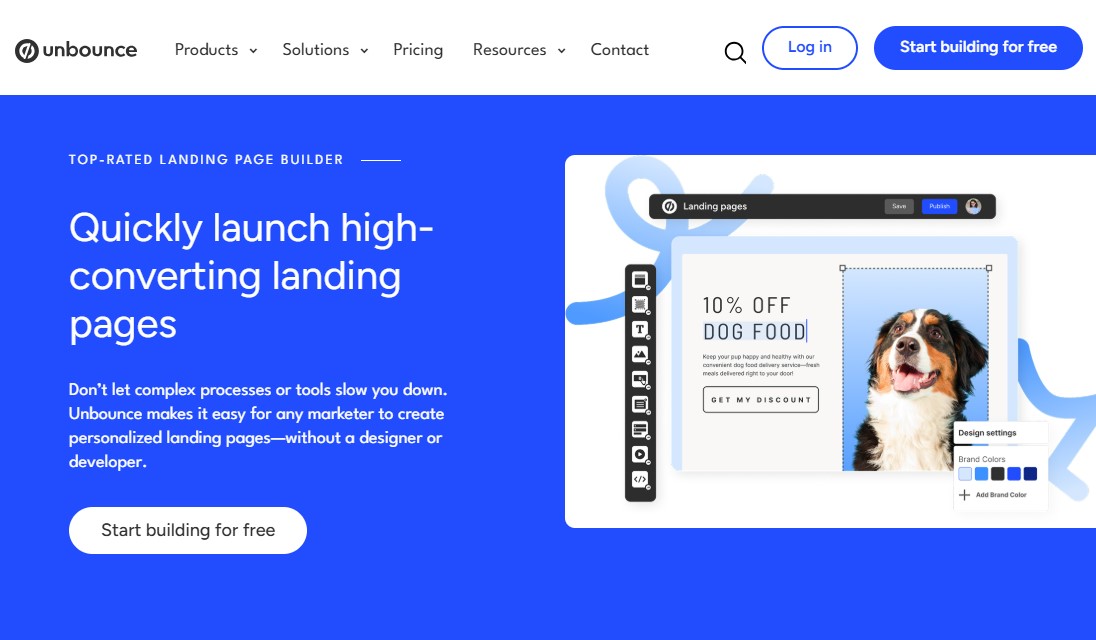
Unbounce is a top-rated landing page software for lead generation. It’s built with one clear goal in mind: helping you convert more visitors into leads and customers.
The platform positions itself as a way to launch pages faster and get better results, all without touching code. In practice, it delivers on that promise.
At its core, the Unbounce landing page tool offers a robust set of features designed to improve conversions. You get built-in A/B testing, dynamic text replacement for ad matching, and full access to custom code when you need more control.
Its standout feature, Smart Traffic, uses AI to automatically send visitors to the page variant most likely to convert based on their behavior and attributes. Once it’s set up, it quietly optimizes in the background.
Unbounce also shines when it comes to lead generation. Tools like opt-in popups and sticky bars make it easy to capture emails without disrupting the user experience. These elements are simple to deploy and work well across devices.
Design-wise, Unbounce strikes a strong balance between flexibility and ease of use. The drag-and-drop editor feels intuitive, and the templates are built with conversions in mind. Every layout is fully responsive, so your pages look good and perform well on both desktop and mobile.
Compared to many other landing page builders, Unbounce is more advanced and more customizable. It also integrates smoothly with a wide range of marketing tools. That depth comes at a higher price, but for teams serious about conversions, the investment often makes sense.
Unbounce Pros:
- Powerful drag-and-drop editor to build highly customized, mobile-responsive landing pages.
- Advanced A/B testing and AI-driven optimization.
- Content gating to capture and nurture leads.
- Free hosting for landing pages, popups, and sticky bars.
- Easily create Accelerated Mobile Pages for faster mobile performance.
- AI copywriting to rewrite, expand, or refine your landing page copy directly in the Unbounce builder.
- Connects with over 1000+ other marketing and eCommerce tools.
Unbounce Cons:
- Expensive, especially for agencies needing multiple domains or high traffic.
- Complex setup and steeper learning curve for new users.
Unbounce Pricing:
You can start Unbounce with a 14-day free trial. The pro plans start at $99/month, and you can save up to 25% with yearly billing.
2. Leadpages
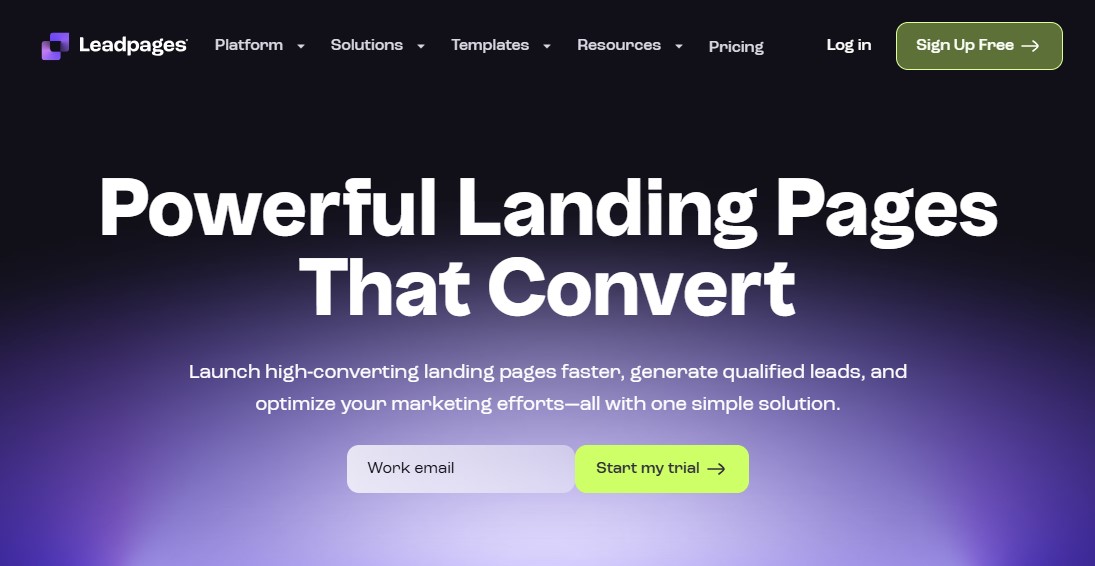
Leadpages is the best landing page builder for small businesses on a budget that want solid results without paying premium prices.
One thing that sets Leadpages apart is its built-in checkout pages. Unlike many other landing page platforms, it lets you create customizable checkout flows and connect them directly to payment processors like Stripe. That means you’re not just building landing pages—you can actually sell products straight from them, which is a big win if you’re running paid offers.
Another standout feature is the optimization score. As you build your page, Leadpages gives real-time suggestions to help improve conversion rates. It’s practical, easy to follow, and especially helpful if you’re not a CRO expert.
When your page is ready, publishing is simple. You can connect your own domain or use a Leadpages subdomain, then manage all your leads from inside the dashboard.
You also get access to popups and alert bars, which add more flexibility when it comes to capturing attention and collecting leads.
On top of all this, Leadpages includes an AI writing assistant. It can generate copy based on your goals and preferred tone, making it easier to get pages live quickly without staring at a blank screen.
Leadpages Pros:
- Intuitive no-code editor and easy payment integration.
- Comprehensive A/B testing and real-time analytics.
- 200+ Conversion optimization templates for capturing leads and sales.
- No limits on traffic or conversions.
- Budget-friendly landing page builder options for small businesses.
- Blogging tool to attract leads and display Google Ads to earn passive revenue.
Leadpages Cons:
- No A/B testing feature on the cheapest plan.
- Mobile preview doesn’t let you edit content for each view.
Leadpages Pricing:
You can start Leadpages with a 14-day free trial. After that, the plans start at $49/month, and you can save up to 25% with yearly billing.
Try Leadpages Free for 14-Days
3. Instapage
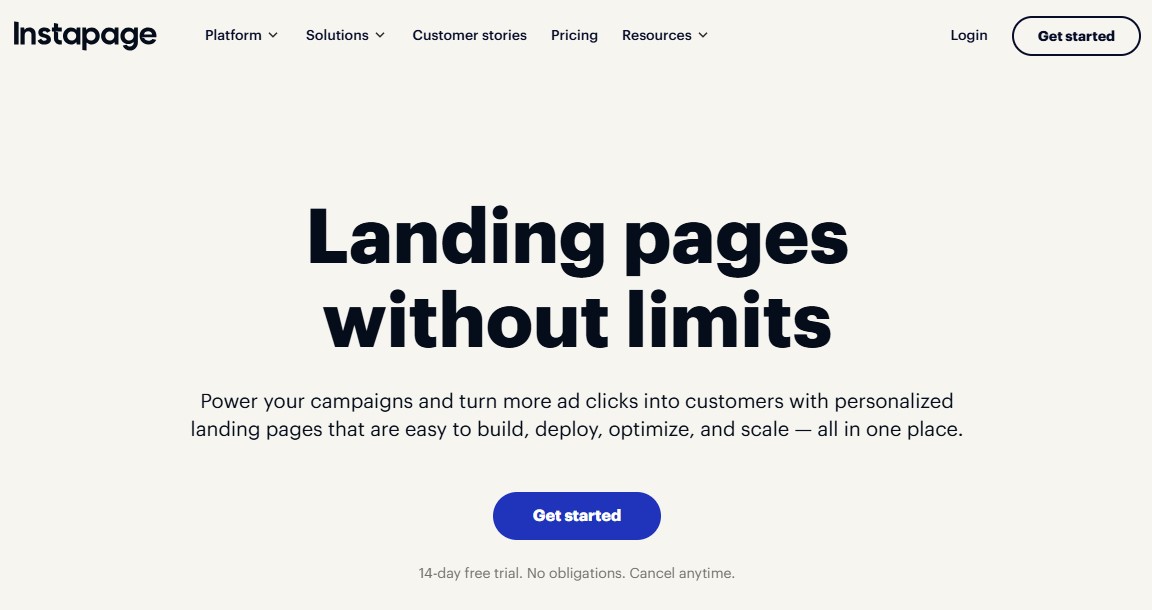
If you want a no-code landing page tool built for serious marketing work, Instapage is worth a close look. It’s designed for experienced marketing teams and agencies that need to build, manage, and optimize landing pages at scale—without cutting corners.
At its core, Instapage includes a smooth drag-and-drop editor and a strong library of professional templates. But it goes much deeper than that.
You also get cloud-based collaboration tools for teams, built-in heatmaps to see how visitors actually interact with your pages, and powerful A/B testing to fine-tune performance.
On top of that, AI-powered content tools help speed up copy creation when time is tight.
One feature that really stands out is Instablocks and Global Blocks. These let you create reusable sections—like headers, testimonials, or CTAs—and drop them into any page.
Even better, you can update those blocks once and instantly apply the changes across hundreds or even thousands of pages.
Instapage also supports advanced advertising workflows. With AdMap, you can see your campaigns, ad groups, and ads in one place and match each one to the right landing page.
The platform is fully mobile-friendly too, so pages load fast and look great on any device.
That said, Instapage isn’t for everyone. Its pricing reflects its enterprise-level feature set, and the depth of its tools can feel overwhelming if you’re new to landing page optimization.
For smaller teams or beginners, it may be more powerful—and costly—than you really need.
Instapage Pros:
- One of the best landing page builders for teams and agencies.
- Extensive customization with a library of professional templates.
- Effective team collaboration features.
- Great split-testing and targeting tools.
- AI content tools to speed up page creation.
- No conversion limits on any plan.
- Personalize your landing pages for different paid ads and audience demographics.
Instapage Cons:
- Premium pricing will be a barrier for many businesses.
- Starter plan lacks crucial features like A/B testing and multi-step forms.
- Lacks some advanced widgets for eCommerce sites.
Instapage Pricing:
You can start Instapage with a 14-day free trial. After that, the plans start at $99/month, and you can save up to 20% with yearly billing.
Try Instapage Free for 14-Days
4. Carrd
Carrd is a solid choice if you’re looking for a free landing page builder that just works. It’s clean, simple, and easy to use.
You can even create up to three sites without spending a cent.
The platform is built for single-page websites. You won’t waste time managing multiple pages or complex settings. Instead, you can get a page live in minutes.
Carrd works especially well for personal portfolios, event pages, link-in-bio pages, and small business showcases. If you need a straightforward page with a clear message, it delivers.
One of Carrd’s biggest strengths is how quickly you can get started. You don’t even need an account to start. Just visit the site, choose a theme, and start editing right away.
The interface is intuitive, and the themes are polished enough to look professional without extra effort. You’ll only need to sign up when you’re ready to save or publish your page.
On the free Basic plan, you can publish three sites using a .carrd.co domain. If you want to connect your own domain or add features like email signup forms, you’ll need to upgrade to a paid plan.
All things considered, Carrd is a great option if you’re testing ideas, launching a small project, or working with a tight budget. It keeps things simple, and that’s exactly the point.
Carrd Pros:
- Allows you to build three landing pages for free.
- Extremely affordable, with a free tier available.
- Fast and lightweight, making it ideal for quick and simple sites.
Carrd Cons:
- Free plan shows “Made with Carrd” branding and comes with .carrd.co domains.
- Limited to single-page websites.
- The landing page editor is more limited than some other options.
- Requires integration with Google Analytics for tracking.
Carrd Pricing:
Free plan available. Paid plan costs $19/year.
5. HubSpot
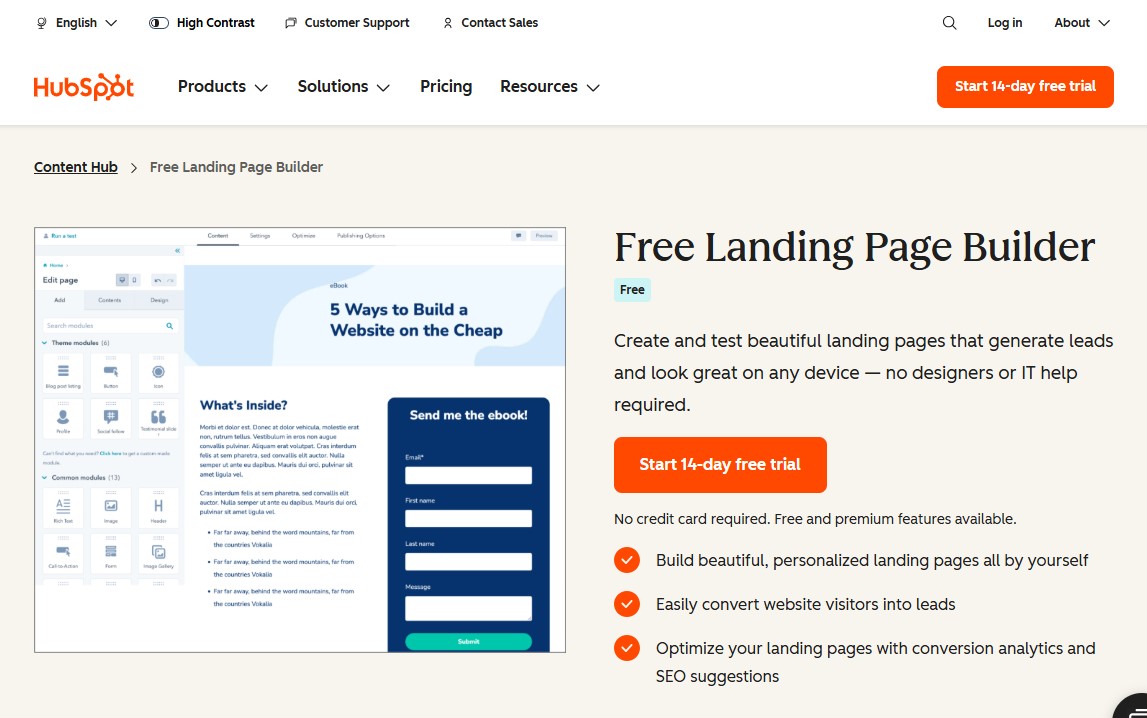
HubSpot offers a free landing page builder in its marketing toolkit, and it’s a solid option if you want something easy to use without getting technical. You can build custom landing pages from scratch, even if you have zero coding experience.
The editor uses a simple drag-and-drop interface, so putting a page together feels natural. You also get a good range of ready-made templates and access to detailed analytics that show how your pages are performing.
On top of that, everything connects smoothly with HubSpot’s other marketing tools, which saves time and reduces setup headaches.
The biggest advantage is the price. You can use the landing page builder for free. That said, the free version does have a few limitations. You’re capped on the number of pages you can publish, and HubSpot branding will appear on your pages.
If you want a more polished, brand-first experience, you can upgrade to a paid plan. HubSpot’s Starter Content Hub removes the branding and unlocks more flexibility for a monthly fee.
HubSpot Pros:
- Intuitive drag-and-drop interface for quick page building without coding.
- Access to professional templates for fast setup.
- Seamlessly connects with HubSpot’s free CRM, keeping visitor data organized.
- Optimize your landing pages with conversion analytics and SEO suggestions.
HubSpot Cons:
- HubSpot logo appears on all free landing pages and forms.
- Advanced features like A/B testing, smart content, and custom code are locked behind paid tiers.
- Less design freedom than other dedicate landing page builder platforms.
HubSpot Pricing:
You can use HubSpot’s landing page builder tool for free. For advance features, the paid plan starts from $15/month.
6. Elementor
If you use WordPress, Elementor is a name you’ve probably come across—and for good reason.
Elementor is a powerful WordPress page builder that’s earned its reputation through flexibility, deep customization options, and an interface that feels natural even for non-designers.
It lets you build professional, high-converting landing pages directly inside WordPress, without breaking your site’s overall look or brand style.
One of Elementor’s biggest strengths is real-time editing. You see every change as you make it, no coding required. That alone saves hours of back-and-forth and makes the design process far more enjoyable.
You also get access to dozens of professionally designed templates to speed things up. Need more control? You can add custom forms, popups, and reusable page sections with ease.
Elementor also plays nicely with most CRM plugins, making it easier to create a smooth, connected customer experience from first click to conversion.
That said, Elementor isn’t for everyone. It only works with WordPress, and on larger or more complex sites, it can be a bit resource-heavy. If performance isn’t optimized properly, page speed may take a hit.
But don’t worry, you can use any of these speed optimization plugins to increase your WordPress site’s speed & performance.
Still, for WordPress users who want serious design freedom without touching code, Elementor remains one of the best drag-and-drop landing page builders available.
Elementor Pros:
- Offers hundreds of templates for specific page sections as well as full landing pages.
- Drag-and-drop editor with live preview, allowing front-end editing without code.
- Advanced customization and design flexibility.
- Seamless WordPress integration.
- Large community, many third-party add-ons, and seamless integration with SEO plugins.
- Offer a free version, making it great for basic landing page creation.
Elementor Cons:
- Exclusively for WordPress users.
- Potentially impacts site performance due to resource intensity.
Elementor Pricing:
Free version with limited functionality. The Pro plans start from $60/year.
7. Landingi

If flexibility is high on your list, Landingi is well worth a closer look. It’s a powerful, all-in-one landing page software that gives you plenty of room to grow.
You get a capable editor, popups, built-in A/B testing, and a large template library with hundreds of designs to choose from.
One standout feature is Composer AI, which helps you overcome blank-page syndrome quickly. It can generate a ready-to-use page structure in minutes, so you don’t have to start from scratch.
Smart Sections are another time-saver. They let you update specific elements once and apply those changes across multiple pages without the usual hassle.
Landingi also shines if you’re running global campaigns. You can translate your landing pages into 35 different languages, making it much easier to scale internationally.
The platform is designed to work for businesses of all sizes. Its drag-and-drop builder is simple enough for beginners, yet powerful enough for experienced marketers. If you’re comfortable with HTML or CSS, the editor becomes even more impressive and flexible.
Landingi is especially strong for international brands that need to target different audiences with tailored landing pages. With more than 170 integrations, including payment tools like Stripe, it’s also a solid option if you’re selling products directly from your pages.
That said, the feature set can feel a bit overwhelming at first. Building pages may also take slightly longer compared to simpler tools. Still, the level of control and customization you get more than makes up for it.
For marketers who want depth without sacrificing flexibility, Landingi earns its place among the best landing page builders.
Landingi Pros:
- Funnels, popups, and automations built in.
- 400+ Customizable templates for landing pages.
- Powerful editing capabilities with Smart Sections for efficient design.
- Broad integration with various apps, including payment systems.
- Pricing is affordable compared to other landing page software.
- Agency/white-label options for client work.
Landingi Cons:
- The free version allows only 100 conversion & visits per month.
- A/B split testing is only available on high-end plans.
- Take a longer time to create a landing page compared to other platforms.
Landingi Pricing:
Free version with limited functionality. The Pro plans start from $29/month.
8. GetResponse

GetResponse is best known as an email marketing platform, but it doesn’t stop there. Over the years, it has grown into a full marketing toolkit.
You get access to forms and popups, webinars, paid ads, conversion funnels, and a surprisingly capable free landing page builder.
The landing page builder wasn’t always this good. In its early days, it felt limited and a bit dated. That’s no longer the case.
Today, it’s powered by AI. You can generate a landing page tailored to your industry and target keywords in just a few clicks. From there, tweaking the design is simple thanks to the clean, drag-and-drop editor. No technical skills required.
You’ll also find more than 200 landing page templates, which gives you plenty of room to experiment. On top of that, GetResponse includes optimization tools like A/B testing and click and conversion tracking, so you’re not guessing what works.
If a single landing page isn’t enough, you can build an entire website using GetResponse’s website builder. Everything stays under one roof, which saves time and hassle.
And, as you’d expect, email marketing is still a core strength. You can segment leads collected from your landing pages and move them through automated email sequences that guide them toward conversion. It’s a smooth, connected workflow that makes sense for growing businesses.
GetResponse Pros:
- Build landing pages quickly with the help of AI.
- Offer over 200 responsive landing page templates.
- Free domain for publishing the landing pages.
- Boost visibility with SEO tools— edit meta tags, URLs, alt text, SSL, etc.
- A/B testing and built-in popup/form builders help conversions.
- All-in-one platform with email marketing, webinars, CRM, live chat, and marketing automation.
GetResponse Cons:
- No A/B testing functionality in the starter plan.
GetResponse Pricing:
Free plan available. The pro plans start at $19/month, and you can save up to 18% with yearly billing. You can also get a 50% discount if you’re a non-profit organization.
9. Swipe Pages
Swipe Pages stands out as one of the best landing page builders for most people—and that’s not by accident. It’s built with a single goal in mind: conversions.
Every feature, every template, and every small design choice exists to turn clicks into customers.
The editor strikes a great balance. It’s easy to learn, even if you’re new, but it doesn’t box you in. You can quickly put together pages that look sharp and are designed to convert.
On top of that, the template library is solid, so you’re rarely starting from a blank page unless you choose to.
Page speed is another area where Swipe Pages really delivers. It handles code optimization, caching, CDN hosting, and image compression behind the scenes. The result is fast-loading pages that don’t test your visitors’ patience. That’s critical, because even a couple of extra seconds can cause people to bounce before your message lands.
One standout feature is Smart Pages, and it’s a game-changer for mobile traffic. When someone visits from a phone, Swipe Pages automatically sends them to a swipe-based version of your landing page. Instead of endless scrolling, users move through your content like they would in an app. It feels natural, keeps attention longer, and often leads to better conversion rates.
If you care about results and want landing pages that actually perform, Swipe Pages is built for that purpose. It’s especially appealing if you want strong performance without getting dragged into technical headaches.
Swipe Pages Pros:
- Create mobile-optimized AMP landing pages without any code.
- Offer pre-built blocks for quick page creation, even for non-coders.
- Built-in A/B testing, lead magnet delivery, and conversion tracking in all plans.
- Publish to your domain in one click.
- Direct integrations with email marketing software, CRMs, and more.
- Affordable entry-level plan.
Swipe Pages Cons:
- No server-side A/B testing functionality in the startup plan.
- Fewer direct integrations.
Swipe Pages Pricing:
You can start Swipe Pages with a 14-day free trial. After that, the plans start at $39/month, and you can save up to 25% with yearly billing.
Try Swipe Pages Free for 14-Days
10. Wix
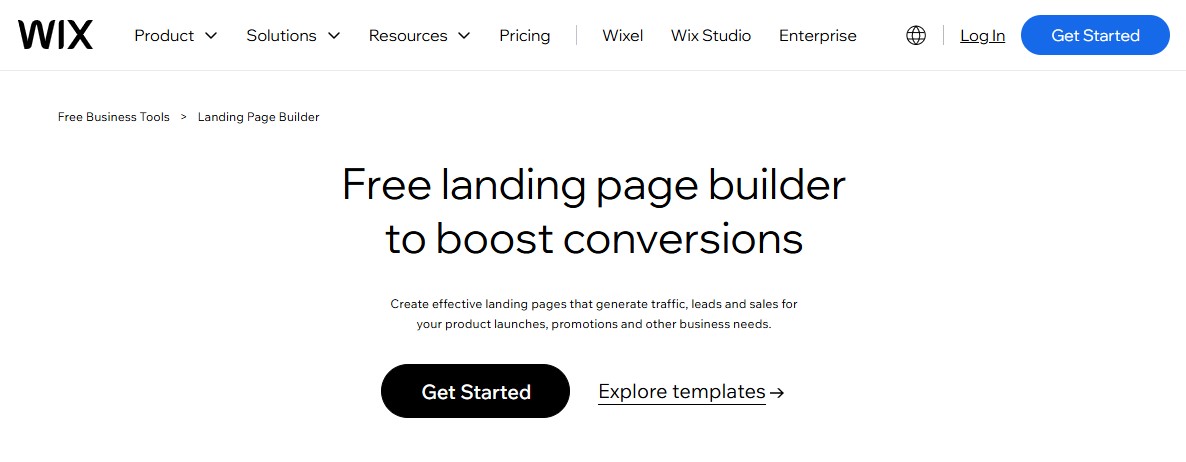
If you’re looking for something easy to use, Wix is one of the most affordable landing page builders for small businesses. It’s well known for its beginner-friendly interface, which makes it easy to create clean, attractive landing pages with minimal effort.
Like many builders on this list, Wix uses a drag-and-drop editor and offers a solid library of ready-made templates. These templates make it easy to design landing pages that look professional and work well right out of the box.
Wix really shines when it comes to ease of use. The learning curve is low, even if you’ve never built a page before. There’s also a free plan, which lets you experiment and get started without spending anything upfront.
For ecommerce users, Wix adds extra value. You can create landing pages that highlight products, run promotions, and accept payments through more than 100 supported payment options.
That said, the free plan does come with limitations. To unlock advanced features and remove Wix branding, you’ll need to upgrade to a paid plan.
Overall, Wix strikes a nice balance between simplicity, visual design, and affordability. It’s a strong choice for beginners, small businesses, or anyone who needs good-looking landing pages without the complexity of more advanced tools.
Wix Pros:
- Drag-and-drop editor to make a landing page.
- Hundreds of customizable templates for various industries.
- Built-in AI tools to help with site creation, content, and optimization.
- Free plan available, making it accessible for beginners.
- Ecommerce capabilities with extensive payment integration.
Wix Cons:
- Free plan comes with Wix branding & subdomains, limited storage/bandwidth, and no advanced analytics.
- Cannot switch templates after choosing one, forcing a rebuild.
- Potential limitations in customization for complex requirements.
Wix Pricing:
Free plan available. The pro plans start at $17/month.
11. OptimizePress
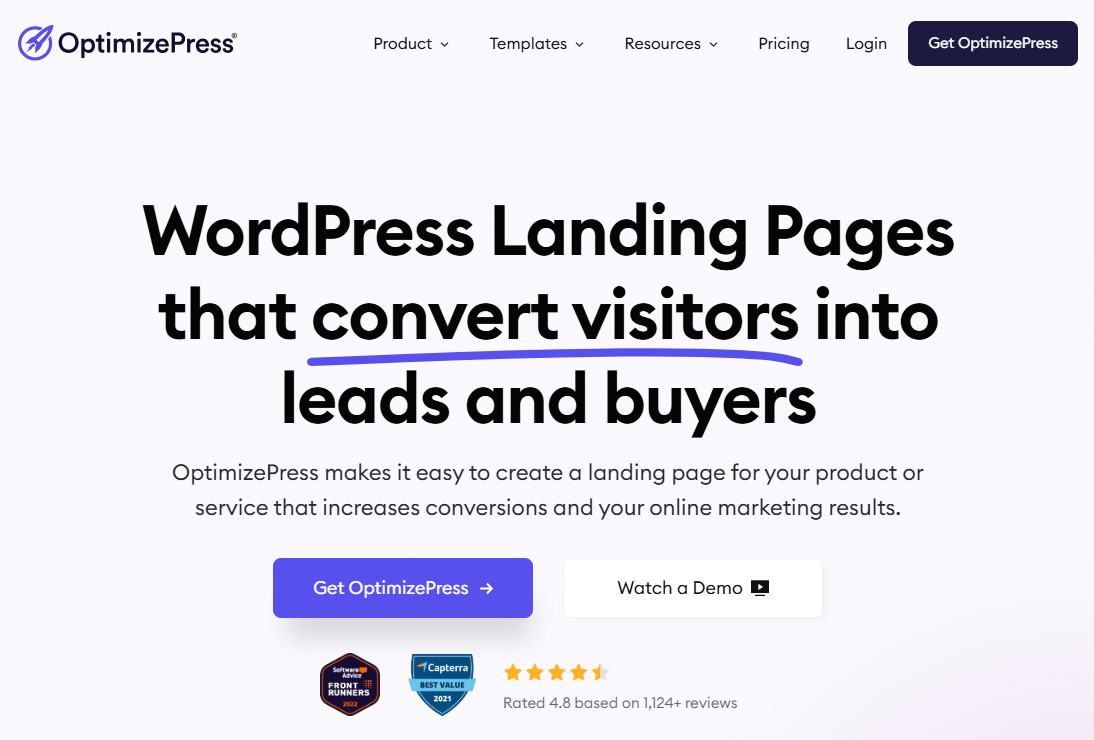
OptimizePress is a strong choice for WordPress users who want to build high-converting landing pages without leaving their site. Everything happens right in your WordPress dashboard, making the whole process feel seamless.
Unlike many other landing page tools, OptimizePress doesn’t force you to design pages on a separate platform and then embed them on your site. There’s no copying code or jumping between tools. You build, edit, and publish your pages directly from the WordPress backend.
Getting started is simple. Install and activate the OptimizePress plugin, and you’re ready to go. From there, you can pick from a library of 100+ professionally designed templates that are built with conversions in mind. Open one in the editor and start customizing.
The editor isn’t the fastest you’ll ever use, but it’s flexible and easy to understand. You can edit text directly on the page and click any element to tweak its settings from a floating panel. Once your page looks the way you want, you can publish it with a single click.
OptimizePress also lets you connect multiple pages together to build full sales funnels. You can add checkout pages, track conversions with built-in analytics, and manage everything in one place.
On top of that, it integrates smoothly with all the major email marketing platforms. So if your goal is lead generation, sending new subscribers to your email list is quick and painless.
OptimizePress Pros:
- All-in-one WordPress solution with complete control and extensive customization without needing separate platforms.
- Includes sales funnels, checkout pages with order bumps, upsells/downsells, lead capture, and A/B testing tools.
- Offers professionally designed, mobile-responsive templates and pre-built sections for quick starts.
- Connects with major email marketing services and CRM tools.
- Create unlimited landing pages on any plan.
- Works with any WordPress theme.
OptimizePress Cons:
- No free trial or free plan.
- Learning curve for non-WordPress users.
OptimizePress Pricing:
Plans start at $129/year. There’s no free trial, but it offers a 30-day money-back guarantee.
Bonus: ActiveCampaign
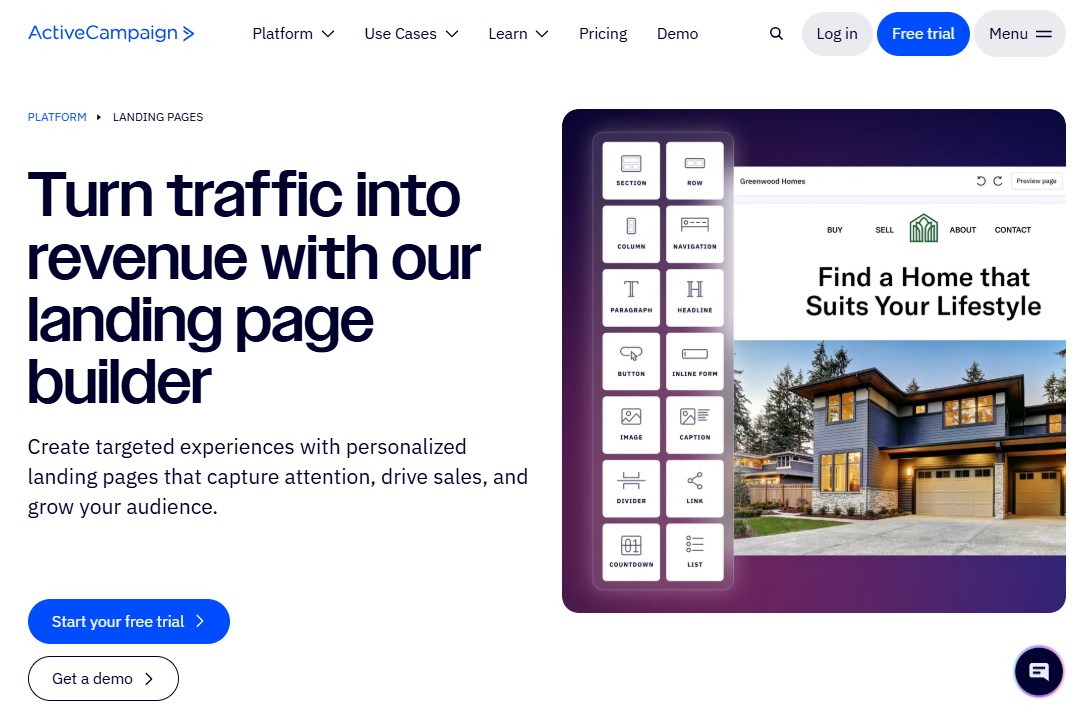
ActiveCampaign is best known as an email marketing platform, but it also comes with a built-in landing page builder. You get access to a couple of dozen responsive templates, so you’re not starting from scratch.
There’s also a PayPal integration, which makes collecting payments straightforward.
Because ActiveCampaign shines in email marketing and automation, it makes the most sense when you’re already using it for those purposes. That said, the landing page creator holds its own even if you look at it separately. It’s solid, reliable, and more capable than many people expect.
One standout feature is the ability to add dynamic content through web personalization. This lets you tailor pages to different visitors in a smart, practical way instead of showing everyone the same message.
That flexibility is especially useful if you run events in multiple locations or want to highlight products based on a visitor’s past purchases. You can also turn on page tracking, which helps you understand how people interact with your content and where they drop off.
ActiveCampaign Pros:
- Intuitive drag-and-drop builder for quick creation.
- Deep automation workflows for personalized experiences.
- Excellent for quickly gathering leads, promoting webinars, or eCommerce.
- Tracks conversions, revenue, and campaign performance within the platform.
- Add web chat widgets to your landing pages.
ActiveCampaign Cons:
- Lacks the sophisticated design flexibility found in dedicated builders like Unbounce or Instapage.
- Not ideal if you only need a landing page tool.
ActiveCampaign Pricing:
Plans start at $15/month with a 14-days free trial.
Try ActiveCampaign Free for 14-Days
The Best Landing Page Software by Use Case
Not sure which landing page creator to choose? These are the best tools for specific needs, based on performance, ease of use, and real-world results.
Best for Conversions: Unbounce
If conversions are your top priority, Unbounce is the best choice. It’s built specifically to turn clicks into leads and sales, with AI-powered Smart Traffic, advanced A/B testing, and conversion-focused templates.
Best for Beginners: Wix
Wix is perfect if you want to build a landing page fast without technical skills. The editor is simple, the templates look great, and there’s a free plan to get started.
Best for WordPress: Elementor
For WordPress users, Elementor is the top pick. It offers real-time editing, deep customization, and seamless integration with WordPress themes and plugins.
Best for Creators: Carrd
Carrd is ideal for creators who want simple, fast, and affordable landing pages. It’s perfect for portfolios, link-in-bio pages, and quick launches.
Best for Enterprises: Instapage
Instapage is built for teams running large-scale campaigns. With collaboration tools, heatmaps, and advanced personalization, it’s made for serious marketing operations.
Final Verdict
That wraps up our list of the best landing page builders available today.
The “right” choice really depends on what you’re trying to achieve. If you want something quick and easy, there are tools that let you launch in minutes. If your goal is to squeeze every possible conversion from your traffic, some platforms are built specifically for that.
The good news? Most of these landing page builders offer free trials or free plans. Take advantage of them. Test a couple of options, build a page or two, and pay attention to what feels natural for your workflow.
Once you start publishing high-converting landing pages, results tend to follow. And usually, they show up faster than you expect.
That’s it from this article.
For more, check out these other helpful resources:
- Best Website Builder for Small Business: Top 12 Picks
- 11 Best Free Email Marketing Services [Build an Email List]
- 10 ActiveCampaign Alternatives Worth Switching To
Lastly, follow us on Facebook and X (formerly Twitter) to stay updated on the latest WordPress and blogging-related articles.
Frequently Asked Questions
What is the best landing page builder overall in 2026?Unbounce remains the top choice for most marketers due to its advanced AI-driven “Smart Traffic” features and robust A/B testing. For those seeking a balance of power and ease, Landingi and Instapage are leading contenders for professional conversion optimization.
Unbounce remains the top choice for most marketers due to its advanced AI-driven “Smart Traffic” features and robust A/B testing. For those seeking a balance of power and ease, Landingi and Instapage are leading contenders for professional conversion optimization.
Can I build a landing page for free?Yes. Platforms like Wix and Carrd offer generous free plans. While they may include branded watermarks or limited custom domains, they provide essential drag-and-drop tools to launch a professional page without any upfront cost.
Yes. Platforms like Wix and Carrd offer generous free plans. While they may include branded watermarks or limited custom domains, they provide essential drag-and-drop tools to launch a professional page without any upfront cost.
Which landing page builder is best for beginners?Leadpages is widely considered the most beginner-friendly. It offers a massive library of high-converting, “plug-and-play” templates and a simplified interface that doesn’t require design or coding skills, making it ideal for small business owners and entrepreneurs.
Leadpages is widely considered the most beginner-friendly. It offers a massive library of high-converting, “plug-and-play” templates and a simplified interface that doesn’t require design or coding skills, making it ideal for small business owners and entrepreneurs.
Which is the best landing page builder for WordPress?Elementor is the premier choice for WordPress users. It functions as a seamless plugin, offering deep integration with the WordPress ecosystem and providing over 800 templates. It allows you to build custom landing pages without ever leaving your site’s dashboard.
Elementor is the premier choice for WordPress users. It functions as a seamless plugin, offering deep integration with the WordPress ecosystem and providing over 800 templates. It allows you to build custom landing pages without ever leaving your site’s dashboard.
What is the difference between a website builder and a landing page builder?A website builder is designed for multi-page sites with navigation menus. A landing page builder focuses on a single page with a specific goal, such as capturing an email or making a sale, typically stripping away navigation to prevent distractions and increase conversions.
A website builder is designed for multi-page sites with navigation menus. A landing page builder focuses on a single page with a specific goal, such as capturing an email or making a sale, typically stripping away navigation to prevent distractions and increase conversions.
What is the best free landing page builder?Carrd remains the top choice for simple, one-page sites due to its generous free tier and ease of use. For more robust needs, Wix and HubSpot offer excellent free plans that include high-quality templates and integrated marketing tools to help you scale without initial costs.
Carrd remains the top choice for simple, one-page sites due to its generous free tier and ease of use. For more robust needs, Wix and HubSpot offer excellent free plans that include high-quality templates and integrated marketing tools to help you scale without initial costs.
Do I need coding skills to use a landing page builder?No, most modern builders like Unbounce and Leadpages use “What You See Is What You Get” (WYSIWYG) drag-and-drop editors. These allow you to customize every element visually. While some platforms offer CSS/HTML access for advanced users, no technical knowledge is required to create professional pages.
No, most modern builders like Unbounce and Leadpages use “What You See Is What You Get” (WYSIWYG) drag-and-drop editors. These allow you to customize every element visually. While some platforms offer CSS/HTML access for advanced users, no technical knowledge is required to create professional pages.
Can I build a landing page without a website?Yes. Landing page builders host your pages on their own servers. You can publish your page to a provided subdomain (e.g., yourbrand.carrd.co) or connect a custom domain you’ve purchased separately, allowing you to run targeted campaigns without building a full multi-page website.
Yes. Landing page builders host your pages on their own servers. You can publish your page to a provided subdomain (e.g., yourbrand.carrd.co) or connect a custom domain you’ve purchased separately, allowing you to run targeted campaigns without building a full multi-page website.
What is a good conversion rate for a landing page?While industries vary, a “good” conversion rate generally falls between 2% and 5%. Top-performing pages using advanced optimization tools can reach 10% or higher.
While industries vary, a “good” conversion rate generally falls between 2% and 5%. Top-performing pages using advanced optimization tools can reach 10% or higher.
What is the cheapest landing page builder?Carrd remains the cheapest landing page builder, with paid plans starting at just $19 per year. For users with no budget, Wix, Landingi and HubSpot offer the best free tiers, though they include branded watermarks and use service subdomains instead of custom domains.
Carrd remains the cheapest landing page builder, with paid plans starting at just $19 per year. For users with no budget, Wix, Landingi and HubSpot offer the best free tiers, though they include branded watermarks and use service subdomains instead of custom domains.
