7 October 2025
Top 10 WooCommerce Alternatives for eCommerce Store (2026)
If you are already using WooCommerce or looking for the best Woocommerce alternatives for your eCommerce store, you have come to the right post.
WooCommerce is one of the most popular eCommerce plugins for WordPress. With this, you can easily turn your WordPress site into an online store and start selling right away.
But what if you don’t want to use WordPress — or you already have a WordPress site and need something more scalable? That’s where alternatives for WooCommerce come in.
In this article, we’ll explore the 10 best WooCommerce alternatives. These include WooCommerce plugin alternatives like MemberPress to WordPress alternatives like Squarespace, and hosted solutions like Shopify or BigCommerce. As a result, this helps you choose the right platform, whatever your needs.
Let’s dive in!
Why Look for WooCommerce Alternatives?
WooCommerce is a powerful eCommerce platform, but it isn’t always the perfect fit for everyone. Many store owners eventually start exploring other options for a number of reasons:
- Ease of Use: Running a WordPress site with WooCommerce can sometimes feel overwhelming. Other platforms may offer a more straightforward, beginner-friendly setup.
- Performance & Speed: A slow site can hurt your sales. Some alternatives are built to deliver faster load times right out of the box.
- Scalability: As your business grows, you need a platform that can keep up—without crashing, slowing down, or getting too costly.
- All-in-One Solution: WooCommerce leaves hosting, security, and updates in your hands. Other platforms bundle these essentials so you can focus on your business instead.
- Specific Features: Sometimes, you need a unique feature for shipping, payments, or marketing that’s easier to find—or better integrated—on another platform.
- Cost: Although WooCommerce is free, you still need to pay for hosting, themes, and extensions. A flat-rate platform can sometimes be more budget-friendly and predictable.
Let’s dive into the top eCommerce platforms that offer a fresh perspective for your online store.
Top 10 WooCommerce Alternatives
Let’s review the best WooCommerce alternatives to compare their notable eCommerce features, pros and cons, and pricing plans.
1. MemberPress
If you’re searching for the best WooCommerce alternatives to build a membership site or sell online courses, MemberPress deserves a top spot on your list. It’s a powerful WordPress plugin designed for creating, managing, and selling course content, membership sites, and other subscription-based products.
What makes MemberPress stand out is how simple it is to use. You can set up subscription payments, drip content, and create different membership levels without any hassle. This flexibility allows you to customize your site to perfectly fit your business model.
On top of that, MemberPress comes packed with advanced tools to help you sell any type of digital content. If your business relies heavily on memberships or subscriptions, this plugin is one of the best alternatives to WooCommerce you can find.
Learn more in our complete MemberPress review.
Key Features:
- Advanced content protection and paywall rules, including content dripping.
- Inbuilt Learning Management System (LMS) for creating and selling courses without needing extra LMS plugins.
- Customizable membership levels, flexible subscription management, and trial periods.
- Built-in support for popular payment gateways: Stripe, PayPal, and Authorize.net.
- Coupon codes, taxes, and reporting tools built in.
- Third-party integrations with email marketing, forums, affiliate programs, and more.
- Automated email reminders for renewals, expirations, or abandoned carts.
Pros:
- User-friendly setup, especially for membership-focused sites.
- Comprehensive content access control, scheduling, and membership management tools out of the box.
- Inbuilt course builder eliminates the need for third-party LMS plugins.
- No transaction or monthly fees—annual licensing only.
- Rich collection of add-ons and integration options for extensibility.
- Responsive customer support and extensive documentation.
Cons:
- No free version—paid annual license only, and the price increases after the first year.
- Some advanced features are locked behind premium plans.
- Limited payment gateway options at lower tiers.
- Not as comprehensive for physical product sales as WooCommerce.
Best For:
Individuals and businesses who want to offer exclusive content, run online courses with certifications, manage members, and sell subscriptions or digital products through their own WordPress website.
Pricing:
MemberPress is a premium plugin that starts at $179.50. There is no free version, but a 14-day money-back guarantee is available.
2. Easy Digital Downloads
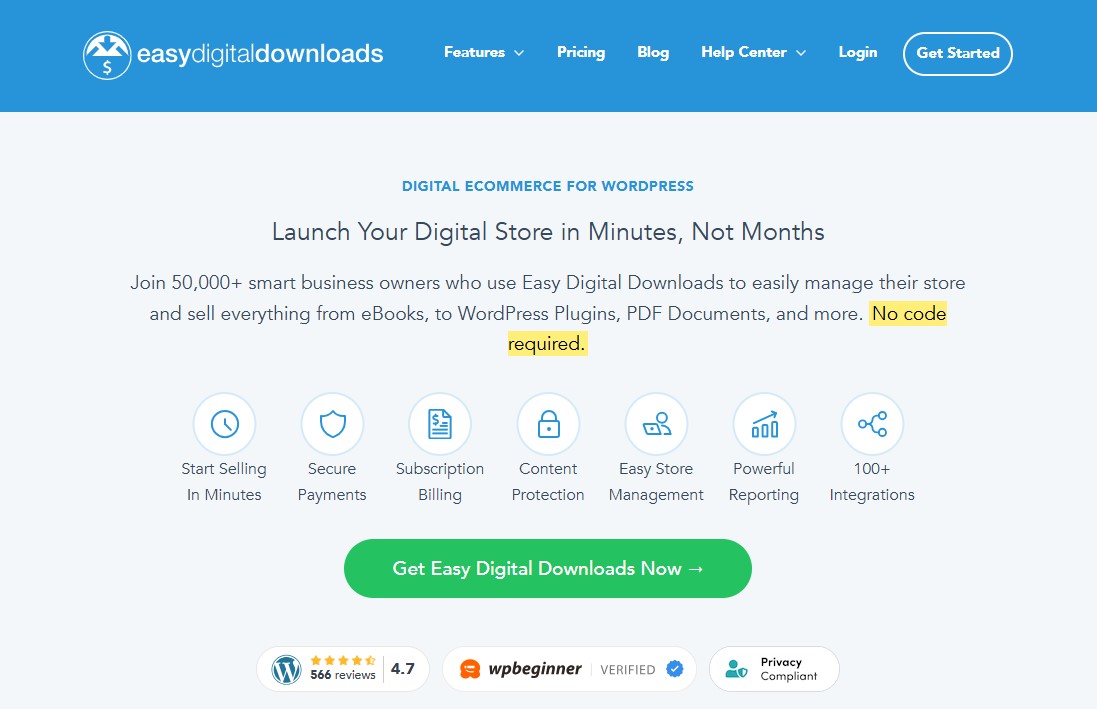
Easy Digital Downloads (EDD) is a top-notch alternative to WooCommerce for WordPress, especially if your business focuses on selling digital downloads. This includes items like software, music, WordPress plugins, eBooks, movies, and more.
Unlike WooCommerce, which tries to cater to every type of product, EDD cuts out the unnecessary features for physical goods. You won’t have to deal with shipping settings or inventory tracking that don’t apply to digital sales.
If your main goal is selling digital products, WooCommerce can feel bloated. It includes features like shipping calculators and stock management that you’ll never use. EDD keeps things simple, asking only for the details relevant to digital products — no product weights or shipping zones to configure.
Key Features:
- Unlimited digital products and transactions with no extra listing or bandwidth fees.
- Out-of-the-box integrations for Stripe, PayPal, and Square. Additional payment gateways via extensions.
- File access control, protected download links, expiration features, and download logs.
- Built-in discount code management, recurring payments, and subscription options.
- Responsive, customizable checkout and guest or user checkout support.
- Add-ons for affiliate marketing, multi-vendor marketplace, advanced licensing, and more.
Pros:
- User-friendly and fast setup.
- Built specifically for digital goods.
- Powerful reporting and customer data.
- REST API for integrating with third-party services.
- Free core plugin with essential features.
Cons:
- Premium extensions can add up in cost.
- Fewer design themes compared to WooCommerce.
- Subscriptions and content restriction require a pass.
- Requires WordPress (not standalone).
Best For:
Creators who sell primarily digital products and want a plugin that gets out of their way.
Pricing:
EDD offers a core free plugin on WordPress.org. The pro plan starts from $99.50/year.
3. Shopify

If you want to move completely away from WordPress, Shopify is a great option. It is a fully hosted eCommerce platform and one of the leading online store builders.
The main advantage of Shopify as a WooCommerce alternative is that you don’t need to manage software, install updates, or handle backups. It’s a ready-to-use eCommerce solution that makes it easy for anyone to start an online store and sell products without technical skills.
On the downside, Shopify gives you less control over your website compared to a self-hosted WooCommerce store. Additionally, Shopify charges transaction fees, so your costs can increase as your sales grow.
Learn more in our detailed comparison of Shopify vs WordPress.
Key Features:
- Fully hosted platform with secure hosting and automatic updates.
- Drag-and-drop store builder and customizable themes.
- An extensive app marketplace for added functionality.
- Built-in payment processing and multi-channel selling (social media, marketplaces).
- Integrated inventory management and shipping tools.
- 24/7 customer support and a detailed analytics dashboard.
Pros:
- Easy to set up and use.
- All-in-one platform with built-in hosting, security, and reliable performance.
- Offers a robust POS system for offline sales.
- Thousands of apps to add features like email marketing, SEO tools, and more.
- Offer a 3-day free trial.
Cons:
- Less customizable than WooCommerce.
- Transaction fees are charged unless using Shopify Payments.
- While affordable, the monthly fees can add up, especially with added apps.
Best For:
Small to large businesses looking for an easy-to-use, all-inclusive eCommerce solution without the hassle of self-hosting.
Pricing:
Plans start at $39/month, with a 3-day free trial to test the platform.
4. SureCart
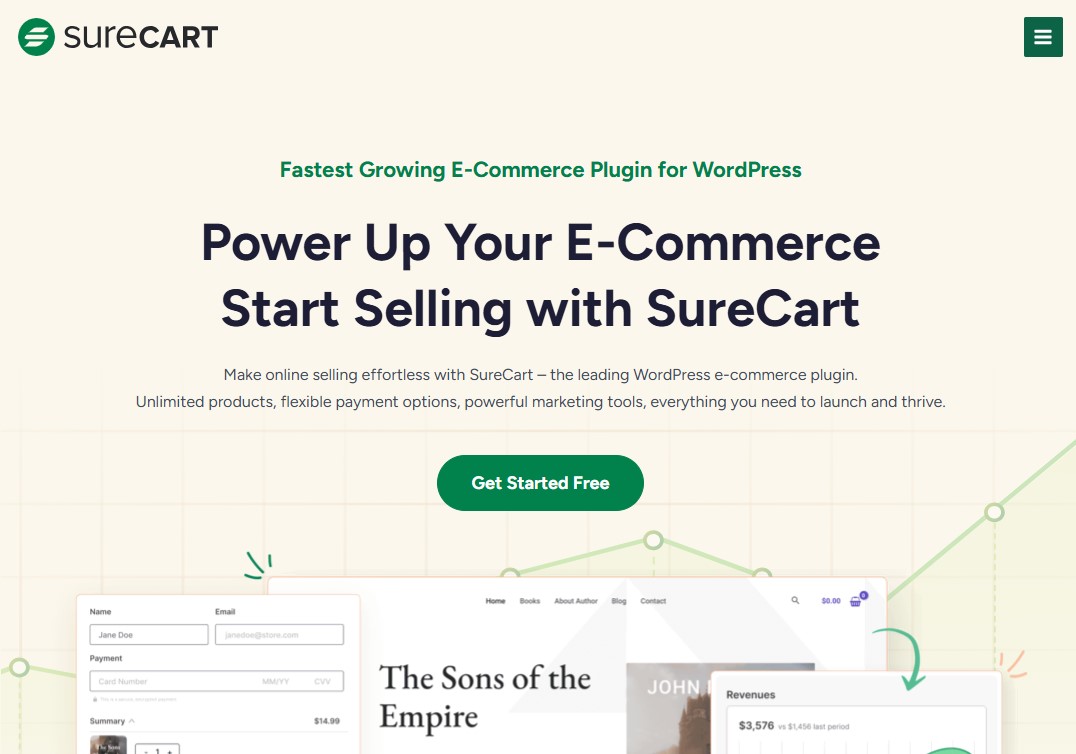
If you want to stick with WordPress but prefer not to use WooCommerce, consider giving SureCart a try. It’s a modern eCommerce plugin built for WordPress with speed, simplicity, and flexibility in mind.
Unlike WooCommerce, SureCart doesn’t bog down your site with a bunch of extra plugins. Instead, it delivers a lightweight frontend paired with a powerful backend that keeps things running smoothly.
What really sets SureCart apart is how easy it makes selling physical products, digital downloads, and subscriptions. It includes a clean drag-and-drop checkout builder, automatic tax handling, and seamless integrations with major payment providers like Stripe and PayPal.
For creators, online educators, and entrepreneurs, SureCart offers a refreshing, hassle-free eCommerce experience. You don’t have to juggle dozens of add-ons or deal with bloated plugins — everything you need is built right in.
Key Features:
- Drag-and-drop checkout builder for easy, customizable checkout forms without coding.
- Built-in marketing features like lead magnets, payment recovery, and detailed analytics.
- Full support for EU VAT, sales tax, and advanced tax rules.
- Optimized for performance using a headless architecture.
- Membership and course integration with popular LMS plugins.
- Full GDPR compliance and advanced security with encrypted transactions.
Pros:
- Supports multiple product types and subscriptions.
- No extra transaction fees on payment gateways.
- Seamlessly works within the WordPress ecosystem.
- Order bumps, upsells, and cart abandonment recovery.
- Built-in marketing and automation capabilities.
- Free plan available.
Cons:
- Not as many third-party integrations as compared to WooCommerce.
- Smaller selection of payment gateways.
Best For:
Anyone looking for a powerful yet simple eCommerce solution to create a seamless online store on their WordPress site without the complexity of other platforms.
Pricing:
SureCart offers a free plan with a 1.9% transaction fee. The pro plan costs $179/year for one store and removes the transaction fee.
5. BigCommerce
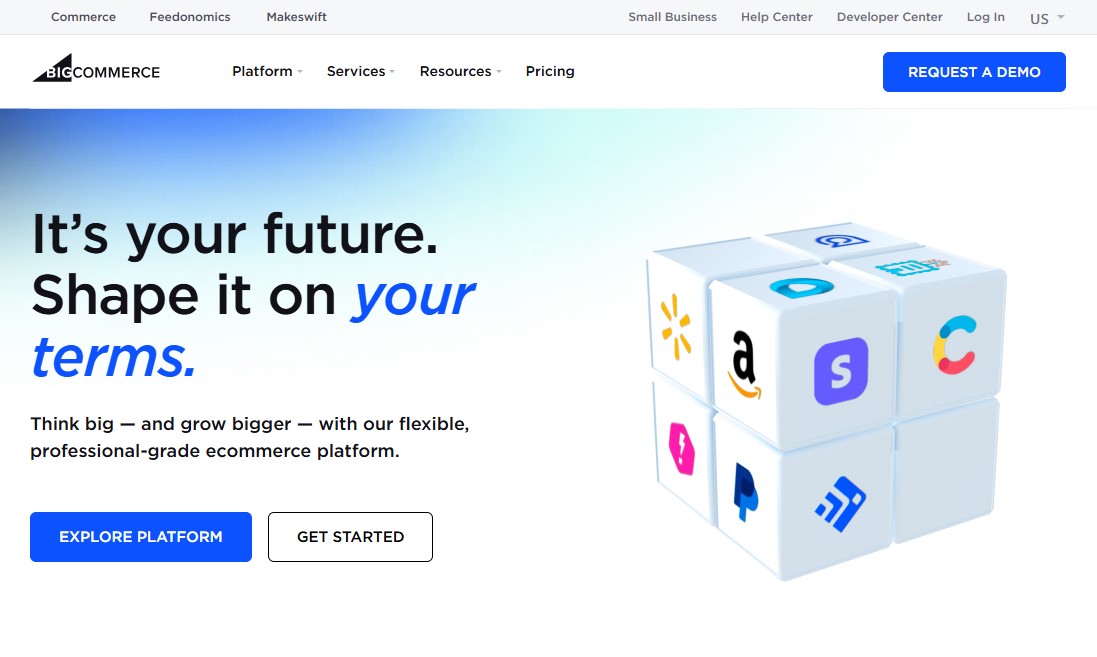
BigCommerce is a leading hosted eCommerce platform and a major competitor to Shopify. It’s especially popular among larger businesses and brands with complex product catalogs or B2B (business-to-business) operations.
The platform gives you everything you need to build and manage an online store from one place — including design tools, payment gateways, SEO features, email marketing, and more.
Already using WordPress? BigCommerce has a plugin that lets you connect your store without having to migrate your entire site.
In contrast, WooCommerce requires you to find, install, and configure several different plugins to achieve the same functionality.
One of the best things about BigCommerce is that it takes care of technical scaling automatically. As your business grows and traffic increases, the platform adjusts in the background — no extra effort needed.
Key Features:
- Hosted, fully-managed SaaS platform—no need for separate web hosting.
- Drag-and-drop visual page builder for storefront customization.
- Multi-channel selling across Amazon, Walmart, Facebook, Instagram, and more.
- Built-in SEO tools to help your store rank higher in search results.
- Scalability with unlimited products, bandwidth, and staff accounts on all plans.
- PCI compliance, SSL certificates, 24/7 support, and robust security.
Pros:
- No transaction fees, regardless of the payment gateway you use.
- Strong scalability for businesses with high sales volumes.
- Easily sell across social media, marketplaces, and more.
- Great for developers who want deep customization.
- Advanced SEO features and site speed optimization
Cons:
- The monthly cost may be higher than plugins/self-hosted.
- Slightly steeper than beginner-friendly platforms like Shopify.
- Some advanced features require higher-tier plans.
- Free themes are limited, and premium themes can be expensive.
- Limited customization options compared to open-source platforms
Best For:
Growing businesses, enterprises, and B2B companies that need powerful, scalable features and advanced customization without transaction fees.
Pricing:
Plans start at $29/month, with a 15-day free trial to explore the platform.
6. Ecwid
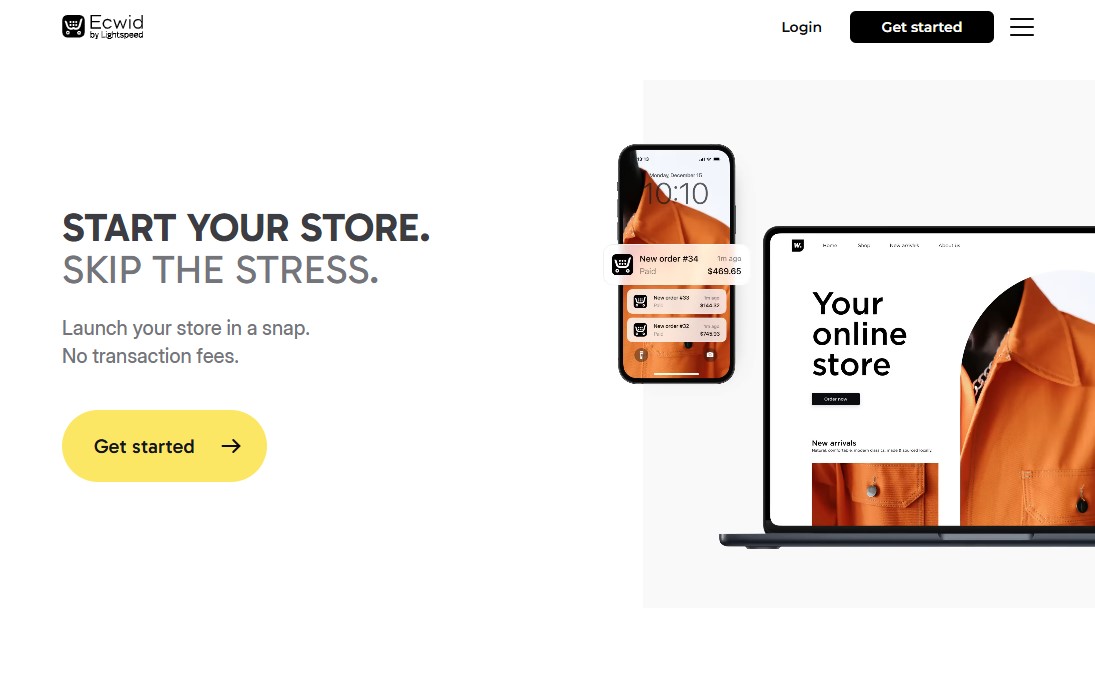
Ecwid is a flexible alternative to WooCommerce that you can easily embed into any website as a widget. Its simplicity and ease of use make it a favorite among businesses of all sizes.
You can also install Ecwid as a WordPress plugin, which is great if you prefer to manage everything within the WordPress environment.
Beyond websites, Ecwid lets you sell directly on social media and online marketplaces such as Amazon, eBay, Instagram, and TikTok. You can start selling almost instantly without much setup.
If you don’t already have a website, Ecwid’s Instant Site feature allows you to create one quickly. However, the number of pages you can build depends on your subscription plan. For example, the free plan only allows a single-page website.
Key Features:
- Seamless integration with existing websites, social media, and marketplaces.
- Multi-channel selling across Facebook, Instagram, Amazon, and more.
- Accept payments using multiple gateways at no additional cost.
- Multilingual & multi-currency support.
Pros:
- Simple setup and integration with existing platforms.
- Good payment gateway options.
- POS feature to sell your goods in both online and physical stores.
- No transaction fees.
Cons:
- Not as flexible as standalone eCommerce platforms.
- Ecwid starter plan limits sales to sale upto 5 products.
- Limited design customization.
Best For:
Businesses that already have a website or blog and want to add eCommerce functionality easily, or those looking to sell across multiple online channels.
Pricing:
The Ecwid plan starts from ₹450/month.
7. Adobe Commerce (Magento)
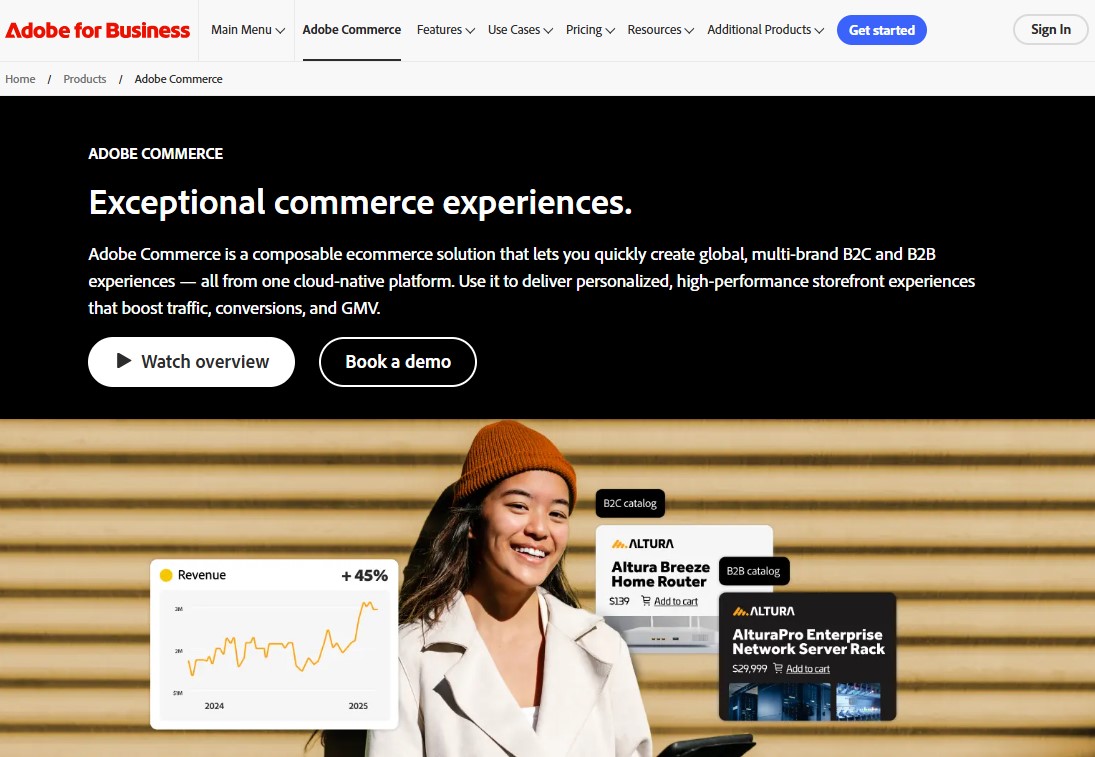
Adobe Commerce, formerly known as Magento, is a robust eCommerce platform designed for large businesses with extensive product catalogs. Because it’s open source, you have full control to customize it according to your specific needs. It also supports multiple languages, currencies, and payment methods, making it ideal for reaching customers around the world.
Although it shares some similarities with WooCommerce, Adobe Commerce is a more advanced solution. It’s best suited for businesses that need powerful features like product personalization, loyalty programs, and the ability to manage multiple stores from one platform.
Key Features:
- Open-source flexibility for complete customization.
- Scalable architecture to handle high traffic and large product catalogs.
- Multi-store functionality for managing multiple brands or regions.
- Extensive community and marketplace for plugins and extensions.
Pros:
- Advanced B2B features.
- Multi-store management from a single admin panel.
- Powerful performance optimization tools.
- Advanced customer segmentation and personalization.
- Built-in integration with enterprise systems like ERP and CRM platforms.
- Comprehensive role-based permissions for large teams.
Cons:
- Steep learning curve and requires technical expertise to manage effectively.
- Higher hosting and development costs compared to simpler platforms.
Best For:
Large enterprises, highly customized stores, and businesses with a substantial budget and an in-house or outsourced development team.
Pricing:
The open-source version is completely free to use. However, you’ll need to handle your own hosting, development, and maintenance expenses. If you’re looking for more advanced, enterprise-level features, Adobe Commerce (the paid version) offers custom pricing based on your specific needs.
8. Squarespace

If you’re thinking about moving away from WordPress but don’t want to switch to Shopify, Squarespace is definitely worth a look. It’s one of our favorite ecommerce platforms—especially for small businesses—because of a few key reasons.
Firstly, Squarespace comes with a solid range of ecommerce features and useful integrations. Secondly, it’s a fully hosted platform, so all the technical stuff—like security, updates, and hosting—is handled for you. Lastly, it’s incredibly easy to use, especially compared to setting up WordPress with WooCommerce.
Since Squarespace is hosted, you won’t have as much control or customization freedom as you do with WooCommerce. But the upside is that you spend less time managing your website and more time focusing on the parts of your business that actually generate revenue.
The main area where Squarespace falls short compared to WooCommerce is payment options. WooCommerce supports a much wider range of payment gateways—though you’ll need separate plugins to use most of them.
Overall, it’s perfect for businesses that want a simple, visually appealing storefront without the complexity of more advanced platforms.
Key Features:
- Offers sophisticated templates to build a beautiful online store.
- Drag-and-drop editor for easy customization.
- Built-in blogging tools to create content and engage your audience.
- Integrated AI tools for content creation.
Pros:
- Intuitive interface, perfect for beginners.
- Sleek, contemporary templates and responsive design.
- Round-the-clock customer support.
- Excellent blogging features and support for membership sites or paywalled content.
- No transaction fees on commerce plans.
- 14-day free trial.
Cons:
- Limited template switching once a site is live.
- Lacks multi-currency selling and has limited payment gateway options.
- The app/extension marketplace is not as extensive as its competitors.
Best For:
Small businesses that want an affordable, easy-to-use eCommerce platform with plenty of useful features.
Pricing:
Squarespace offers a 14-day free trial, followed by four main pricing plans. To sell the product and take payment, you need a Business plan costing $36/month with 3% transaction fee. Or, you can remove the transaction fee by purchasing their Commerce plan.
9. PrestaShop
Imagine being able to create your online store exactly the way you want — without spending a fortune.
That’s what PrestaShop offers. It’s an open-source eCommerce platform that gives you full freedom to customize and build your store your way.
Unlike fully hosted platforms, PrestaShop lets you take complete control of your store’s design, features, and performance. That’s why it’s a popular choice for tech-savvy entrepreneurs and small to medium-sized businesses.
One of PrestaShop’s biggest strengths is its active community. With thousands of developers and users contributing every day, you’ll find plenty of modules, themes, and helpful resources to enhance your store.
While setting it up does require some basic technical knowledge, the payoff is worth it. You’ll end up with a highly customized eCommerce experience that’s flexible, scalable, and ready to grow with your business.
Key Features:
- Highly customizable storefront with themes, layouts, color schemes, and navigation options.
- Built-in SEO tools for better search rankings.
- Multi-store management from one admin panel.
- Multi-language and multi-currency support suitable for international sales.
- A large marketplace of modules and themes for extended functionalities.
- Integration with many payment gateways and shipping options.
Pros:
- An open-source platform that is free to download and use.
- Highly customizable with thousands of themes and modules.
- Strong SEO-friendly architecture built in.
- Multi-store and multi-language support built in.
- Decent built-in marketing and sales tools.
- Strong community support and extensive documentation.
Cons:
- Limited scalability compared to WooCommerce.
- While the software is free, many modules and themes come at a cost.
- Fewer template options compared to some competitors.
Best For:
Those looking for a balance between ease of use, customization options, and budget-friendly solutions.
Pricing:
PrestaShop is 100% free to download and install. However, you will need to cover hosting, themes, and module costs. For hosting, we recommend Hostinger, which offers a dedicated PrestaShop hosting plan starting from $3.99/month.
PrestaShop also offers a Hosted plan, starting at €24/month, which includes everything needed to launch your online store.
10. OpenCart
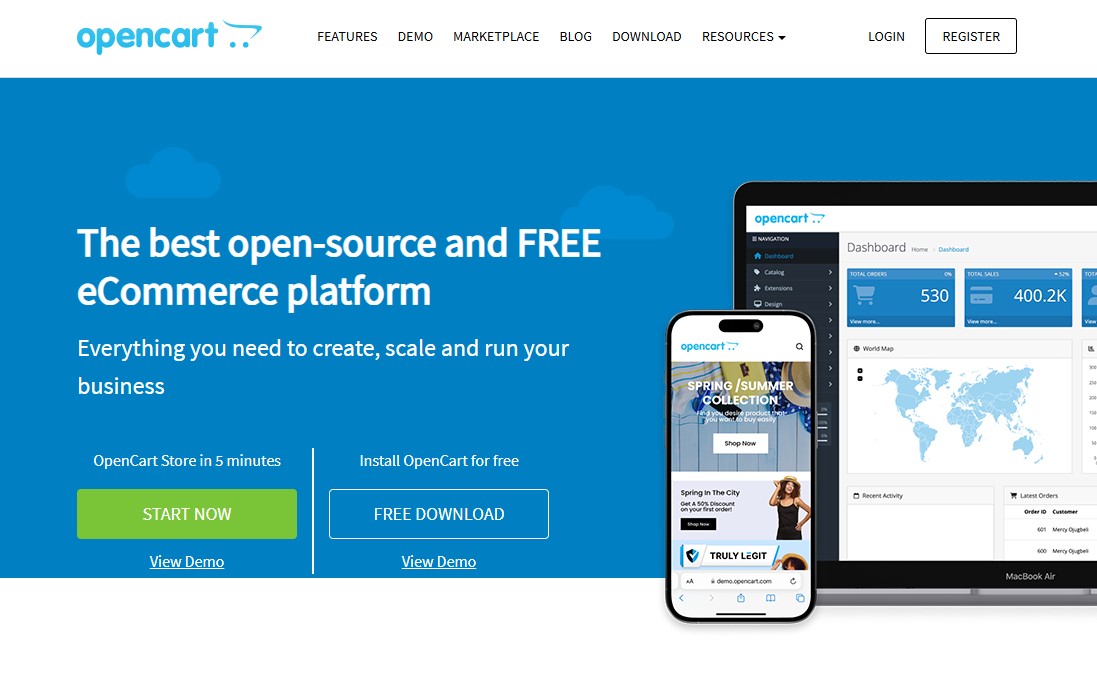
OpenCart is a strong alternative to WooCommerce, especially for businesses seeking a simple, scalable, and customizable eCommerce solution.
It provides a complete platform for businesses of all sizes. You can list unlimited products, manage multiple stores, and enjoy a user-friendly admin interface. There’s also a vast marketplace with over 13,000 extensions and themes to enhance your store.
In addition, OpenCart comes with built-in SEO tools, multiple payment gateway options, and flexible shipping methods. These features make it a robust, feature-rich alternative to WooCommerce.
Key Features:
- User-friendly admin dashboard for easy product, order, and customer management.
- Supports downloadable (digital) products.
- Built-in multi-store and multi-user management capabilities.
- Affiliate marketing program integration with custom commission options.
- SEO-friendly with customizable URLs, meta tags, and sitemaps.
- Sales reporting and analytics tools.
Pros:
- Open-source and free to download, allowing customization and control.
- Easy to use, even for those without deep technical knowledge.
- Strong affiliate and promotional tools to boost sales.
- An extensive extension marketplace for adding features as needed.
- Mobile-first and SEO-friendly design.
- No transaction fees from the platform itself.
- Cloud-hosted option available for quick setup.
Cons:
- Reliance on third-party extensions for advanced functionalities.
- Increased cost of ownership as your business grows.
- Limited built-in features.
Best For:
Those looking for a cost-effective solution with a balance between control and ease of use.
Pricing:
OpenCart is free to download and use, as it is open-source software. However, you will need to cover hosting, themes, and extension costs.
Factors to Consider When Choosing a WooCommerce Alternative
Choosing the right eCommerce platform is a big decision. Here are key things to think about:
- Cost: Look beyond the monthly fee. Consider transaction fees, app costs, theme purchases, and potential development or hosting expenses.
- Ease of Use: How comfortable are you with technology? Do you want a simple drag-and-drop builder or are you happy to dive into code?
- Features: Make a list of “must-have” and “nice-to-have” features. This includes payment gateways, shipping options, marketing tools, and inventory management.
- Scalability: Will the platform grow with your business? Can it handle more products, more customers, and more sales without issues?
- Customization: How much control do you need over your store’s design and functionality? Some platforms offer more freedom than others.
- Security: How does the platform protect your store and customer data? This is crucial for building trust and complying with regulations.
- Support: What kind of help is available if you run into problems? Look for 24/7 support, extensive documentation, or an active community.
By carefully evaluating these factors, you can find the perfect WooCommerce alternative for your business.
Conclusion
WooCommerce is a powerful and popular eCommerce solution, especially for WordPress users. But it’s not the only option available.
If you’re looking for alternatives, there’s a wide range to choose from. You could go for a fully hosted platform like Shopify or BigCommerce. Or you might prefer a highly customizable open-source solution like OpenCart. There are also user-friendly website builders like Squarespace. No matter your needs, there’s an eCommerce platform that can fit them.
When picking the right WooCommerce alternative, consider factors such as your budget, technical expertise, scalability requirements, and the features you need. Hosted platforms like Shopify are ideal for beginners who want an all-in-one solution. Open-source platforms like OpenCart, on the other hand, provide unmatched flexibility for those with technical skills. Meanwhile, solutions like Ecwid are perfect if you want to add eCommerce functionality to an existing website.
Some platforms specialize in certain types of products or businesses. For example, Easy Digital Downloads is great for selling digital products, while MemberPress works well for membership-based sites.
Ultimately, the best platform for your online store depends on your business goals and resources. Take the time to explore these WooCommerce alternatives. Test their features and choose the one that helps you build the online store of your dreams.
For more, check out these other helpful resources:
- Best Payment Gateways for WooCommerce: Top 10 Picks
- 19 Best Free WooCommerce Themes For Your Online Store
Lastly, follow us on Facebook and X (formerly Twitter) to stay updated on the latest WordPress and blogging-related articles.
Frequently Asked Questions
Which WooCommerce Alternative is Easiest for Beginners?Shopify is generally the easiest because it fully hosted and include setup, hosting, and support. For most non-technical store owners, it remove server and maintenance overhead.
Shopify is generally the easiest because it fully hosted and include setup, hosting, and support. For most non-technical store owners, it remove server and maintenance overhead.
Which Alternatives are Best for High-Growth or Enterprise Stores?BigCommerce and Adobe Commerce (Magento) are often recommended for larger, scaling stores because they offer advanced built-in commerce features and scalability options.
BigCommerce and Adobe Commerce (Magento) are often recommended for larger, scaling stores because they offer advanced built-in commerce features and scalability options.
Can I Keep my WordPress Site and Use a Non-WooCommerce Solution?Yes — some platforms (like BigCommerce and Ecwid) offer WordPress integrations so you can keep WordPress as your CMS while offloading commerce features. You can also switch to hosted builders if you want a full migration.
Yes — some platforms (like BigCommerce and Ecwid) offer WordPress integrations so you can keep WordPress as your CMS while offloading commerce features. You can also switch to hosted builders if you want a full migration.
Which Platform is Best for Selling Digital Products?Easy Digital Downloads (EDD) and similar plugins are purpose-built for digital goods and often provide simpler checkout, licensing, and download management than a full store plugin.
Easy Digital Downloads (EDD) and similar plugins are purpose-built for digital goods and often provide simpler checkout, licensing, and download management than a full store plugin.
Are Hosted Platforms Like Shopify More Secure than Self-Hosted WooCommerce?Hosted platforms handle PCI compliance, platform security, and server maintenance for you, which reduces your security burden. Self-hosted WooCommerce can be secure but requires active maintenance, updates, and secure hosting.
Hosted platforms handle PCI compliance, platform security, and server maintenance for you, which reduces your security burden. Self-hosted WooCommerce can be secure but requires active maintenance, updates, and secure hosting.

