25 September 2021

9 Best Free Contact Form Plugins for WordPress Sites
If you run a WordPress website, you already know that getting visitors to reach out is one of the most important things you can do.
Whether you are running a business, a blog, or a portfolio site, a contact form is the bridge between you and your audience.
But here is the thing — not every website owner wants to spend money on a premium plugin, especially when there are some genuinely great free options out there.
In this guide, we have rounded up the 9 best free contact form plugins for WordPress. We will walk you through what makes each one stand out, who it is best suited for, and what you should keep in mind before installing it.
By the end, you will know exactly which free WP contact form plugin is the right fit for your site.
Ready? Let’s dive in!
What to Look for in a Free WordPress Contact Form Plugin
Before we jump into the list, it helps to know what separates a good contact form plugin from a mediocre one.
Here are a few things worth checking before you commit to any free contact form plugin for WordPress:
- Ease of use: Can you build a form without writing code?
- Spam protection: Does it include CAPTCHA or anti-spam features?
- Customization: How flexible are the fields and layout options?
- Integrations: Does it connect with tools you already use, like email marketing services?
- Mobile-friendly: Will the form look good on smartphones and tablets?
- Support and updates: Is the plugin actively maintained?
With those points in mind, let us get into the actual plugins.
9 Best Free Contact Form Plugins for WordPress
Here are our picks for the best free WordPress form plugins, in no particular order.
1. WPForms Lite
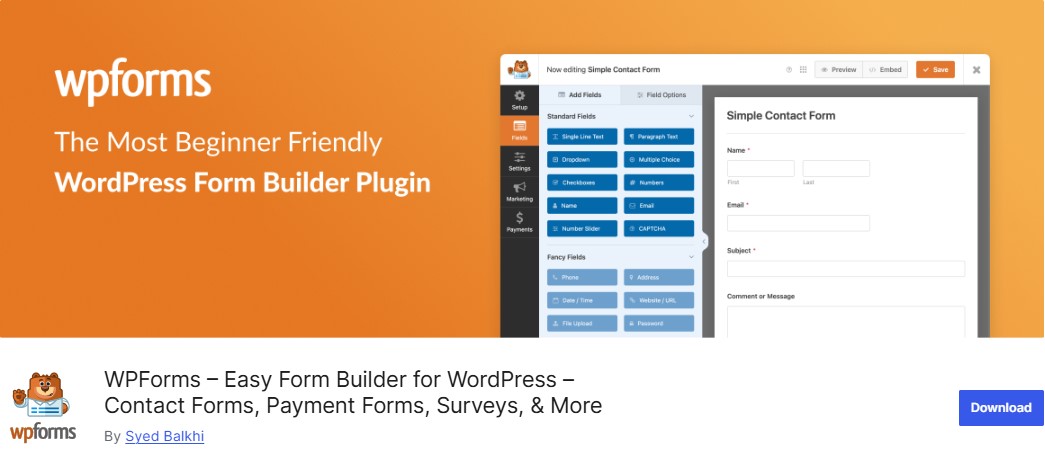
WPForms is arguably the most popular contact form WordPress plugin available today, and its free version — WPForms Lite — is more than enough for most small websites.
The drag-and-drop form builder makes it ridiculously easy to set up your first form in under five minutes, even if you have never touched a WordPress plugin before.
The free version offers essential fields like name, email, dropdown, payment, etc., to create a simple contact form for your business, hobby site, or nonprofit.
Security is also a top priority, with built-in spam protection, including Cloudflare Turnstile, hCaptcha, and Google reCAPTCHA integrations, to keep your inbox clean.
Furthermore, WPForms Lite uniquely offers a free Stripe integration, enabling small businesses to accept credit card payments on their forms with just a small transaction fee.
If you upgrade to the WPForms Pro version, you get more advanced features. These include additional form fields, conditional logic to show/hide fields, 2100 form templates, additional payment gateways, support for many popular email automation and marketing platforms, etc.
All in all, with over 6 million active installations and a consistent 4.8-star rating, WPForms Lite is a lightweight solution for those who need a high-quality contact form without the premium price tag.
Free Features:
- Drag and drop form editor that makes it easy to create your forms
- Create an order form and accept credit card payments with Stripe
- Customize your form with dropdowns, radio buttons, and checkboxes
- Add spam protection to your forms with CAPTCHA, email blocklists, and more
- Easily add a GDPR agreement to any form
- Confirmation message on form submission
- Embed forms in WordPress pages and posts using a wizard
Best For:
Beginners and small business owners who want a clean, no-fuss solution.
2. Contact Form 7

Contact Form 7 is one of the oldest and most widely used free contact form plugins in the WordPress ecosystem. It has been downloaded over 10+ million times and has been a go-to choice for years.
It is lightweight, reliable, and gets the job done — though it requires a bit more hands-on setup than drag-and-drop alternatives.
It supports Ajax filtering, challenge form submissions with CAPTCHA, and spam filtering integrated with the well-known Akismet WordPress plugin.
Furthermore, it’s also available in more than 60 languages.
One of the greatest benefits of using Contact Form 7 is the number of extensions that add extra features to the base plugin.
Free Features:
- Simple shortcode-based form embedding
- Flexible field customization via markup
- CAPTCHA and Akismet spam filtering support
- AJAX-based submitting
- Multilingual support
- Enables users to submit files with size and type restrictions
Best For:
Developers and users are comfortable with a little bit of manual configuration.
3. Formidable Forms
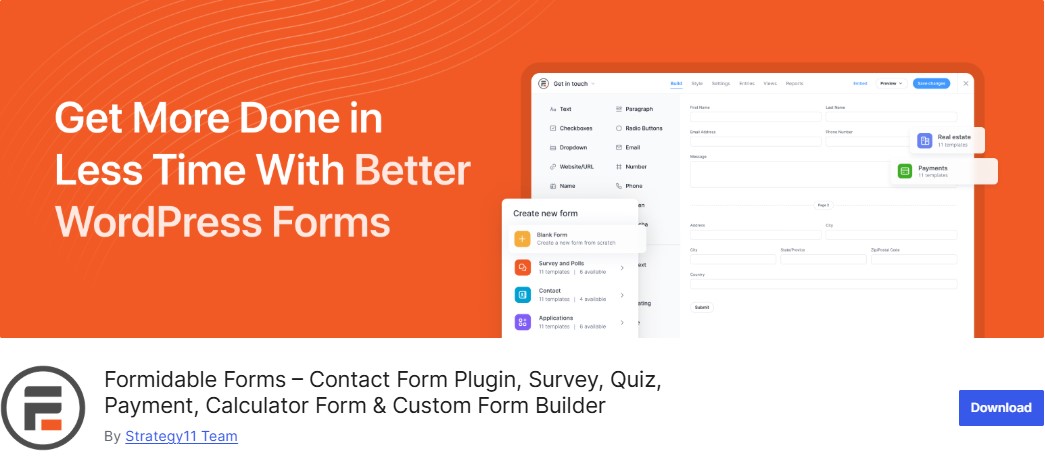
Formidable Forms is one of the best advanced WordPress form builder plugins. With its free version, you can create contact forms, payment forms, newsletter signups, and more.
Its unique built-in form styler lets you match your forms to your WordPress theme. You can customize colors, fonts, and borders without writing any code. Your forms are fully responsive and mobile-friendly, so they look great on any device.
You can even create a Stripe payment form and accept payments using the free online form builder.
The best part? The free Lite version supports data management features that most plugins reserve for paid tiers. If your site collects form submissions that you need to manage, filter, or display, Formidable Forms handles this better than most free WP contact form plugins.
If you’re looking for more advanced features, such as a WordPress calculator plugin or survey plugins, you’ll find them in the premium version of Formidable Forms. Formidable can even be used as an application builder. For example, its WordPress directory plugin has everything you need to create a complete directory site.
Free Features:
- Drag-and-drop form builder without coding
- Quick setup with pre-built contact forms
- Manage form submissions directly in your WordPress dashboard
- Free Stripe integration to accept credit cards, digital wallets, and ACH payments
- Built-in support for Honeypot and reCAPTCHA
- Shortcode and block editor support
Best For:
Websites that need to collect and manage form submissions beyond just receiving emails.
4. Ninja Forms
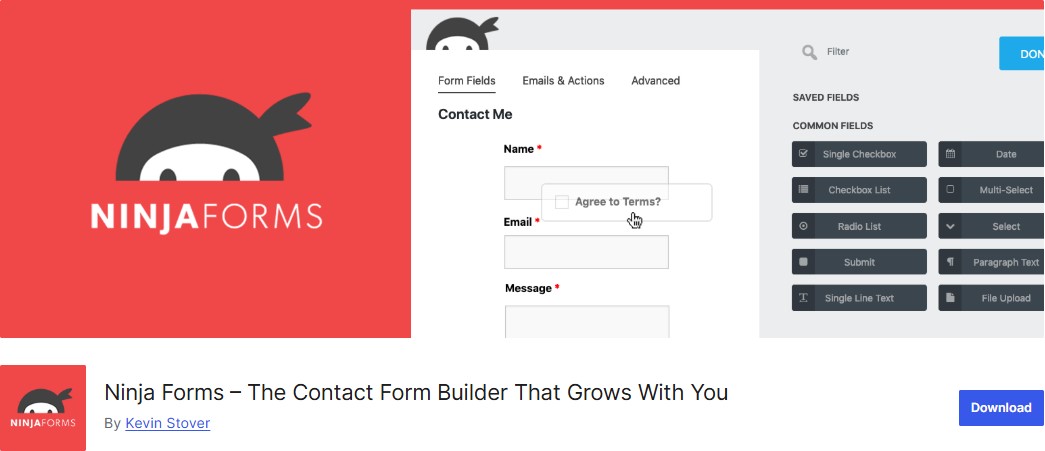
Ninja Forms stands out as the best free WordPress contact form plugin primarily because it refuses to “paywall” essential features that competitors often restrict.
Unlike many “Lite” versions that limit you to basic fields and hide your entries until you upgrade, the Ninja Forms core plugin provides unlimited form submissions and full submission management entirely for free. This means you can view, edit, search, filter, and even export your leads to CSV directly from your WordPress dashboard, all for free.
It also boasts one of the most generous free toolsets in the ecosystem, offering 28+ drag-and-drop form fields that make building complex forms intuitive for beginners and powerful for developers.
Furthermore, you gain access to built-in anti-spam protection (like Google reCAPTCHA and Honeypot), and the rare ability to perform calculations—a feature most plugins charge $50 or more for.
What’s more, unlike other providers that limit support to community forums for non-paying users, the Ninja Forms team provides direct email support to everyone, ensuring you aren’t left stranded when you run into a technical issue.
Its modular “à la carte” approach also means that if you ever do need to scale, you can purchase individual add-ons for specific needs (like File Uploads or Conditional Logic) rather than being forced into an expensive all-in-one subscription.
Overall, this combination of high-end features, data ownership, and genuine support makes it the most transparent and powerful free solution for WordPress users.
Free Features:
- 28+ form fields, including advanced options like image select, rating, and repeater fields
- Multi-step email autoresponders to nurture leads automatically
- Unlimited forms and unlimited submissions with full database storage and management
- Custom success messages and post-submission redirects
- Anti-spam protection, including reCAPTCHA, hCaptcha, Honeypot, and Akismet integration
- GDPR compliance tools to protect user privacy and meet legal requirements
- Advanced calculations built right in
Best For:
Users who want a scalable, free contact form plugin that can grow with their website.
5. HappyForms
Happyforms is another great free WordPress form builder designed to make form creation as simple as possible. You can also create a contact form, survey form, payment form, or multipurpose form with ease.
Its most distinctive advantage is the live preview customizer. Using the native WordPress Customizer interface, you can see exactly how your forms will look and behave in real time, eliminating the tedious “save and refresh” cycle common in other form builders.
Furthermore, it provides over 50 built-in style controls—including multi-column layouts—allowing you to match your form’s design to your theme perfectly without writing a single line of CSS.
Security is also a top priority, featuring one-click HoneyPot spam prevention and full GDPR compliance to keep your site safe and professional.
Free Features:
- Drag-and-drop form builder within WordPress Customizer with live preview
- Honeypot and reCAPTCHA support
- Unlimited forms, fields, submissions, and email notifications
- Over 50+ style controls and easy multi-column layouts
- Post-submission confirmation messages
- Fully mobile-friendly form layouts
- GDPR and 508 compliant
Best For:
Users who value visual design and want a polished-looking form without coding.
6. Everest Forms
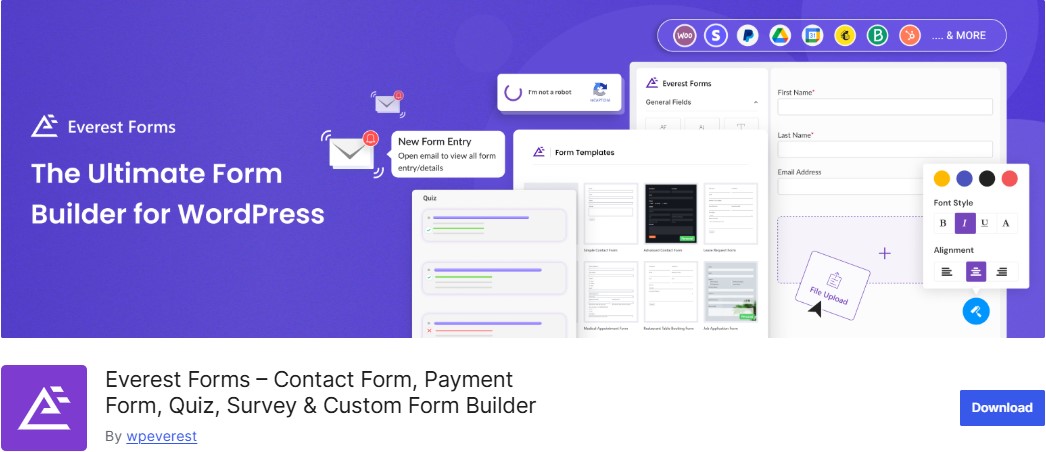
Everest Forms is a solid all-rounder among the best free WordPress contact form plugins that flies a bit under the radar.
While other plugins charge premium prices for file uploads and advanced fields, Everest Forms includes file and image uploads, plus 35+ essential form fields, absolutely free.
What’s more, you can create payment forms with Stripe and PayPal, generate PDF submissions for invoices and contracts, and collect entries with unlimited storage—all without upgrading.
Free Features:
- No limit on the number of forms you can create
- Allowed file upload for free, unlike many other form plugins
- AI form builder to create forms from text prompts
- Built-in Google reCAPTCHA, hCaptcha, and Honeypot for spam protection
- Set up email alerts for form submissions
Best For:
Users on budget hosting who need a lightweight but capable free contact form plugin.
7. Fluent Forms
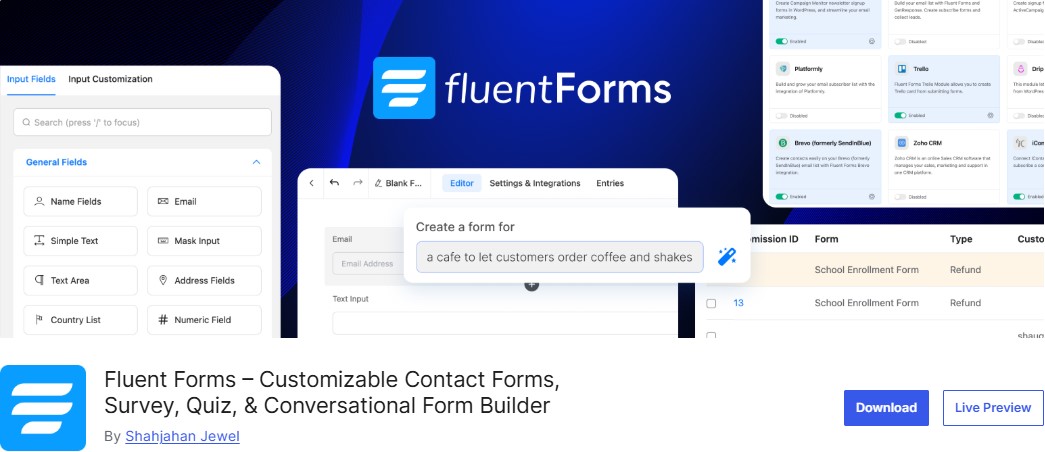
Fluent Forms is another popular WordPress contact form plugin, available in both free and premium versions with additional features.
One notable detail is that Fluent Forms offers conditional logic for free, whereas many other contact form plugins charge for it. So if you want conditional logic and you’re on a budget, that might be a reason to choose Fluent Forms.
You can also add conditional logic to entire containers in your form, which is another unique feature.
Furthermore, the plugin offers built-in Stripe integration for simple payments, and an AI-powered form builder that generates ready-to-use forms from simple text prompts.
Its standout advantage is its unrivaled performance. It is engineered to be the lightest form builder on the market, loading less than 30KB of CSS and JS.
Furthermore, if you are already using other no-code form builders like Gravity Forms, WPForms or Ninja Forms and looking to move to Fluent Forms, you can do this with a single click.
Beyond that, it’s just generally one of the more generous free contact form plugins in terms of the features that it gives you access to.
Free Features:
- Drag-and-drop builder with 25+ ready-to-use input fields
- Conditional logic, multi-step forms, and multi-column container layouts
- Stripe payment gateway integration to accept payments (1.9% transaction fee)
- Custom CSS and JS, custom submit buttons, and Gutenberg block styler
- Export/import submissions (CSV, Excel) and form analytics
- Email notifications, including conditional notifications
- Free AI form builder to speed up form creation
Best For:
Users who want conditional logic and modern form UX without paying for a premium plugin.
8. Jetpack Forms

If you are already using the Jetpack plugin on your WordPress site, you might not need a separate contact form plugin at all. It lets you create simple forms directly inside the WordPress block editor.
You can add a form block, adjust a few settings, and publish quickly. It works well for basic contact forms, but doesn’t offer the depth of dedicated form builders.
Jetpack Forms supports feedback forms, newsletter signups, appointment forms, and simple registration forms. Submissions can be managed inside WordPress or sent via email notifications.
If you already rely on Jetpack, using its form feature avoids adding another plugin. If you need payments, advanced conditional logic, or marketing integrations, a dedicated form builder will give you more control.
Free Features:
- Supports various field types, including text fields, dropdowns, checkboxes, and ratings
- Integrates with Akismet for spam protection
- Compatibility with the block editor
- Allows visitors to upload files directly via the form
- Form responses are stored in the dashboard
- Allows breaking long forms into multiple steps
- Jetpack AI Assistant to create and organize form fields via text prompts
Best For:
WordPress users already running Jetpack who want a simple, no-extra-plugin solution.
9. Forminator
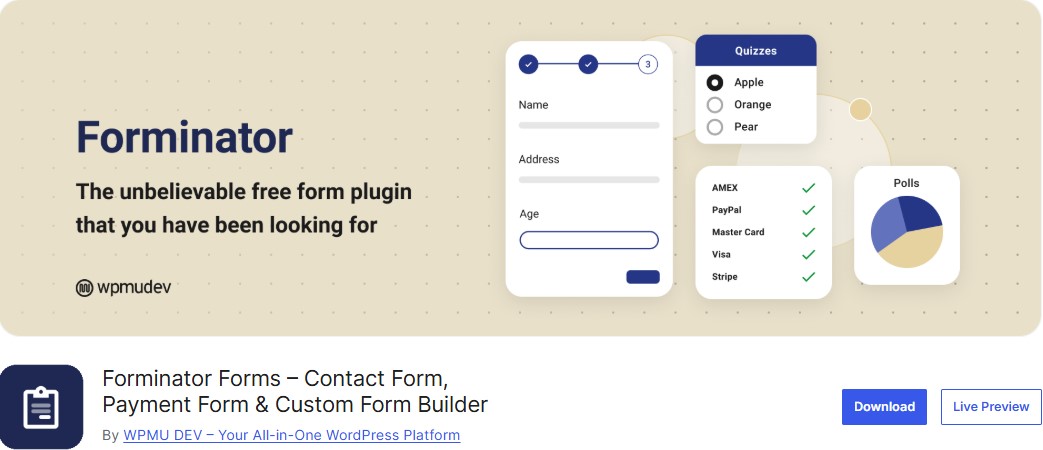
Last on our list of the best free contact form plugins is Forminator. Unlike many competitors that gate essential features behind a “Pro” subscription, Forminator offers an incredibly generous free version that includes advanced conditional logic, multi-step forms, and file uploads out of the box.
What truly sets it apart from other free WordPress form builders is its built-in integration for Stripe and PayPal payments. This allows users to collect one-time payments or donations without any additional costs.
Beyond basic contact forms, the plugin is a versatile engagement powerhouse, enabling users to create interactive polls, professional quizzes, and complex calculations that boost user retention and SEO performance by increasing time on site.
With its intuitive drag-and-drop interface, comprehensive spam protection, and seamless connection to 1,000+ apps like Google Sheets, Slack, and Mailchimp, Forminator isn’t just a simple contact tool—it’s a robust lead generation and automation engine that scales perfectly with your growing WordPress site.
Free Features:
- Create unlimited forms, quizzes, and polls as you need
- Stripe and PayPal integrations for one-time payments
- Conditional logic to build smart forms that show or hide fields based on user input
- Connect to Mailchimp, Google Sheets, and other apps with webhooks without paying a dime
- Enables users to upload files directly through the form
- Connects with tools like Google Sheets, Mailchimp, and Slack via webhooks
- Drag-and-drop visual builder with color customization and layout control
Best For:
WordPress users are looking for a free form builder with advanced features like calculations, payments, and polls, without paying premium fees.
Tips for Choosing the Right Free Contact Form Plugin for WordPress
With so many solid options available, picking the right one comes down to your specific situation.
Here is a quick decision framework to help:
- You are a complete beginner: Go with WPForms Lite or HappyForms. Both have intuitive interfaces and get you set up in minutes.
- You need conditional logic for free: Fluent Forms or Forminator are your best options among truly free options — most plugins lock this behind paid plans.
- You are a developer or have technical experience: Contact Form 7 gives you the most control and flexibility.
- You need to manage form entries in the dashboard: Formidable Forms Lite is built for this and does it better than the alternatives.
- You already use Jetpack: Do not install a separate plugin — just enable Jetpack Forms.
Conclusion: Best Free WordPress Contact Form Plugins
There you have it — 9 of the best free contact form plugins for WordPress, each with its own strengths and ideal use cases.
Whether you are a first-time WordPress user looking for something quick and simple or a developer who wants fine-grained control, there is a free form builder plugin on this list that fits the bill.
Our top pick for most users is Fluent Forms for its exceptional feature set in the free tier, closely followed by WPForms Lite for its beginner-friendly experience. If you are comfortable with a bit of manual setup, Contact Form 7 remains a timeless classic.
The best part? You do not have to spend a single penny to get a professional, functional contact form on your site. Install one of these plugins today, and start making it easier for your visitors to get in touch.
Ready to get started? Head to your WordPress dashboard, navigate to Plugins » Add New, and search for any of the contact plugins listed above. Your next inquiry could be just a form submission away.
For more, check out these other helpful resources:
- 10 Best WPForms Alternatives for WordPress Users
- 10 Best WordPress Survey Plugins for Better Insights
- 17 Best Booking Plugins for WordPress
- 12 Best WordPress Payment Plugins For Easy Online Transactions
Lastly, follow us on Facebook and X (formerly Twitter) to stay updated on the latest WordPress and blogging-related articles.
Frequently Asked Questions
Which is the overall best free contact form plugin for WordPress in 2026?WPForms Lite is widely considered the best for beginners. It offers a user-friendly drag-and-drop builder, essential form fields, and seamless mobile responsiveness without requiring any coding knowledge.
WPForms Lite is widely considered the best for beginners. It offers a user-friendly drag-and-drop builder, essential form fields, and seamless mobile responsiveness without requiring any coding knowledge.
Can I create a contact form in WordPress without using a plugin?Yes, you can manually code a form using HTML and PHP, or use the built-in “Contact” block if your theme supports it. However, plugins provide better security and spam protection.
Yes, you can manually code a form using HTML and PHP, or use the built-in “Contact” block if your theme supports it. However, plugins provide better security and spam protection.
Does Contact Form 7 still work in 2026?Yes, Contact Form 7 remains a popular, completely free, and lightweight choice. While it lacks a visual drag-and-drop builder, it is highly flexible for users comfortable with basic HTML tags.
Yes, Contact Form 7 remains a popular, completely free, and lightweight choice. While it lacks a visual drag-and-drop builder, it is highly flexible for users comfortable with basic HTML tags.
Are there free WordPress plugin that support form calculations?Ninja forms offer robust calculation features for free. These are ideal for creating simple quotes, service estimators, or BMI calculators without needing a premium upgrade.
Ninja forms offer robust calculation features for free. These are ideal for creating simple quotes, service estimators, or BMI calculators without needing a premium upgrade.
Do free contact form plugins store submissions in the WordPress database?Not all do. WPForms Lite requires an upgrade or a separate plugin for database storage, while Ninja Forms and Fluent Forms include local entry management in their free versions.
Not all do. WPForms Lite requires an upgrade or a separate plugin for database storage, while Ninja Forms and Fluent Forms include local entry management in their free versions.
Can I accept payments through a free WordPress contact form?Yes, plugins like WPForms Lite and Fluent Forms now offer free Stripe integration. This allows you to collect credit card payments for simple orders or donations without a Pro plan.
Yes, plugins like WPForms Lite and Fluent Forms now offer free Stripe integration. This allows you to collect credit card payments for simple orders or donations without a Pro plan.
Are free WordPress contact forms GDPR compliant?Most are, provided they include a privacy checkbox and don’t store personal data indefinitely. Plugins like Formidable Forms offer specific features to help you meet global data protection standards.
Most are, provided they include a privacy checkbox and don’t store personal data indefinitely. Plugins like Formidable Forms offer specific features to help you meet global data protection standards.
