24 March 2026

10 Best WordPress Survey Plugins for Better Insights
Are you looking for the best WordPress survey plugins? If yes, you’re in the right place.
In this article, you’ll find a carefully curated list of the best WordPress survey plugins — covering both free and premium options — along with the key features to look for, how to pick the right one, and answers to the most common questions site owners ask.
So, are you ready? Let’s dive in!
What Are WordPress Survey Plugins?
WordPress survey plugins make it easy to create and run surveys right on your website. You can build, customize, and manage everything without much effort.
These tools work like simple survey builders. They let website owners design forms for feedback, polls, quizzes, or customer satisfaction surveys. The best part? You don’t need any coding skills to get started.
What to Look For in a WordPress Survey Plugin
Before jumping into specific tools, it’s worth understanding what sets a good survey plugin apart from a mediocre one. Not every plugin is built the same, and the best choice for a large eCommerce site will look very different from what a blogger or nonprofit needs.
Here are some core features to look for in a survey maker plugin:
- Drag-and-Drop Builder: Ease of use matters. A drag-and-drop survey builder lets you design forms visually without writing a single line of code.
- Multiple Question Types: From star ratings and multiple choice to open-text fields and Likert scales, flexibility in question formats helps you capture richer responses.
- Conditional Logic: This lets you show or hide questions based on previous answers, creating a personalized survey experience for each respondent.
- Multi-Page Surveys With Progress Bar: Longer surveys feel less daunting when broken into pages with a visible progress bar, which has been shown to reduce form abandonment.
- Response Analytics and Reporting: After data comes in, you need a clean way to view, filter, and export results. Built-in charts and CSV export options are essential.
- Integration Support: Connecting your survey plugin to email marketing tools, CRMs, or Google Sheets makes follow-up and audience segmentation much easier.
- Responsive Design: Ensures surveys are fully functional on mobile, tablet, and desktop devices.
- Security & Anti-Spam: Features CAPTCHA, IP logging, and restriction tools to prevent fraudulent submissions.
10 Best WordPress Survey Plugins
Here are the top-rated survey plugins for WordPress, evaluated based on features, ease of use, and value for money.
1. WPForms
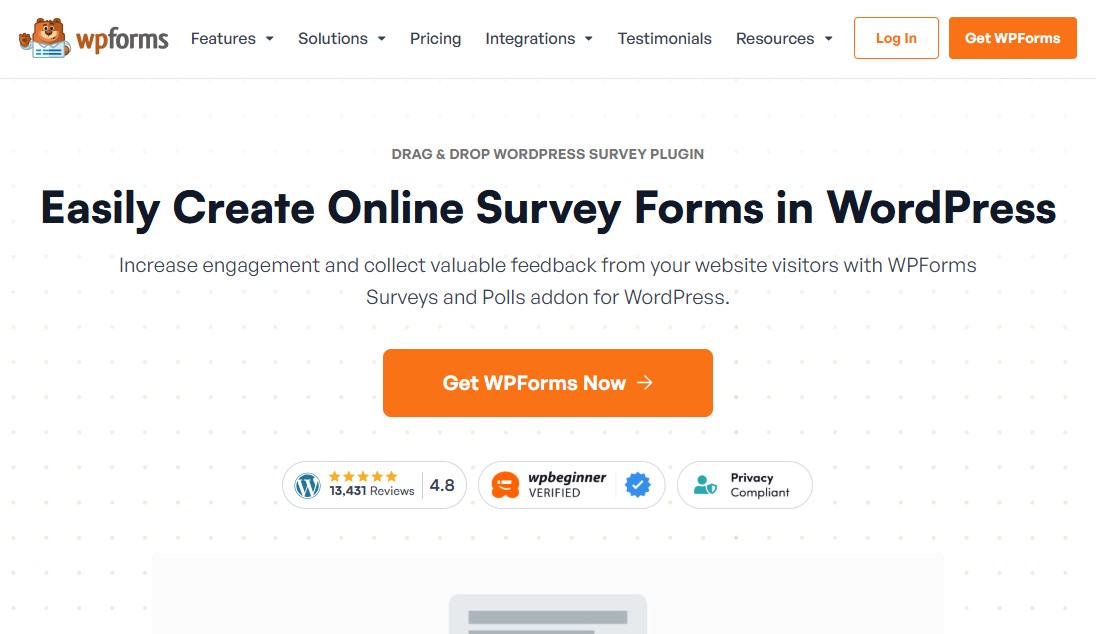
WPForms is often seen as one of the top drag-and-drop form builders for WordPress—and for good reason. If you’re looking to run surveys, its Survey and Polls addon makes the whole process simple. You can build engaging surveys without touching any code, just by using the drag-and-drop editor.
One of the biggest time-savers is its library of over 2,100 ready-made survey templates. Instead of starting from scratch, you can pick a template and tweak it to fit your needs.
It also gives you plenty of question options. You can use Likert scales, star ratings, multiple-choice questions, and more. If you want to run NPS surveys, they’re built in, along with detailed reporting.
The conditional logic feature is especially useful. It lets you create smarter forms that adapt based on user responses. For instance, you can show a feedback question only when someone gives a low rating.
Another standout feature is the way it handles results. WPForms automatically turns your survey data into clean, easy-to-read graphs. You can customize these reports and export them for presentations.
Sharing is as simple as well. If you want to post your results on social media, there are options for that too.
All in all, WPForms offers the ideal balance between ease of use and powerful features. It’s also an essential WordPress plugin, as you can use it to create any kind of form, including contact and order forms.
Key Features:
- Drag-and-drop builder to create survey forms
- Over 2,000 pre-built survey templates to suit different form needs
- Works with popular page builders like SeedProd and Elementor
- Smart conditional logic to show/hide fields
- Payment gateway addons for Stripe, Square, PayPal, and more
- Spread long surveys over multiple pages
- Built-in spam protection prevents misuse of your surveys
Pricing:
A free version is available for creating simple forms. However, to create surveys, you need to upgrade to the Pro plan, which costs $199.50/year.
2. Quiz And Survey Master
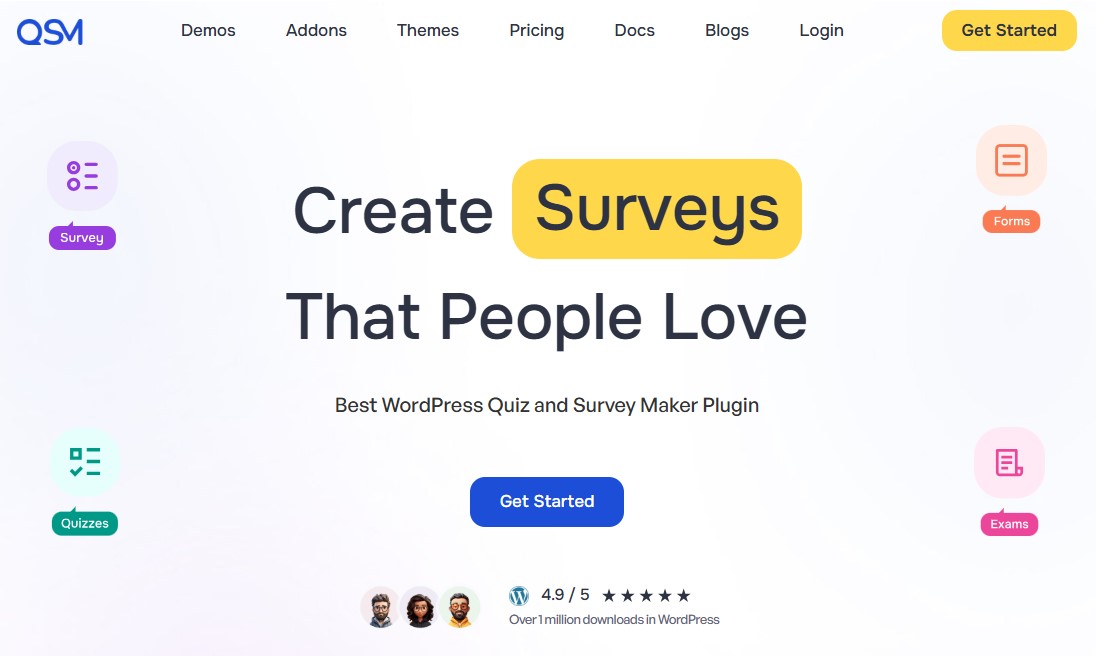
Quiz and Survey Master is a free WordPress plugin that helps you create surveys and quizzes. If you need more advanced features, premium addons are available.
You can use it for all kinds of projects—customer feedback forms, lead generation quizzes, or even fun trivia. It’s simple to use and helps you build engaging surveys while collecting useful insights.
The plugin supports different question types, making it easier to gather the data you need. You can tweak all the text in your survey, including what shows up on the results page. If you’re focused on growing your email list, you can also add custom contact fields using the built-in survey builder.
One of the standout features of Quiz and Survey Master is its flexibility. You can set time limits for each attempt, track how long users take to complete the survey, and even shuffle the questions to keep things fresh.
Another nice touch is the ability to show personalized results based on a user’s score. This works especially well for personality quizzes or shareable content that people enjoy posting on social media.
After someone completes a survey, the plugin can automatically send a thank-you email or direct them to another page on your site. For deeper reporting and analytics, though, you’ll need to buy a premium addon.
It also works with WPML, which is great if your site needs to support multiple languages.
Key Features:
- Drag-and-drop quiz builder for easy customization
- Supports multiple question types, including multiple-choice, short answer, and dropdown
- Auto-scheduling and time limit functionality
- Export survey and poll results to Excel or Google Sheets
- Customizable results pages based on quiz scores
- Built-in email notifications and integrations with marketing tools
- Set multi-page surveys and quizzes with a limited number of questions per page
Pricing:
Free plugin available. The paid plan starts at $149/year or $447/lifetime for a single-site license.
Get Started With Quiz And Survey Master
3. YOP Poll

YOP Poll is a WordPress poll plugin that allows you to easily add surveys and create a free poll on your website. You can add them to posts or pages in just a few clicks, and manage everything right from your WordPress dashboard.
The free version includes everything you need to get started. You can set start and end dates for each poll, run several polls at the same time, and show results in different formats.
One feature that really stands out is the voting control. As an admin, you can decide who gets to vote and how often. You can limit votes based on user roles, cookies, IP addresses, or usernames. You can also track user activity and adjust voting limits for individual polls or all of them in one place.
It also includes a handy sorting option. You can organize polls by votes, voters, or dates. There’s an archive feature too, which keeps past poll data for later review. And if you want to reuse a poll, you can restart it rather than build a new one from scratch.
Key Features:
- Create, edit, clone, or delete polls anytime
- Schedule polls to run simultaneously or consecutively
- Supports multiple polls on your site at one time
- Display poll results by vote numbers, percentages, or both
- Add custom fields to collect additional information from voters
- Add polls to WordPress with either shortcodes or widgets
- Detailed poll results and statistics
Pricing:
Free version available on WordPress.org.
4. Formidable Forms
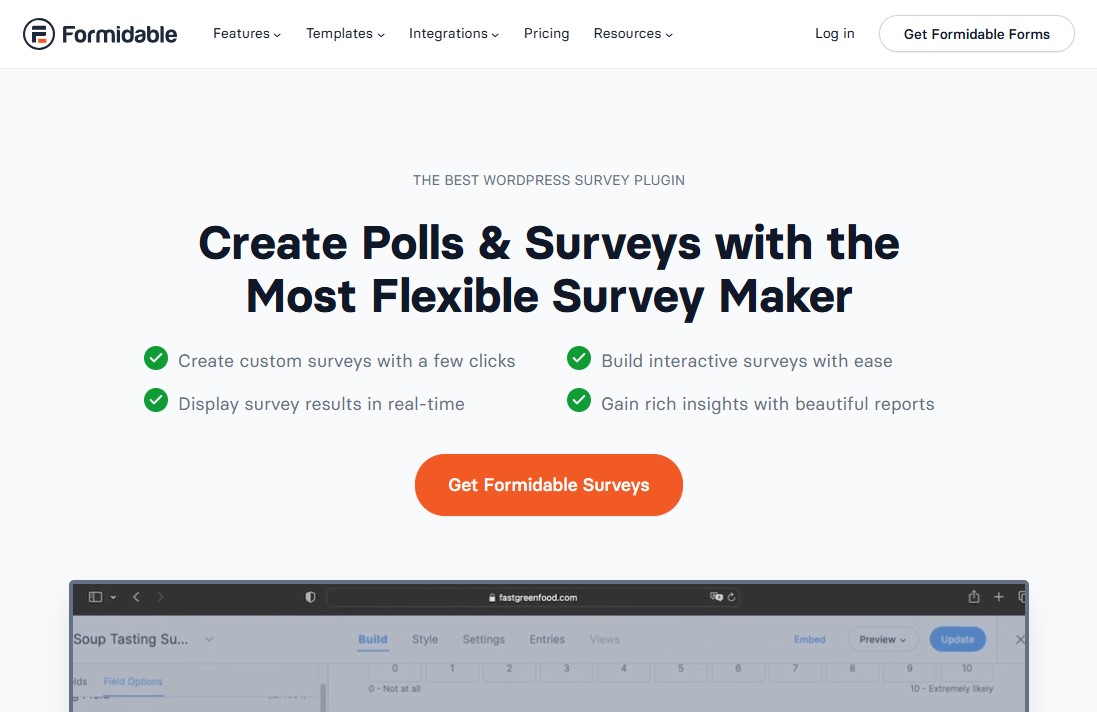
Formidable Forms is the most advanced WordPress form builder on the market. While other plugins handle basic surveys just fine, this one really shines when you need something more advanced and data-focused.
If your survey includes things like calculators, quizzes, or directory-style results, Formidable Forms is a great choice. It’s built to handle those kinds of tasks with ease.
You also get all the common field types you’d expect. This includes Likert scales, NPS ratings, star ratings, multiple-choice questions, and more. So, setting up a survey feels familiar and straightforward.
One feature that really stands out is called “Views.” It lets you display the data people submit through your forms directly on your website.
Once you’ve collected your data, you can turn it into clean, customizable reports. You can also display it as graphs or charts, making it easier to understand and share.
Key Features:
- Drag-and-drop builder to create online surveys with ease
- Pre-built survey templates for common use cases
- Multiple question types, including scales, ratings, and matrices
- Powerful analytics and data export capabilities
- Conditional logic for personalized survey paths
- Automatically open and close surveys on a pre-defined schedule
- Email notifications and integrations
Pricing:
A free version is available for creating simple forms. However, to create surveys, you need to upgrade to the Pro plan, which costs $199.50/year.
Get Started With Formidable Forms
5. Survey Maker
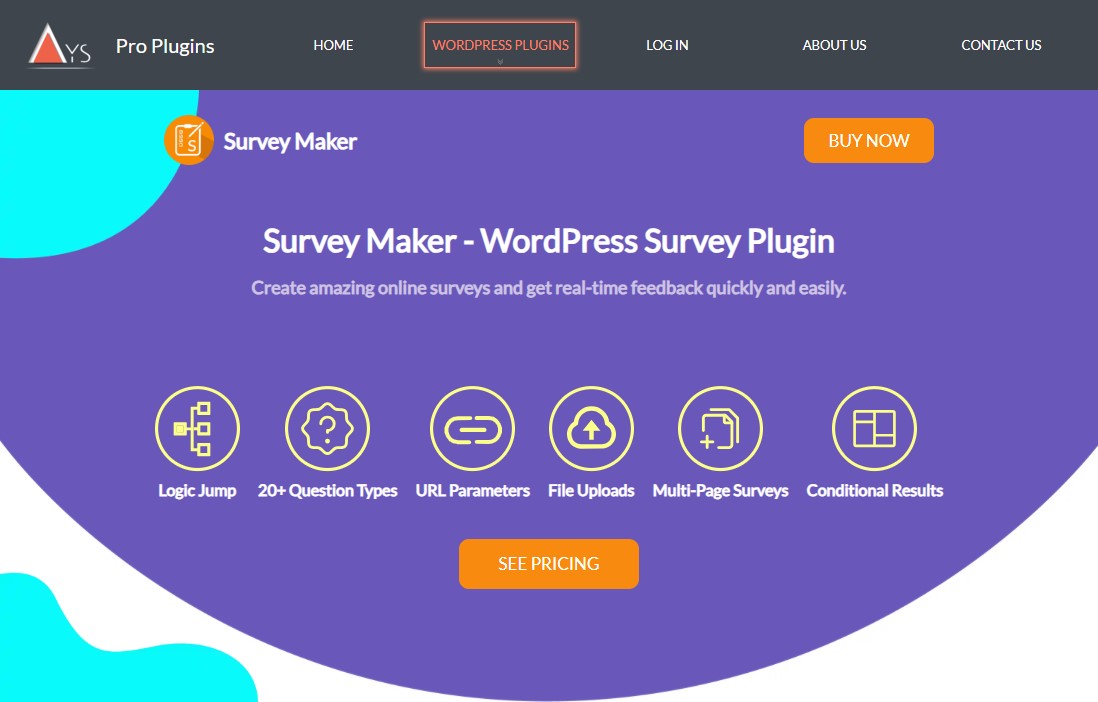
Survey Maker is a solid WordPress plugin, especially if you’re just getting started and want to build surveys that actually look good and keep people engaged. It focuses on data, enabling you to collect useful, reliable responses.
With the free version, you can create as many surveys as you like. There’s no limit on sections or questions either. You can add images and tweak the design to make your survey more visually appealing.
You also get some handy control features. For example, you can restrict access by IP address or user ID, or make the survey available only to logged-in users. After someone submits a response, you can send them to a custom URL to make the experience feel more personal.
If you upgrade to the paid version, you get more advanced options. This includes extra question types, integrations with email marketing services, and password protection. You can also display results in charts, limit how many times a user can respond, and control access based on user roles.
That said, the free WordPress survey plugin is a great place to start. It already includes all the survey tools you need to collect feedback and other types of data. And if you decide to upgrade later, it’s pretty straightforward since the license is a one-time purchase.
Key Features:
- Multi-page surveys with unlimited sections
- 20+ question types including radio, checkbox, dropdown, and more
- Create as many surveys and questions as you want
- Real-time data reporting with charts and statistics
- Export and import survey from one site to another
- Offers pre-written question templates for different industries
- Easily integrate your surveys with Email Marketing, CRM, Google Sheets, etc
Pricing:
Free version available for creating unlimited surveys. The Paid plan starts at $45 for a one-time payment.
6. UserFeedback

UserFeedback is a powerful feedback plugin for WordPress built by the team behind MonsterInsights. It helps you understand what your visitors actually think about your website. With it, you can add a simple popup survey to any page and collect useful feedback. This makes it easier to make smart, data-backed decisions for your business.
Getting started is quick and straightforward. The plugin includes an easy setup wizard that guides you through everything. You can also design your survey the way you want. Add star ratings, radio buttons, number scales, email fields, and more to fit your needs.
You’re not stuck with a fixed design either. You can fully customize the form’s appearance to match your site’s style. On top of that, it connects with Google Analytics. This gives you deeper insights into who is filling out your surveys.
Key Features:
- Simple setup wizard and templates to start collecting feedback in minutes
- Ask unlimited questions and receive unlimited responses
- Target surveys by device, page level, and user behavior, like exit intent
- Add your own logo, fonts, and icons to match your style
- Integrates with Google Analytics and MonsterInsights
- Automate workflows by connecting UserFeedback to your favorite tools
- Embed anywhere with shortcodes
Pricing:
Free version available. The Pro version starts at $49.50/year for one site usage.
7. Gravity Forms

Next up on the list of top WordPress survey plugins is Gravity Forms. It’s been around for years and has built a solid reputation as a reliable contact form plugin. With the survey addons, you can also use it to create online surveys.
The plugin is easy to work with. Its form builder lets you put together a survey without much effort.
With the survey addon, you can quickly create a form and include useful fields that make it more engaging. For example, you can add a Likert scale to make answering questions faster and more enjoyable. There’s also a ranking field that lets users sort items by their preferences.
On top of that, Gravity Forms supports ratings and radio buttons. These features help your survey look more polished and professional.
That said, there is one drawback. You can only view survey results inside the WordPress dashboard. There are no built-in charts or graphs. To analyze your data visually, you’ll need to export it as a CSV file. After that, you can use a WordPress table plugin or tools like Excel or Google Sheets to create charts.
Key Features:
- Quickly build and design WordPress surveys with the visual editor
- Conditional logic to show or hide survey form fields based on the input
- Ask for file uploads in your surveys
- email notifications when a survey response is registered
- Spam tools are available, such as Google reCaptcha and built-in security
- Export survey results in CSV format for deeper analysis outside of WordPress
- Control how many times a user can take a survey
Pricing:
No free version. To use the survey, you must purchase the Elite license, which costs $259 per year.
Get Started With Gravity Forms
8. RafflePress

RafflePress isn’t just a top giveaway plugin for WordPress. It can also help you create online surveys that actually grow your audience while running online contests.
When you combine surveys or polls with a chance to win something, people are far more likely to join in. If your past surveys didn’t get much response, it might be time to try something different—RafflePress could be that change.
With this tool, you can learn more about your users and increase your website traffic at the same time. It can also help you gain more followers on social media.
The plugin comes with an easy drag-and-drop builder, so setting things up feels simple. It also offers ready-made templates for different needs. If you want more control, you can use custom CSS to tweak the design.
RafflePress also supports social logins and includes fraud detection. This helps keep your responses genuine and useful. On top of that, it integrates with popular email marketing services like ActiveCampaign, MailerLite, GetResponse, etc., making it easier to collect leads while gathering feedback.
In this way, RafflePress works well as a survey tool that also helps you grow your email list.
Key Features:
- Offer various templates for different types of giveaways
- Integration to social media platforms to grow your following
- Run your survey automatically on a set schedule
- Embed your survey as a WordPress block, shortcode, or on its own landing page
- Built-in giveaway landing page to encourage more submissions
- Connect with 15+ email marketing platforms and CRMs
Pricing:
RafflePress is a premium plugin that costs $299 for a one-time payment with a single-site license.
9. Crowdsignal
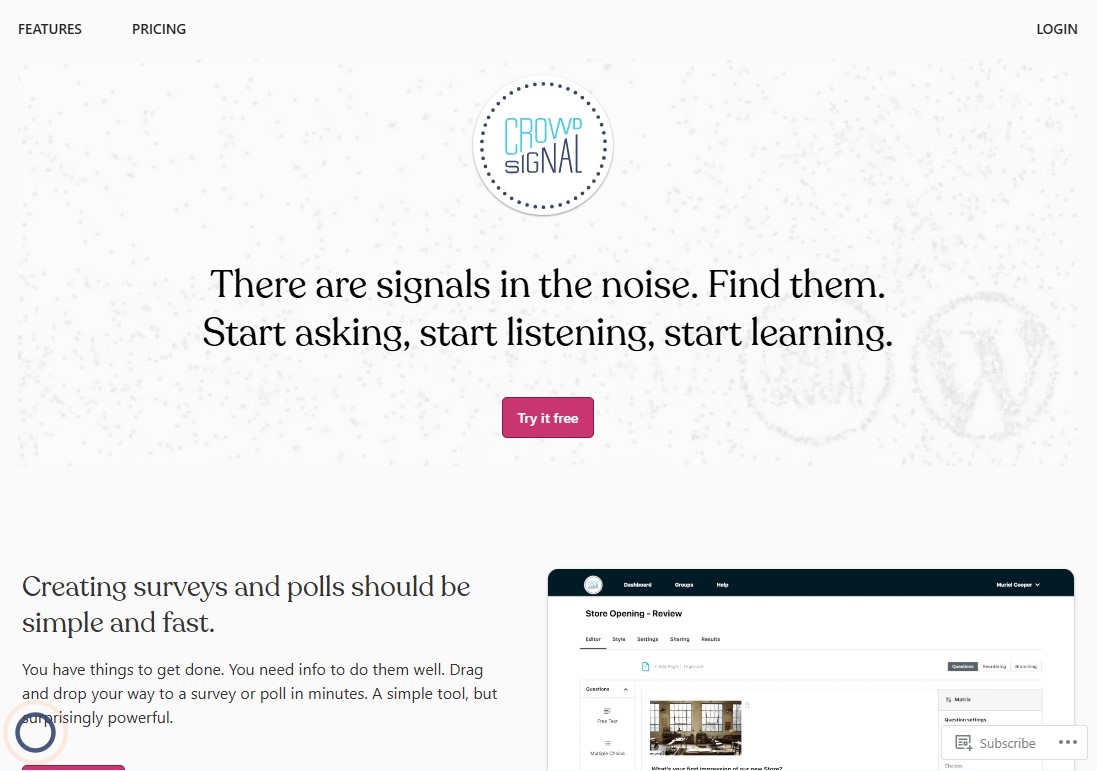
Crowdsignal is a WordPress plugin that helps you create survey forms in just a few minutes. It comes with a range of ready-made templates, so you can get started without much effort.
Once your form is set up, you can tweak its design to match your style. You can adjust the layout, colors, and overall look to make it more appealing. There are also over 50 customizable themes available, making it easy to align the form with your brand.
With Crowdsignal, you can go beyond basic surveys. It lets you add polls, quizzes, and even personality tests. You can also include features like smiley ratings, Net Promoter Score (NPS), and matrix-style questions to make your forms more interactive and engaging.
That said, there’s one downside. The free version adds a Crowdsignal logo to your forms. If you want a clean, logo-free design, you’ll need to upgrade to the premium version.
Key Features:
- Create surveys, polls, quizzes, and forms with ease
- Supports multiple question types, including multiple choice, free type, and Likert scales
- Add custom styles to match your brand
- Use your own URL to share your survey or quiz
- Export and share your data, anytime, any format
- Limit double-voting and spam
- Share your questions with a link, or embed them into your website via forms or interactive popups
Pricing:
Free plan available with the Crowdsignal logo on your form. To remove the logo, the paid plan starts at $15/month (billed annually).
10. Quiz, Poll & Survey Maker by Opinion Stage
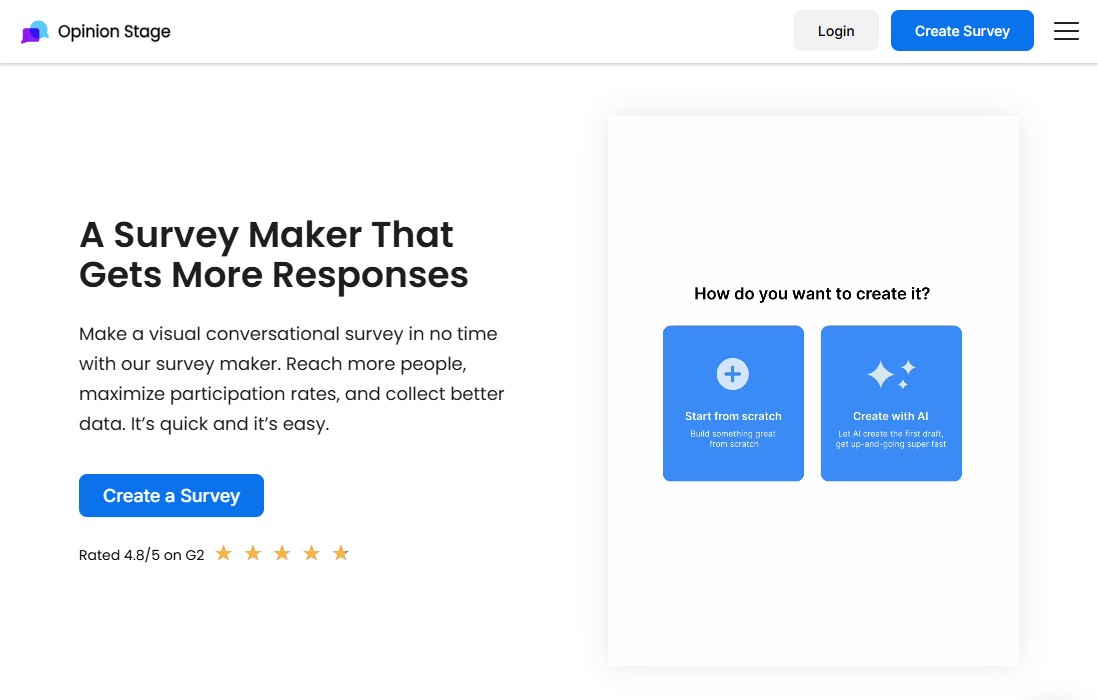
If you’re looking for a flexible way to customize and improve your surveys for better engagement, Opinion Stage’s survey maker is a solid choice for WordPress.
This all-in-one form builder comes with a variety of free, ready-made templates. You can use them to quickly create surveys, polls, or quizzes without starting from scratch.
It doesn’t include a drag-and-drop editor, which might be a drawback for some. Still, you can tweak your form’s colors, fonts, and size using the Gutenberg editor or by adding custom CSS. You can also add images and videos to make your surveys more engaging and interactive.
The free survey plugin for WordPress lets you build surveys with conditional logic, so questions can change based on user responses. You can also show results in real time using pie or bar charts. If needed, you can export the data as an XLS or CSV file for further analysis.
Key Features:
- Create surveys with AI in a few clicks
- Hundreds of ready-made quiz, poll, and survey templates
- Use built-in lead forms to capture valuable customer data
- Personalize quizzes and surveys based on user responses
- Choose from multiple poll types like list, image, thumbnail, and head-to-head formats
- Integrates with multiple third-party tools
- Easily share your content across social media platforms to reach a wider audience
Pricing:
Free plan available with paid plan starting at $25/month (billed annually).
Get Started With Opinion Stage
Tips for Getting More Responses From Your WordPress Surveys
Choosing the right plugin is only half the battle. How you design and deploy your surveys has a huge impact on response rates.
Here are some field-tested strategies:
- Keep It Short and Focused: Aim for 5–10 questions. If it’s too long, people won’t finish it. Respect your respondents’ time.
- Use Clear, Unbiased Questions: Avoid leading questions. Simple, unbiased language gets the best results.
- Mix Question Types: Use rating scales, multiple-choice options, and a few open-ended questions. This gives you both solid data and deeper insights.
- Make It Anonymous When Appropriate: Use anonymity to encourage honest feedback on tough topics.
- Optimize for Mobile: Many people will take your survey on their phones. So test it there first to ensure it actually works.
Final Thoughts: Choosing the Right Survey Plugin for Your WordPress Site
Gathering feedback from your audience is one of the smartest things you can do as a website owner. It moves you from assumptions to actual data — the kind that helps you make better decisions about your content, products, and user experience.
The best WordPress survey plugin for your site depends on what you’re trying to accomplish.
If you want an all-in-one tool for quizzes, surveys, and interactive content, Quiz and Survey Master is a strong starting point with a generous free version.
If simplicity and design are priorities, WPForms or UserFeedback will serve you well. And if your surveys involve complex logic and data workflows, Formidable Forms or Gravity Forms offer the power to match.
No matter which tool you choose, the most important step is to start asking. Your audience has opinions — give them an easy, well-designed way to share them, and you’ll be surprised how much you learn.
Ready to start collecting better feedback? Install one of these top-rated survey plugins today and turn your visitors’ opinions into your competitive advantage.
For more, check out these other helpful resources:
- 7 Best Review Plugins for WordPress (Free & Premium)
- 7 Best Google Analytics Plugins for WordPress (2026)
Lastly, follow us on Facebook and X (formerly Twitter) to stay updated on the latest WordPress and blogging-related articles.
Frequently Asked Questions
Can I create a survey in WordPress for free?Yes, several plugins offer free versions. Quiz and Survey Master (QSM) and Survey Maker provide robust free features, including unlimited questions and basic reporting, suitable for most small-scale feedback needs.
Yes, several plugins offer free versions. Quiz and Survey Master (QSM) and Survey Maker provide robust free features, including unlimited questions and basic reporting, suitable for most small-scale feedback needs.
What is the best plugin for NPS surveys on WordPress?WPForms and Gravity Forms (with the Survey Add-on) are excellent for Net Promoter Score (NPS) surveys. They include dedicated NPS fields that automatically calculate and categorize your customer loyalty scores.
WPForms and Gravity Forms (with the Survey Add-on) are excellent for Net Promoter Score (NPS) surveys. They include dedicated NPS fields that automatically calculate and categorize your customer loyalty scores.
What is the difference between a poll and a survey plugin?Polls typically ask a single question for quick feedback, while surveys contain multiple questions for deeper insights. Most plugins offer dedicated tools for both formats.
Polls typically ask a single question for quick feedback, while surveys contain multiple questions for deeper insights. Most plugins offer dedicated tools for both formats.
How do I add a survey to my WordPress post?Most survey plugins provide a Gutenberg block or a shortcode. Simply insert the block in your editor or paste the shortcode where you want the survey to appear.
Most survey plugins provide a Gutenberg block or a shortcode. Simply insert the block in your editor or paste the shortcode where you want the survey to appear.
Do survey plugins slow down my site?Well-coded survey plugins are designed to be efficient and shouldn’t significantly slow down your site. However, very complex surveys with many images, videos, or advanced logic, especially if they’re loaded on every page, could have an impact.
Well-coded survey plugins are designed to be efficient and shouldn’t significantly slow down your site. However, very complex surveys with many images, videos, or advanced logic, especially if they’re loaded on every page, could have an impact.
Can I embed external surveys in WordPress?Yes, most external survey tools like SurveyMonkey and Google Forms provide embed codes that you can paste into a WordPress page or post. You can use the Custom HTML block in the WordPress editor to add the embed code.
Yes, most external survey tools like SurveyMonkey and Google Forms provide embed codes that you can paste into a WordPress page or post. You can use the Custom HTML block in the WordPress editor to add the embed code.
Are WordPress survey plugins GDPR compliant?Most reputable survey plugins include General Data Protection Regulation (GDPR) compliance features, but you’ll need to configure them properly.
With that said, it’s important to look for plugins that include consent checkboxes, data export options, and the ability to delete user data upon request.
Most reputable survey plugins include General Data Protection Regulation (GDPR) compliance features, but you’ll need to configure them properly.
With that said, it’s important to look for plugins that include consent checkboxes, data export options, and the ability to delete user data upon request.
