16 March 2026

10 Best WordPress Slider Plugins (2026 Expert Picks)
Searching for the best WordPress slider plugins? If so, you’re in the right place.
As we know, WordPress sliders are one of the most effective ways to showcase featured content, products, portfolios, and promotions on a website. When implemented correctly, sliders can enhance visual storytelling, improve engagement, and guide visitors toward important sections of your site.
However, not all sliders are created equal. Some plugins can slow down your website, negatively affecting SEO and user experience. That’s why choosing the best slider plugin for WordPress is essential.
In this article, we’ll explore the best WordPress slider plugins by looking at their key features, price, and more, so you can choose the right one for your site.
Are you ready? Let’s dive in!
What Is a WordPress Slider Plugin?
A WordPress slider plugin allows you to create a rotating slideshow of images, videos, or content on your website. These sliders are commonly used on homepages, landing pages, and product pages to highlight important information.
A typical WordPress slider can include:
- Images or videos
- Text overlays
- Buttons and calls-to-action
- Animation effects
- Automatic transitions
Sliders are often displayed as full-width banners or hero sections, helping websites create a visually appealing first impression.
Common use cases include:
- eCommerce product highlights
- portfolio showcases
- blog featured posts
- promotional campaigns
Why Use a WordPress Slider Plugin?
Many website owners use sliders because they help present content in a dynamic and visually engaging way.
Here are the main benefits of using a slider on your WordPress site:
- Save Space: Sliders consolidate content into a single area and save space on the webpage. They are handy for showing multiple pieces of content or images.
- Improve Website Engagement: Well-designed sliders with animations and interactive elements capture user attention and encourage visitors to explore your site further.
- Enhance Visual Storytelling: Photographers, designers, and agencies frequently use sliders to display portfolios or case studies in an attractive format.
- Showcase Products: Sliders are useful on a WooCommerce store to showcase products, promotions, or the latest arrivals.
Key Features to Look for in a WordPress Slider Plugin
Before choosing a plugin, it’s important to understand which features matter most.
The best WordPress slider plugin provides a perfect blend of the following features:
- User-Friendly Interface: Look for a slider plugin with an easy-to-use interface, allowing you to create sliders effortlessly through features like drag-and-drop functionality.
- Responsiveness: Choose a plugin that looks good on any screen. A responsive slider plugin should adjust smoothly across phones, tablets, and desktops.
- Customizability: Choose one that lets you tweak things as needed. If it doesn’t have the options you need, it’s not the right fit. For example, a good plugin may include transition effects, specific font selections, custom animation, slider templates, etc.
- Performance: The plugin should be lightweight and quick. It doesn’t affect your website negatively. A fast-loading slider helps keep pages speedy and search-engine friendly.
- Support for Different Media Formats: If you plan to design a testimonial slider or a video slider, then the plugin should ideally support other media formats in addition to images.
Ultimately, the best slider plugin for a WordPress website depends on your website’s needs, technical proficiency, and how much you’re willing to spend.
For this reason, it’s recommended to test the plugins of interest to determine if they are the ideal match. Thankfully, all the plugins on this list offer free versions, allowing testing at no additional cost.
10 Best WordPress Slider Plugins
Below are the best WordPress slider plugins, covering both free and premium options.
1. Soliloquy
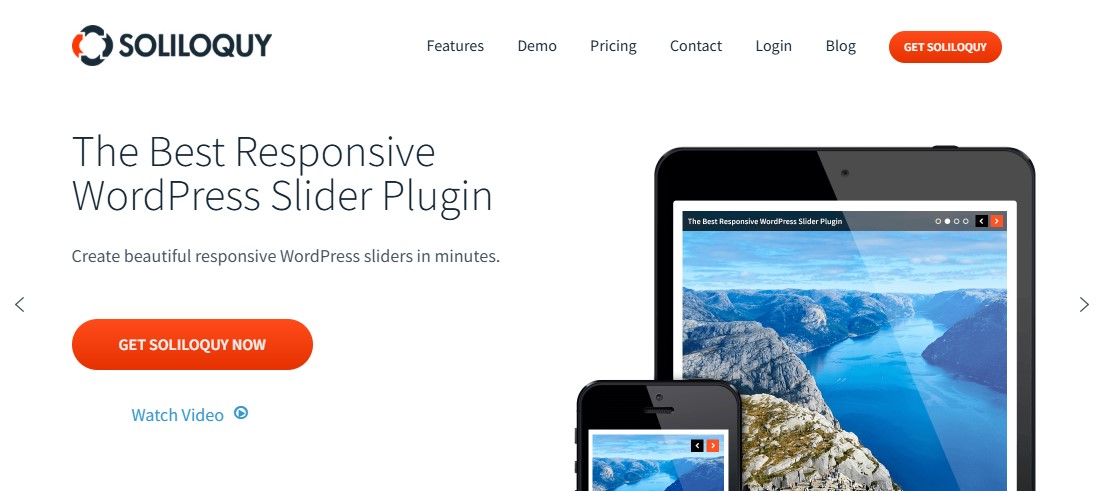
Soliloquy is a powerful WordPress slider plugin designed for speed and simplicity. It helps you create beautiful and responsive sliders without writing any code.
The plugin has a clean drag-and-drop builder. This makes it easy for beginners and professionals to build sliders in minutes.
Soliloquy is also optimized for performance. It loads sliders quickly and does not slow down your website. Faster loading speeds improve user experience and support better SEO rankings. Plus, the plugin is fully responsive. Your sliders will look great on desktops, tablets, and mobile devices.
Another advantage of the Soliloquy Slider Plugin is its flexibility. It supports images, videos, featured content, and even WooCommerce product sliders. This allows you to showcase your products, highlight blog posts, or create engaging homepage banners.
The plugin includes many useful features. These include lightbox support, slider scheduling, watermark protection, and carousel layouts. It also integrates smoothly with popular WordPress themes and page builders.
Soliloquy is also built with SEO best practices in mind. It uses clean code and optimized scripts. This helps search engines crawl your content easily. In addition, the plugin follows WordPress coding standards. That means it stays stable, secure, and reliable.
If you want a fast and easy way to add sliders to your WordPress site, Soliloquy is a great choice.
Key Features:
- Easily create image or video sliders with a simple drag-and-drop interface
- Create sliders from blog posts, testimonials, Instagram images, or other dynamic sources
- Display images or videos in fullscreen lightbox mode or as responsive carousel sliders
- Mobile-friendly sliders out of the box
- Schedule slides for specific dates and protect images by disabling right-click downloads
- Use ready-made templates to design attractive sliders quickly
- Showcase products in interactive sliders for your WooCommerce store
Price:
Free version available. The pro version starts at $19.50/year to create unlimited sliders on one website.
2. Slider Revolution
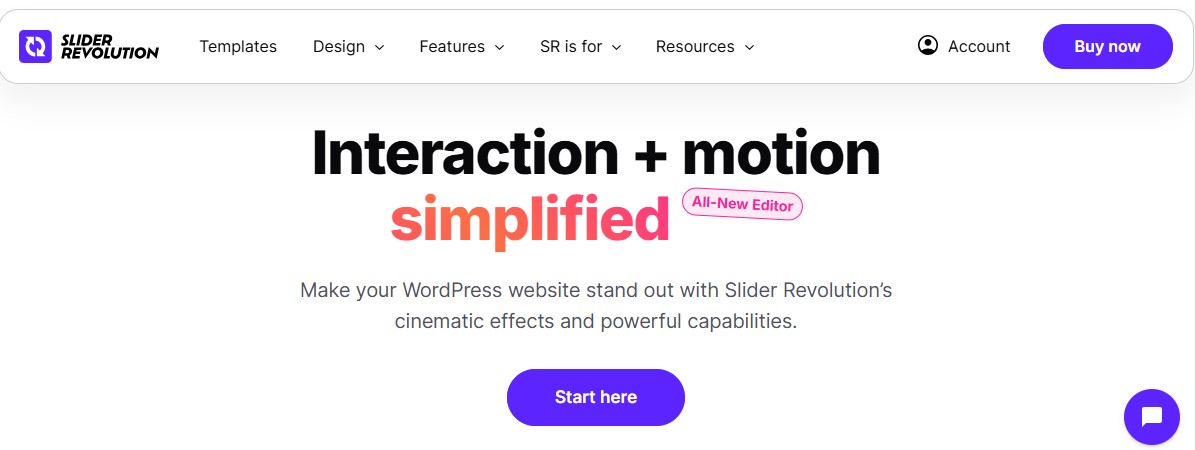
Slider Revolution is one of the best-selling and most powerful slider plugins for WordPress. Over the years, it has grown into much more than a basic image slider. Today, it works as a visual design tool that lets you build hero sections, carousels, web pages, and dynamic website elements. You can also add smooth animations and eye-catching effects that make your content stand out.
One thing we like about Slider Revolution is the huge range of design options. The plugin comes with hundreds of ready-to-use templates. You can import a template and customize it in minutes. Add images, videos, icons, or animated text with just a few clicks. This makes it easy to build professional-looking interactive sliders.
Another strong feature is its layer-based editor. Each element sits on its own layer. You can move, resize, or animate it exactly where you want. This gives you full control over the layout. It also makes it easier to create complex designs without touching any code.
If your goal is to boost engagement, Slider Revolution gives you plenty of tools. You can add transitions, hover effects, and dynamic content. These small touches can make a big difference. Pages feel more alive, and visitors often spend more time exploring your site.
However, it isn’t as user-friendly as the other WordPress plugins on this list. For example, it looks different from the WordPress interface, making it harder for users to find. It also doesn’t offer the same quick “add slider” buttons that some simpler plugins provide.
That said, you can still make beautiful, responsive sliders with this top-selling plugin.
Key Features:
- 200+ templates and 20+ powerful add-ons for extended design capabilities
- Build sliders, hero sections, and even full pages using a visual editor
- Supports image, video (HTML5, YouTube, Vimeo), text, and dynamic content
- Dynamic content from posts, WooCommerce, or custom data sources
- Mobile responsive with lazy loading and performance controls
- Keyframe animation support for fine-tuned effects
Price:
Slider Revolution is a premium plugin that starts at $39/year for a single-site license.
Get Started With Slider Revolution
3. Smart Slider

Smart Slider is one of the most widely used slider plugins for WordPress, and it’s easy to see why. It’s simple to use, yet powerful enough for more advanced projects.
The free version already offers a strong starting point. You get a collection of ready-to-import templates that you can use right away. These range from basic image sliders to niche layouts and even video sliders.
The editor is clean and intuitive. You can drag and drop elements exactly where you want them. There is no need to write code. Rearranging layers, images, and text takes only a few clicks.
The plugin also gives you plenty of control over the design. You can adjust slider size, animations, navigation controls, and responsive breakpoints. This makes it easy to create sliders that match your website’s style.
If you want more design freedom, you can add custom CSS classes. This is helpful for developers or designers who want deeper styling options.
Adding your slider to a page is also very simple. You can embed it using shortcodes or PHP code. The plugin also works smoothly with the WordPress block editor. It integrates well with popular page builders like WPBakery and Visual Composer, which makes the workflow even easier.
Another strong feature is its built-in performance optimization. You can control how the slider loads and adjust animation autoplay settings. These options help improve page speed and overall performance.
That said, the free version works best for basic sliders. If you want advanced layers, animations, and dynamic content, the Pro version is worth considering.
All in all, it’s an excellent all-around choice for beginners, small businesses, and professionals alike who want to create stunning sliders for WordPress websites.
Key Features:
- 200+ slider templates to speed up the design process
- Layer-based slide editing with support for text, images, buttons, and videos
- Supports dynamic sliders from posts or external sources
- Advanced parallax effects to make your sliders more eye-catching
- Image optimization for lighting-fast loading times.
- Page builder compatibility (Elementor, Divi, Brizy, etc)
- Support 12 languages and compatibility with RTL languages
Price:
Free plan available. The pro version starts at $49/year for a single site license.
4. Master Slider
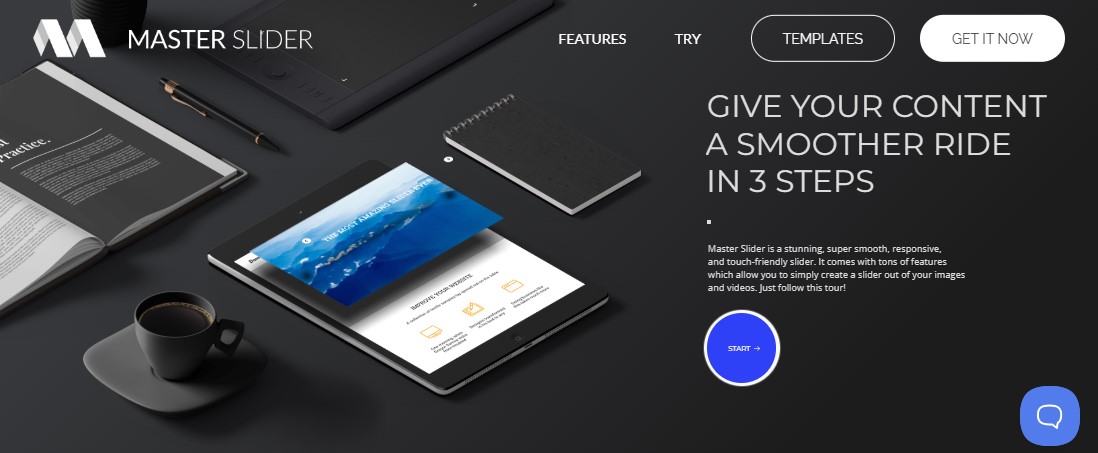
Master Slider is a fully responsive slider plugin that works beautifully on any screen. It supports both images and videos so that you can create engaging sliders without extra tools.
Known for its smooth transitions and touch-swipe navigation, it’s a go-to choice for users building dynamic hero sections, carousels, product showcases, or testimonial sliders.
The free version already offers plenty of flexibility. You can create unlimited slides and arrange them however you like. It also lets you choose different slider controls, such as arrows, tabs, or bullet navigation. This makes it easy to match the slider with your website design.
Another nice touch is the built-in caching and smart preloading. These features help the slider load faster and maintain a smooth browsing experience.
If you upgrade to the Pro version, you unlock even more creative options. You can build full-width or full-screen sliders that look great on modern websites. It also includes ready-made slider templates, which save time during setup.
Other features include tooltips and support for video backgrounds inside slides. A video background can instantly grab attention. It’s a simple way to make a strong first impression when visitors land on your page.
Overall, Master Slider strikes a great balance between ease of use and powerful design options.
Key Features:
- Smooth swipe navigation optimized for touch devices
- Drag-and-drop slider builder with timeline view
- 90+ premade slider templates to help you quickly get up and running
- 6 different interactive slide transitions
- WooCommerce integration to create product sliders
- Speed optimization features like caching and preloading
- Shortcodes and widget support for flexible placement
Price:
Free version available. The pro version costs $39/year.
Get Started With Master Slider
5. Envira Gallery

Envira Gallery is a well-known WordPress image gallery plugin that also includes powerful slider features.
You can show your images in several layouts. For example, you can use a clean grid, a smooth slideshow, or a modern carousel. You can also organize multiple galleries into albums, which makes it easier for visitors to browse your photos.
One thing we like about Envira Gallery is its drag-and-drop builder. It’s simple and intuitive, even if you’ve never built a gallery before. Just upload your images, arrange them the way you want, and publish.
The plugin also improves how your images appear. You can add captions, enable social sharing buttons, and include easy navigation so visitors can move through the gallery without any confusion.
But that’s not all! Envira also includes several advanced features that help protect and optimize your images. For example, you can disable right-clicking to stop people from downloading your photos. You can also add watermarks to protect your work.
These small features make a big difference for photographers, designers, and content creators who want to keep control of their images.
If you need extra functionality, Envira offers a wide range of add-ons. You can create video galleries, enable deeper social sharing, and even connect your galleries with WooCommerce to sell digital products or images. This makes the plugin useful for both personal blogs and business websites.
Overall, Envira Gallery is a solid choice if you want to create image, photo, or video sliders on WordPress.
Key Features:
- Simple Slideshow add-on transforms the lightbox gallery into an image slider
- Mobile-friendly settings for optimal smartphone viewing
- Lazy loading option to prevent webpage slowdown
- Built-in WordPress templates and layouts
- Right-click protection prevents unauthorized image saving
Price:
Free plugin available. However, you need to purchase a plan to use the Slideshow Add-on.
Get Started With Envira Gallery
6. MetaSlider
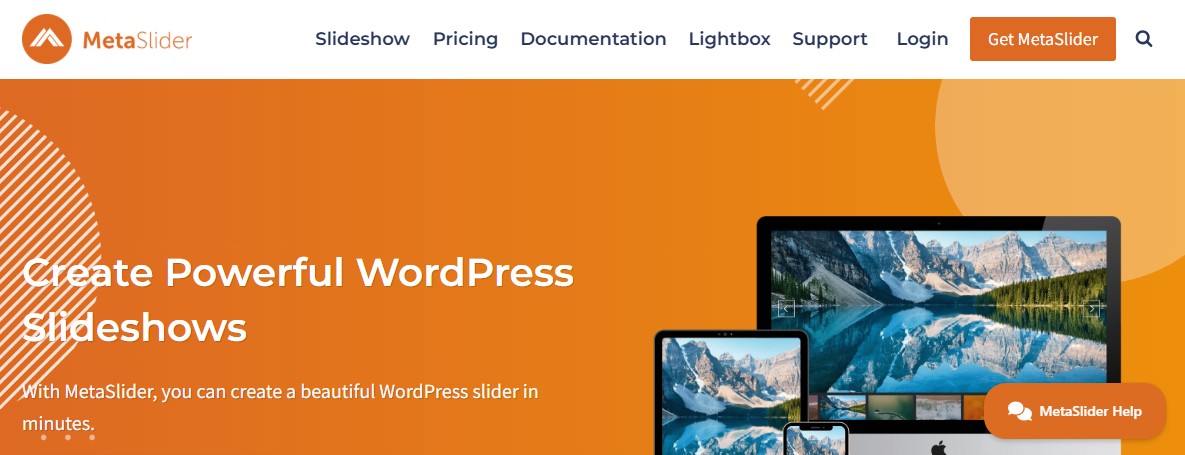
MetaSlider is a reliable free WordPress slider plugin with a pro option created by the same team behind the popular UpdraftPlus plugin. That alone gives it a strong reputation in the WordPress community. It is also trusted by well-known organizations such as Vimeo and NASA. They use it to build fast, fully responsive sliders for their websites.
The free version works well for simple image sliders. It is easy to use and does not require any coding skills. The drag-and-drop builder lets you create slideshows or carousels in just a few clicks. You can add images directly from your WordPress media library.
You can also pull photos from Unsplash, which offers a large collection of free stock images.
One feature many users appreciate is the live preview. It shows exactly how your slider will look before you publish it. This saves time and helps you make quick adjustments.
That said, the real strength of MetaSlider appears in the Pro version. MetaSlider Pro allows you to add more than just images. You can create slides with videos, blog posts, WooCommerce products, and even custom HTML. This gives you much more flexibility when designing your sliders.
MetaSlider also includes helpful mobile display options. You can hide certain slides or show different ones on smaller screens. This means you can design sliders that look great on both desktop and mobile devices. It is a simple feature, but it makes a big difference for user experience.
Key Features:
- Easy-to-use slider builder for creating stunning slideshows
- Dynamic slides, including WooCommerce integration to create product sliders
- Lightbox support with the free MetaSlider Lightbox add-on
- Image cropping functionality to smartly edit and resize images on your slides
- Ability to select from flex slider, responsive slides, coin, and Nivo slider
- WordPress multisite compatible
- Work seamlessly with the Gutenberg WordPress block editor
Price:
Free plugin available. The premium plans start from $39.50 per year for a one-site license.
7. LayerSlider

LayerSlider is a powerful, easy-to-use WordPress plugin that lets you create stunning sliders, animations, and interactive web content. It is widely used by designers, developers, and website owners who want to add modern visual elements without complex coding.
With its drag-and-drop editor, you can design beautiful sliders, image galleries, and animated sections in just a few minutes.
One of the biggest advantages of LayerSlider is its visual editor. The interface is clean and beginner-friendly. You can simply drag elements like images, text, buttons, and videos onto the canvas. Then you can adjust their size, position, and animation with simple controls. This makes the design process fast and enjoyable.
Furthermore, it offers a large collection of pre-designed templates. These templates help you start quickly. You can import a design and customize it to match your brand. This saves time and ensures professional results.
It also has a popup feature to help boost conversions. With it, you can easily create popups that can be triggered by different actions such as scroll, exit intent, or click.
Key Features:
- Visual drag-and-drop editor with a timeline view for precise control
- A powerful animation engine, including more than 200 pre-defined slide transitions
- Offer importable and professionally designed templates for various use cases
- Supports popups and full-page sliders
- Easy image editing via the Adobe Creative SDK
Price:
LayerSlider plan starts at $29/year for a single-site license.
8. Depicter
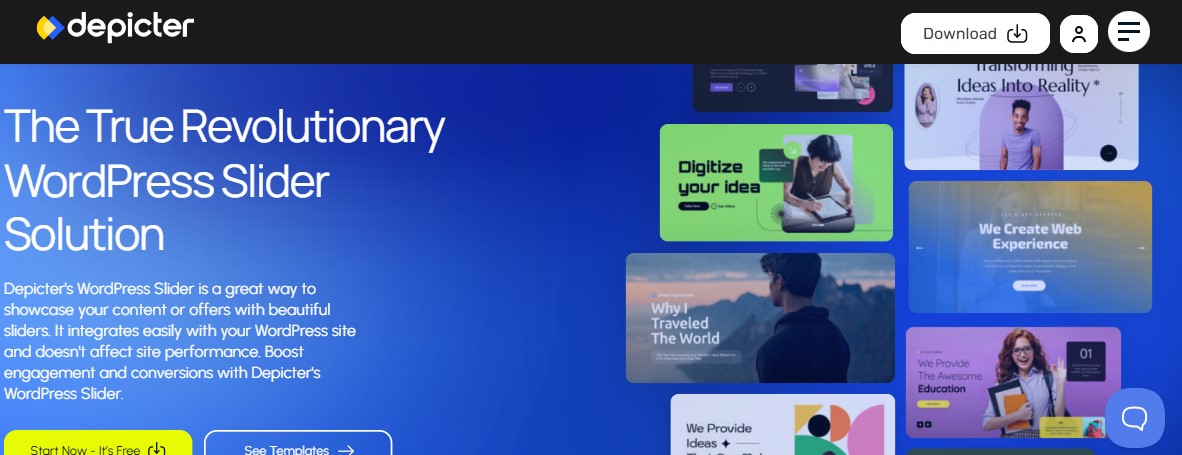
Depicter is a powerful WordPress slider builder that makes design simple. You can create sliders, hero sections, and carousels without writing a single line of code. The interface feels modern and easy to use. Even beginners can start building right away.
One of Depicter’s biggest strengths is its extensive template library. It comes with more than 300 ready-to-use templates. These templates help you create clean and professional designs in minutes.
Just pick a layout, customize the content, and publish. Your sliders will also look great on mobile, tablet, and desktop devices.
Depicter goes beyond basic sliders. It also lets you create popups, notification bars, and even surveys. These features help you grab your visitors’ attention and interact with them. You can highlight offers, collect feedback, or guide users to important pages.
If you want a flexible design tool inside WordPress, Depicter is a strong choice.
Key Features:
- AI wizard tool to easily generate slider layouts and content
- Easily create sliders with a user-friendly interface
- Access a wide variety of professionally designed, responsive slider templates
- Position, resize, and manage layers for images, text, and buttons
- Create popups, notification bars, and floating bars for lead generation
- Works with popular page builders like Elementor, Divi, Beaver Builder, and Oxygen
- WooCommerce integration for dynamic, interactive product sliders
Price:
Free plan available. The pro plan starts at $39/year for a single-site license.
9. Ultimate Responsive Image Slider
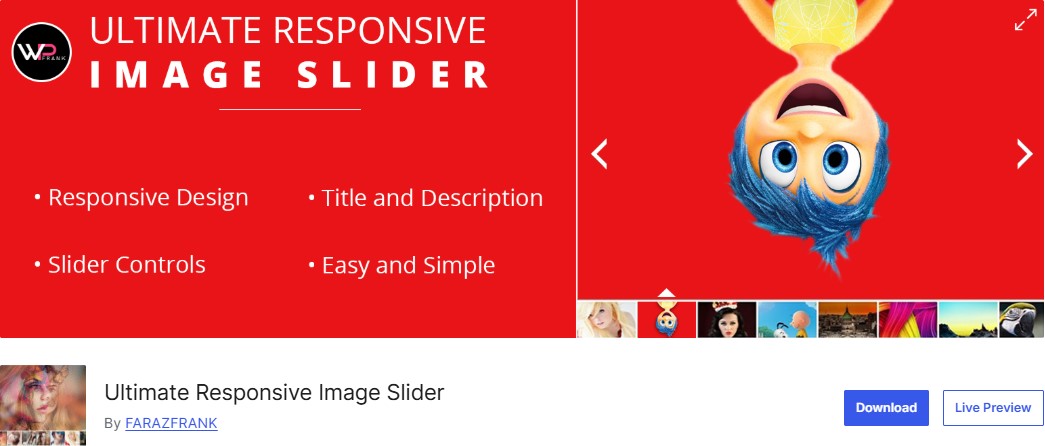
The name “Ultimate Responsive Image Slider” pretty much tells you what this plugin is about. It focuses purely on image sliders. That means you won’t be able to add videos or dynamic content. But when it comes to handling images, it does a very good job.
The interface is simple and easy to understand. You start by creating a new slider, then upload or select your images. After that, just drag them into the order you want. From there, you can add layers, apply effects, and publish the slider. The whole process is quick and straightforward.
You can also add unlimited images to a slider. Once it’s ready, you can insert it into blog posts or pages and customize the styling to match your website.
That said, the plugin is more basic compared to some others on this list. The number of animation effects and transitions is smaller. For a simple website, this might not be a problem. But if you want advanced animations or highly creative designs, you may find the options a little limited.
Key Features:
- Drag and drop builder to easily create an image slider
- Add as many images as you want to a single slider
- Touch-enabled swipe navigation for mobile devices
- Put multiple sliders on one page or post
- Optimize performance with lazy image loading
- Custom CSS support for advanced styling
Price:
Free version available. The pro version starts at $25/lifetime for a single-site website.
Get Started With Ultimate Responsive Image Slider
10. WP Slick Slider and Image Carousel
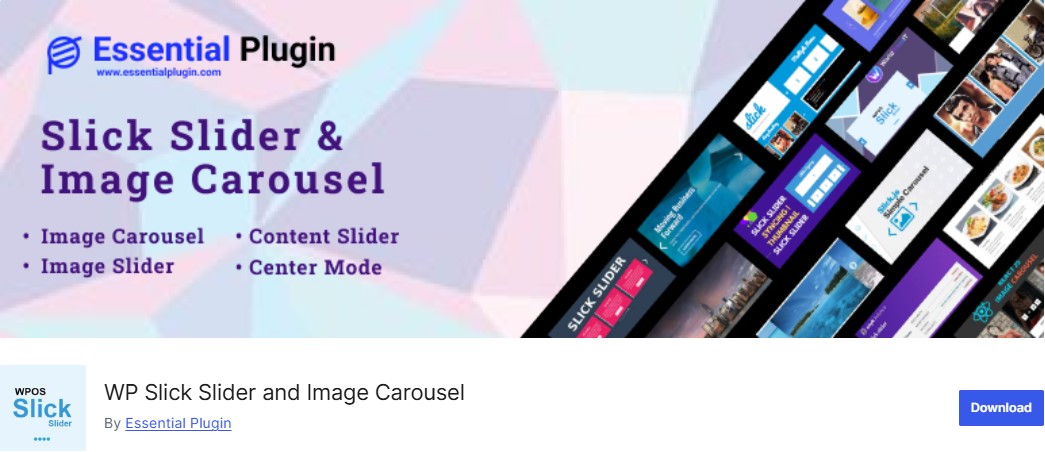
Last on our list of the best WordPress slider plugins is WP Slick Slider and Image Carousel. It’s a solid option if you want a flexible slider that’s easy to place anywhere on your site.
The plugin relies on shortcodes, which means you can insert sliders in posts, pages, or widget areas without much effort. That flexibility gives you plenty of control over how your layouts look.
The plugin comes in both free and premium versions. Even the free version lets you create clean image sliders and add them to your website quickly. The dashboard is simple and easy to navigate, so getting started doesn’t take long. Just create a new slide, upload your images or media, add your text layers, and publish.
If you upgrade to the premium version, you unlock more design options. These include ready-made slide templates, additional slider layouts, different pagination styles, and several extra customization features. It’s a good upgrade if you want more control over how your sliders look and behave.
Key Features:
- 90+ slider designs with many 5 slider layout options to showcase your content
- Customize the sliders exactly the way you want and with numerous design options
- Create multiple post sliders with different options at single page or post
- Designed to work seamlessly with any WordPress theme
- Seamless integration with popular page builders for a smooth web development experience
- Work with the Gutenberg shortcode block
Price:
Free version available. The pro version starts at $59/year for a single site or $199/lifetime for unlimited site usage.
Get Started With WP Slick Slider and Image Carousel
Do WordPress Sliders Affect Website Speed?
Yes, WordPress sliders can significantly affect website speed. They typically require additional code (CSS and JavaScript) and large image files, which increase the overall page size and the number of HTTP requests, resulting in slower load times.
To prevent slowdowns, you can implement the following strategies:
- Optimize Images: This is the most crucial step. Resize and compress images before uploading them to WordPress.
- Enable Lazy Loading: Lazy loading ensures images load only when they appear on the screen. Most of the best WordPress slider plugins include a lazy-loading option in their settings.
- Limit Number of Slides: Avoid using too many slides (e.g., more than 5 or 6) as this increases the amount of content that needs to load.
- Choose a Lightweight Slider Plugin: Some plugins are built with performance in mind and load fewer scripts.
- Minimize Animations and Effects: Complex animations and transitions add to JavaScript execution time. Use lighter, simpler effects for better performance.
Final Verdict: Which WordPress Slider Plugin Should You Choose?
So, which WordPress slider plugin should you actually choose?
It really depends on what you need. Let’s look at a few common situations.
If You Want a Free Slider Plugin
If your goal is to keep things free, two plugins stand out: Smart Slider 3 and MetaSlider.
Smart Slider 3 offers more flexibility. It comes with a visual drag-and-drop builder, which makes designing slides much easier. You can also add animations, layers, and different content elements without touching any code.
MetaSlider, on the other hand, keeps things simple. Its interface is cleaner and easier to learn. If you just want to create a basic slider quickly, MetaSlider gets the job done without much setup.
If You’re Considering a Premium Plugin
Once you move into premium plugins, the choice becomes a bit more interesting. Each plugin focuses on different strengths.
If you want something simple but powerful, take a look at Soliloquy. It’s lightweight, easy to use, and supports dynamic content sources. That makes it a great option for most websites.
If you prefer maximum control, then LayerSlider or Slider Revolution might be a better fit. Both plugins offer a wide range of customization options. You can fine-tune almost every detail of your slider, from animations to layouts.
Finally, there’s Smart Slider 3 Pro. It sits nicely between simplicity and power. You get advanced features, robust dynamic data support, and a visual editor that’s still easy to use.
We hope this article helps you find the best WordPress slider plugins for your needs.
For more, check out these other helpful resources:
Lastly, follow us on Facebook and X (formerly Twitter) to stay updated on the latest WordPress and blogging-related articles.
Frequently Asked Questions
Which slider plugin is best for beginners?MetaSlider and Smart Slider 3 are incredibly beginner-friendly. They both feature intuitive, visual interfaces that allow anyone to create professional slideshows without touching any code.
MetaSlider and Smart Slider 3 are incredibly beginner-friendly. They both feature intuitive, visual interfaces that allow anyone to create professional slideshows without touching any code.
Can I use slider plugins with WooCommerce?Absolutely. Most top-tier plugins integrate seamlessly with WooCommerce, allowing you to create dynamic product carousels that boost engagement and showcase your digital or physical inventory.
Absolutely. Most top-tier plugins integrate seamlessly with WooCommerce, allowing you to create dynamic product carousels that boost engagement and showcase your digital or physical inventory.
Can I create a WordPress slider for free?Yes, absolutely. Most of the plugins on our list offer excellent free versions. These are great for creating simple but beautiful image sliders without any cost.
Yes, absolutely. Most of the plugins on our list offer excellent free versions. These are great for creating simple but beautiful image sliders without any cost.
What types of sliders can I make with slider plugins?You can create various types of sliders, including image sliders, post sliders, and full-width sliders. Some plugins even allow for video sliders.
You can create various types of sliders, including image sliders, post sliders, and full-width sliders. Some plugins even allow for video sliders.
Do WordPress slider plugins slow down my website?Poorly coded sliders can slow down websites. To maintain fast loading times, always choose lightweight plugins, enable lazy loading, and compress your image files before uploading.
Poorly coded sliders can slow down websites. To maintain fast loading times, always choose lightweight plugins, enable lazy loading, and compress your image files before uploading.
Are free WordPress slider plugins good enough?Free plugins like MetaSlider and Smart Slider 3 provide exceptional value for basic needs. However, upgrading to premium versions unlocks advanced animations, dynamic content, and superior support.
Free plugins like MetaSlider and Smart Slider 3 provide exceptional value for basic needs. However, upgrading to premium versions unlocks advanced animations, dynamic content, and superior support.
Is it possible to use multiple sliders on one page?Most modern slider plugins permit you to embed multiple different sliders on a single page by simply inserting their unique shortcodes wherever you want them to appear.
Most modern slider plugins permit you to embed multiple different sliders on a single page by simply inserting their unique shortcodes wherever you want them to appear.
