6 April 2026

8 Best Web Hosting for Bloggers – Top Picks Compared
You probably already know that picking a web host is one of the very first decisions you’ll make as a blogger. But with dozens of providers all claiming to be the “best”, it’s easy to pick the wrong one and regret it later.
In this article, you’ll discover the best web hosting for bloggers, how to choose the right one, and which option fits your specific needs.
Ready? Let’s dive in!
What Is Web Hosting for Bloggers?
Web hosting is a service that stores website data and makes a blog accessible on the internet.
In simple terms, web hosting is where your blog “lives” online. Without hosting, your content, images, and pages wouldn’t be accessible to readers.
For example, when someone types your blog URL, the hosting server delivers your website files instantly. This process determines how fast your blog loads and how reliable it is.
Moreover, most bloggers use WordPress hosting, which simplifies setup through one-click installation and user-friendly dashboards.
Why Choosing the Right Web Hosting Matters for Bloggers
The right web hosting provider determines whether your blog thrives or struggles — it affects everything from Google rankings to how quickly readers leave your site.
This isn’t a technical decision to rush through. It has direct business consequences.
1) Impact on SEO and Page Speed
Website speed and uptime are critical ranking factors that directly impact SEO performance and user experience. Google has officially confirmed that page speed is a ranking signal, and its Core Web Vitals update made this more precise than ever.
A blog that loads in under 3 seconds will consistently outrank a competitor whose site takes 5 seconds — even if the content is identical.
According to Google’s own research, 53% of mobile users abandon a page that takes longer than 3 seconds to load. Your hosting provider directly controls how fast your server responds to those requests.
For more strategies on this, explore our guide on how to improve website speed — many of the gains start at the hosting level.
2) Impact on User Experience and Monetization
Poor uptime means lost readers and lost revenue. If your blog goes down during a traffic spike — say, after you’ve been featured on a major publication — you lose that opportunity permanently.
Most premium hosting providers offer a 99.9% uptime guarantee, which translates to less than 9 hours of downtime per year. Providers that can’t maintain this standard are not suitable for a blog you plan to monetize.
Here are some of the best site-down checker tools you can use to check whether your website is down.
3) Impact on User Experience and Monetization
Beginners often underestimate how quickly a blog can grow. A hosting plan that works perfectly with 500 monthly visitors will buckle under 50,000. The right blog hosting provider makes it easy to scale up without a complete migration.
Choosing poorly now can mean disruptive, expensive hosting changes later — exactly the kind of common blogging mistakes to avoid.
What Are the Different Types of Web Hosting for Bloggers?
Web hosting services for bloggers fall into three primary categories: shared hosting, VPS hosting, and managed WordPress hosting — each suited to different stages of blog growth and technical comfort levels.
1) Shared Hosting: Best for Beginners
Shared hosting is a cost-effective option where multiple websites share the same server resources. Your blog sits on a server alongside hundreds of other websites, and you split the server’s CPU, RAM, and bandwidth with them.
This makes shared hosting the most affordable option — plans typically start at $2–$5/month — but it also means your performance can be affected by other sites on the same server.
For new bloggers with low traffic, shared hosting is perfectly adequate. However, the trade-off is that you have limited control and less predictable performance during traffic spikes.
2) VPS Hosting: Best for Growing Blogs
VPS (Virtual Private Server) hosting gives bloggers a dedicated portion of a server’s resources on a shared physical machine. Unlike shared hosting, your resources are not shared with neighbors — you get a guaranteed amount of CPU and RAM.
This makes VPS significantly faster and more stable, though it also requires slightly more technical knowledge to manage.
VPS hosting typically costs between $15–$80/month, depending on the provider and resource allocation. It’s the right upgrade path when your blog starts receiving consistent traffic, or when you’re running resource-heavy plugins, membership systems, or WooCommerce stores.
3) Managed WordPress Hosting: Best for Performance-Focused Bloggers
Managed WordPress hosting provides optimized performance, security, and maintenance specifically for WordPress sites.
With managed hosting, the provider handles WordPress core updates, daily backups, security scanning, server-level caching, and performance optimization — all automatically. You focus entirely on content. The host handles the infrastructure.
Managed host typically costs between $25–$100+/month for entry-level plans. It’s the best option for bloggers who rely heavily on WordPress, run high-traffic blogs, or don’t want to deal with technical maintenance.
Features to Look For in the Best Blog Hosting Providers
Before diving into the list, here are the most important features to evaluate before committing to any plan.
1. Uptime Guarantee
Any reputable hosting provider should guarantee at least 99.9% uptime. Anything below this is a red flag.
Always check user reviews for real uptime data — don’t rely solely on the provider’s marketing claims.
2. Page Load Speed
Look for hosting that uses SSD storage (faster than traditional HDD), supports HTTP/2 or HTTP/3, and offers built-in caching or CDN integration.
In addition, server response time (TTFB — Time to First Byte) should ideally be under 200ms. You can test this for free using Google PageSpeed Insights or GTmetrix.
3. Ease of Use and WordPress Compatibility
For bloggers using WordPress, a one-click WordPress installation is a must-have. A clean, beginner-friendly control panel (like cPanel or hPanel) saves hours of frustration.
4. Customer Support
When something breaks on your blog, 24/7 live chat support is invaluable. Look for providers that offer live chat, ticketing, and, ideally, phone support.
5. Security Features
Every hosting plan should include a free SSL certificate, malware scanning, and DDoS protection at a minimum. Many managed WordPress hosts also include automatic WordPress security patching and firewall rules.
An SSL certificate isn’t just a security feature — it’s also a Google ranking signal, making it non-negotiable.
6. Pricing Transparency
This is where many bloggers get burned. Always check the renewal price, not just the introductory promotional rate. Bluehost, for example, advertises plans starting at $3.79/month — but renewal rates can jump to $9.99/month or higher. Read the fine print before signing up.
7. Scalability
Your hosting should grow with you. Look for a blog hosting providers that make it easy to upgrade from shared to VPS or managed WordPress without a full site migration.
8. Backups
Daily automated backups are essential for any serious blogger. Losing months of content to a hack or server failure is catastrophic.
The best hosting providers include daily backups for free — some, like WP Engine, keep 60 days of backup history.
Top 8 Web Hosting Providers for Bloggers
Below are the best blog hosting providers you can check out for your blogging needs.
1. Hostinger

When it comes to the best cheap blog hosting for beginners, Hostinger is the #1 choice. It offers affordability, speed, and beginner-friendly features in a single platform.
First of all, Hostinger offers some of the lowest pricing in the industry without compromising performance, making it ideal for new bloggers starting on a budget. For example, all of their plans include a free domain, an SSL certificate, unlimited bandwidth, free email marketing services, and free website migration.
Moreover, Hostinger uses SSD storage, LiteSpeed servers, built-in caching, and offers global data centers, which significantly improve page loading times—a crucial factor since faster websites rank higher on Google and retain more visitors.
In addition, Hostinger’s custom hPanel dashboard is designed specifically for ease of use, allowing beginners to manage hosting, domains, and emails without confusion. For example, even if you’ve never used hosting before, you can set up a fully functional blog in minutes.
What’s more, Hostinger offers one of the best AI website builders, excellent for blogs, particularly for beginners or those looking to launch quickly. It offers a fast, drag-and-drop editor with AI tools that generate layouts, SEO-friendly content, and images in minutes, making it highly cost-effective and easy to use.
When it comes to blog security, Hostinger offers built-in malware scanning, WAF and DDoS protection, automatic backups, 2-factor authentication (2FA), and more to keep your blog protected.
Finally, Hostinger provides 24/7 customer support and scalable plans, so as your blog grows, you can upgrade without migrating to another provider. This flexibility makes it a long-term solution rather than just a starter option.
Pricing:
Hostinger’s cheapest web hosting plan starts at $2.99/month (48-month term), and you will get everything you need to create your blog.
However, keep in mind that the renewal rate is significantly higher and renews at $10.99/month.
2. Bluehost
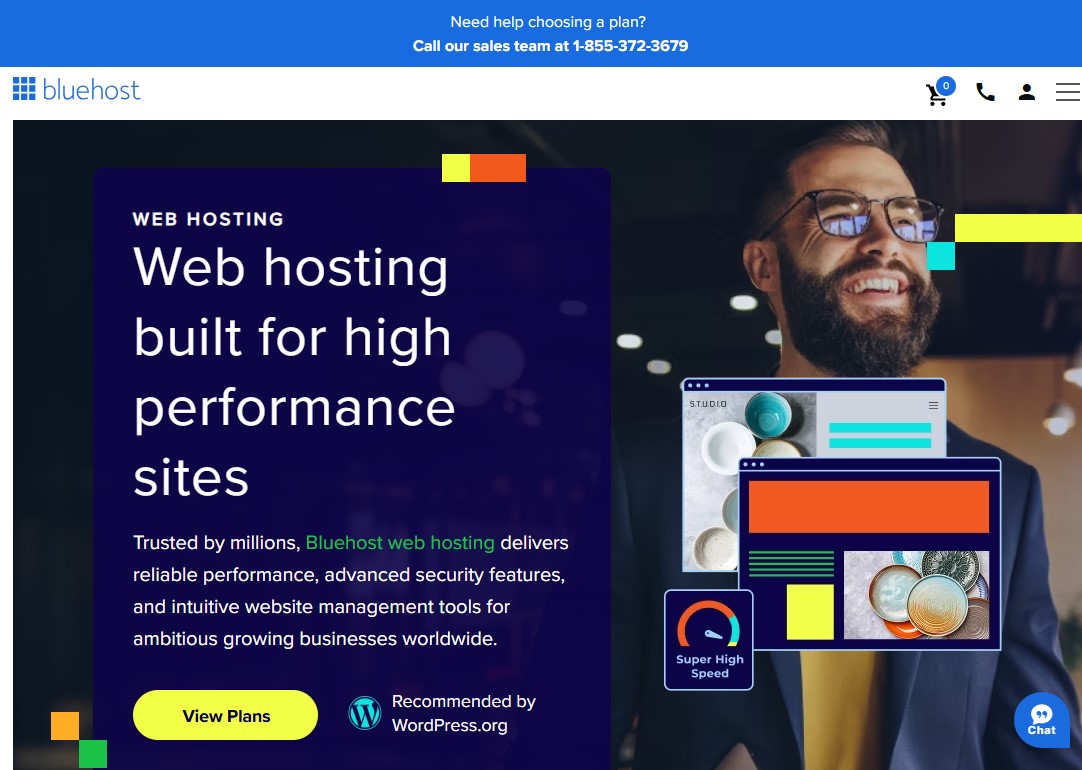
Bluehost is one of the most recognized web hosting providers for WordPress blogs and is officially recommended by WordPress.org. It offers a one-click WordPress installation that beginners can set up in minutes.
For example, a new blogger can go from domain purchase to a live website in under 15 minutes without any technical knowledge.
Moreover, Bluehost offers a free domain for the first year, SSL security, free Cloudflare CDN, and 24/7 customer support, making it a cost-effective choice for those just starting. In addition, its 99.9% uptime guarantee and fast loading speeds ensure your blog remains accessible and fast, directly improving SEO rankings and user experience.
Plus, Bluehost’s intuitive dashboard simplifies site management, so you can focus more on creating content rather than handling technical issues.
As for security, Bluehost includes helpful baseline protections with its hosting plans, and you can add backup and security products for more coverage. For example, CodeGuard can provide automated backups and monitoring, and higher-tier hosting options can include more hands-off management features (like automated backups and additional security tooling).
It offers 24/7 live chat support and phone support on many plans and tiers, which is a plus, as most other hosting companies don’t offer this option.
On top of that, you can always browse the knowledge base for FAQs, tutorials, and step-by-step help articles to quickly resolve the most common issues.
Overall, if you are searching for the best hosting for WordPress or WordPress hosting in India, Bluehost is a consistent contender.
Pricing:
Bluehost web hosting plan starts at $3.79/month (36-month term) for 40,000 visits per month. Renews at $9.99/month.
3. SiteGround

SiteGround consistently earns top marks for fast speeds, high reliability, and top-tier support. Its infrastructure runs on Google Cloud, ensuring faster load times and reliable uptime.
Furthermore, it offers its own SG Optimizer plugin that handles all your caching needs and offers built-in SuperCacher technology, Ultrafast PHP, and free Cloudflare CDN to ensure fast load times, which is critical for user experience and SEO.
Security is another of SiteGround’s strongest selling points. It include robust, custom Web Application Firewall that is updated weekly with new security rules. There is an AI anti-bot system that blocks millions of brute-force attempts and other malicious bot traffic. Lastly, it offers free, automated daily backups with a 30-day retention. You can restore your entire site or a single file with a single click.
As for customer support, SiteGround is solid in this area too. On any hosting plan, you can get support by phone, chat, or a ticketing system that takes the conversation over to email.
Other features include staging tools, free email hosting and site migration, automatic core updates and plugin updates, free website builder, and easy WordPress installation.
The only downside is that their renewal prices are among the highest in the shared hosting market.
Pricing:
SiteGround plan starts at $3.99/month (12-month term) for 10,000 visits per month. Renews at $17.99/month.
4. WP Engine

WP Engine is quite different from most other hosting options for bloggers. It’s a fully managed WordPress hosting platform, meaning everything is built from the ground up.
In simple terms, the entire system is optimized for speed, security, and performance. As a result, your website loads faster, runs smoother, and handles traffic more efficiently. For example, even during traffic spikes, your blog stays stable and responsive.
If your main focus is speed, security, and a stress-free experience, WP Engine is a solid choice. You don’t have to worry about technical tasks like updates, backups, or server management. Instead, you can spend more time creating content and growing your blog.
That said, WP Engine is not the cheapest option. It costs more than beginner-friendly hosting providers like Bluehost or Hostinger. If you’re starting out or have very little traffic, it might feel like more than you actually need.
WP Engine is best for bloggers with steady traffic. It’s also a great fit for small businesses planning to grow fast, or for anyone who wants top-level performance and strong security. If you’re okay paying a bit more for peace of mind, it’s definitely worth considering.
One nice bonus is their 60-day money-back guarantee, which is longer than the usual 30 days. This gives you enough time to test everything without risk. You also get features like Cloudflare CDN, daily backups, fast caching with EverCache®, and separate environments for development, staging, and live sites.
Pricing:
WP Engine plan starts at $26/month.
5. DreamHost
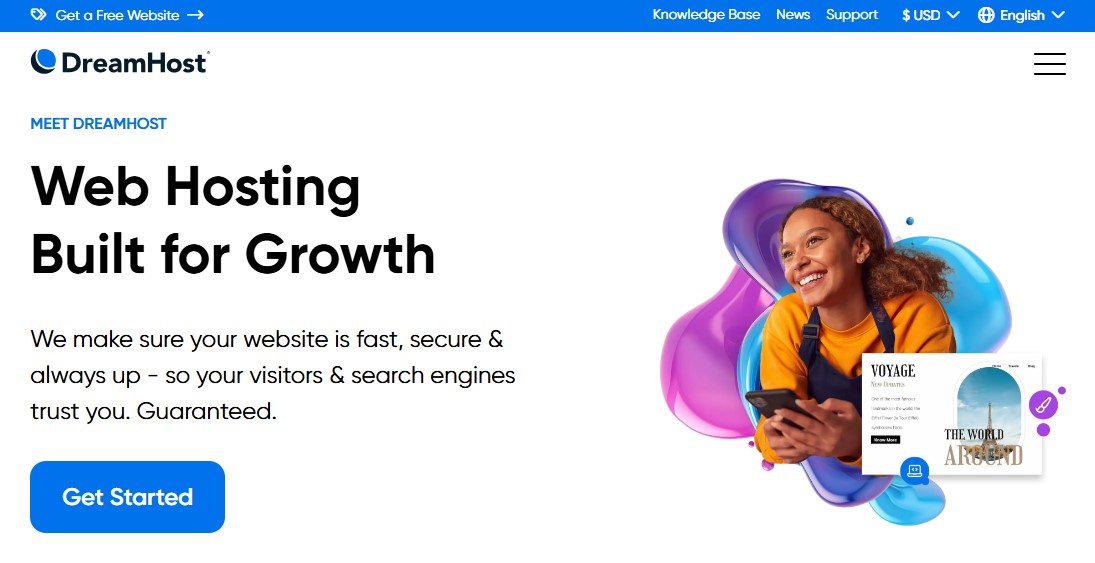
DreamHost is a solid choice if you’re looking for affordable blog hosting that still delivers reliable uptime and strong WordPress support.
It’s even officially recommended by WordPress.org, which says a lot about its credibility. The platform comes packed with WordPress-focused features that make setup easier, improve security, and help your blog grow over time.
For instance, DreamHost handles automatic WordPress updates for you. This includes core updates, backups, and security patches. These are essential for keeping your site safe without extra effort. You also get a free SSL certificate, which adds another layer of protection. And if something goes wrong, there’s 24/7 WordPress support ready to help.
Instead of using the usual cPanel, DreamHost has its own custom dashboard called the DreamHost Panel. It’s clean, simple, and easy to navigate. Plus, the one-click WordPress installation makes it perfect for beginners who want to get their blog live quickly without dealing with technical headaches.
When it comes to support, DreamHost gives you several ways to get help. You can use live chat anytime, send a support ticket via email, or browse through their detailed knowledge base to find answers on your own.
Pricing:
DreamHost WordPress hosting plan starts at $1.99/month (48-month term) for 40,000 visits per month. Renews at $7.99/month.
6. Cloudways

Cloudways works a bit differently from most blog hosting services. Instead of standard shared hosting, it offers managed cloud hosting built on powerful platforms such as DigitalOcean, AWS, and Google Cloud.
What does that mean for you? Simply put, you get dedicated resources for your blog. You don’t have to worry about the “noisy neighbor” issue where other sites slow you down. And the best part is—you get this performance without paying the high cost of a full dedicated server.
If your blog has outgrown shared hosting but you’re not ready to pay premium prices like WP Engine, Cloudways sits right in that sweet spot.
Another big plus is its performance setup. Cloudways uses something called ThunderStack. It combines tools like Nginx, Varnish, Apache, and Redis to speed up your site. On top of that, you also get features like PHP-FPM and SSD storage, which help your blog load faster and run smoothly.
Security is also taken seriously here. You get dedicated firewalls, regular system updates, automated backups, and even two-factor authentication. All of this helps keep your blog safe without extra effort on your part.
One feature many bloggers love is the flexible pricing. Cloudways uses a pay-as-you-go model. There are no long-term contracts. You only pay for what you actually use. So, if your traffic spikes, you can scale up easily. And when things slow down, you can scale back and save money.
Pricing:
Cloudway pricing varies depending on the cloud provider you choose. For a basic Digital Ocean server, plans start at $11/month with unlimited visits.
7. HostGator

HostGator is a solid choice if you’re starting out as a blogger and want something affordable. It gives you a free domain for the first year and uses the familiar cPanel, which many beginners find easy to navigate. Setting up WordPress is simple, too—you can install it with just one click. And if you ever get stuck, their support team is available 24/7 through chat and phone.
One of the nice things about HostGator’s shared plans is the unmetered bandwidth. This means you don’t have to stress about sudden traffic spikes crashing your site. Your blog can handle growth without extra hassle.
When it comes to speed, HostGator offers built-in caching. You can turn it on right from your control panel to improve loading times. On top of that, you get a free Cloudflare CDN, which helps deliver your content faster by using servers closer to your visitors.
For security, HostGator covers the basics well. You get a free SSL certificate, malware scanning, a web application firewall, and DDoS protection. These features are enough for a personal blog. However, if you want more advanced protection, you’ll need to pay extra. Add-ons like SiteLock, automatic backups, and upgraded SSL are available, but they aren’t included by default.
Support is another strong point. HostGator offers 24/7 live chat and phone support. They also have a large knowledge base filled with guides, tutorials, and helpful articles if you prefer to figure things out on your own.
All in all, HostGator is your best option if you want a cheap hosting solution for a blog that doesn’t require a lot of resources.
Pricing:
HostGator shared hosting plan starts at $3.75/month (36-month term), and you will get 40,000 visit month. Renews at $10.99/month.
8. IONOS
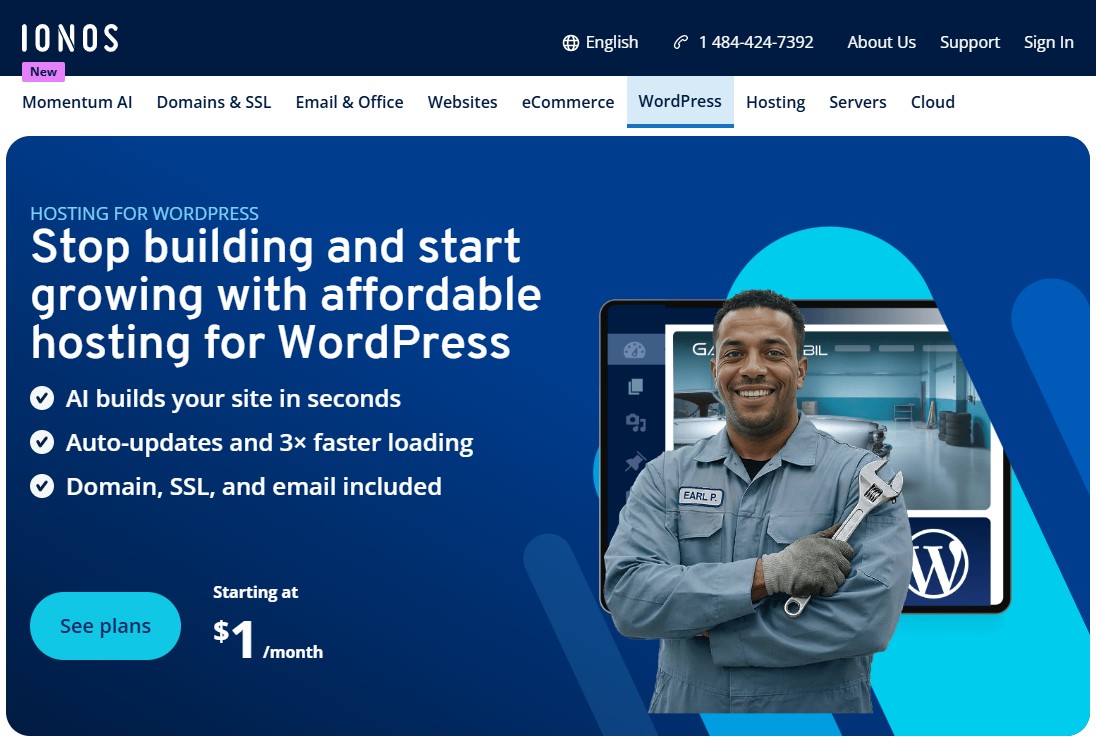
Next, on our list of the best web hosting for bloggers is IONOS. IONOS is a budget-friendly web hosting provider that offers solid performance, strong security features, and beginner-friendly tools for bloggers.
First, it stands out for its affordable pricing, often starting lower than many competitors’, making it ideal for new bloggers who want to launch without a big investment. For example, you can get hosting plans that include a free domain, SSL certificate, and email accounts, reducing your upfront costs significantly.
Moreover, IONOS provides stable uptime and decent speed, which are essential for maintaining a smooth user experience and improving SEO rankings.
In addition, its AI-powered website builder and easy WordPress integration make it simple to set up a blog even if you have no technical experience.
At the same time, IONOS includes built-in security features, such as Wildcard SSL certificates, daily backups, and DDoS protection, which help safeguard your content without requiring advanced technical skills.
Furthermore, IONOS offers its own pre-install SEO plugin, “BeyondSEO,” to help you bring more traffic to your blog.
Pricing:
IONOS WordPress hosting plan starts at $5/month (1-year term) with unlimited traffic. Renews at $8/month.
However, as an introductory price, you will get their Grow plan at $1/month (1-year term), which renews at $12/month.
Best Web Hosting for Bloggers by Use Case
The best web hosting for your blog depends entirely on your current situation — not on a single universal ranking. Here’s a breakdown by use case.
- Best Overall for Budget Beginners: Hostinger offers an intuitive AI builder, great pricing, and 100% uptime.
- Best for WordPress Beginners: Bluehost provides a reliable one-click WordPress installation and excellent onboarding.
- Best for High-Traffic Blog: Cloudways offers managed cloud hosting with high-performance, auto-scaling capabilities for large sites.
- Best for Speed & Performance: WP Engine, offering high-speed managed WordPress hosting with superior reliability.
- Best Premium Support: SiteGround is recommended for superior reliability and customer support.
How to Start a Blog With Your New Hosting Plan
Once you have chosen a blog hosting provider, getting your blog up and running is straightforward.
Here’s a quick overview of the steps involved.
- Step 1: Sign up for your chosen hosting plan and register your free domain name. Most hosts on this list include a free domain for the first year.
- Step 2: Install WordPress using the one-click installer provided by your host. Once installed, WordPress will provide you with a login URL, username, and password.
- Step 3: Choose a theme for your blog. You can browse free options in the official WordPress theme directory or pick from our curated list of the best free WordPress blog themes.
- Step 4: Customize your site using the WordPress customizer or use a drag-and-drop page builder to build your blog.
- Step 5: Install essential plugins for security, SEO, and performance. At a minimum, you’ll want a security plugin and a caching plugin to keep your site fast and safe.
- Step 6: Finally, write and publish your first blog post. Make sure your SSL certificate is active (free with all hosts above) so your site shows the secure padlock icon from day one.
For a complete walkthrough with screenshots, check out our guide on how to start a WordPress blog.
Can I Switch Hosting Providers Later Without Losing My Blog?
Yes — migrating a WordPress blog from one host to another is entirely possible and is a very common process that millions of bloggers complete every year. Most premium hosting providers offer free WordPress migration services where their team handles the technical transfer on your behalf.
If you prefer to do it yourself, you can use a Duplicator WordPress plugin. It can easily migrate, transfer, or clone your WordPress site between domains or hosts with no downtime.
The general steps are: back up your current site, export your database, transfer files to the new host, import the database, update your DNS records, and verify everything works before canceling your old plan.
The most important thing is to keep your old hosting active for at least 24–48 hours after migrating — DNS propagation can take up to 48 hours globally, and you don’t want any downtime during the transition.
Conclusion – Best Blog Hosting Providers
Choosing the best web hosting for your blog is not as overwhelming as it might seem once you understand what you’re actually evaluating.
Speed, uptime, WordPress compatibility, ease of use, pricing transparency, and scalability — these are the six factors that matter most. Everything else is secondary.
Every hosting provider on this list will give you a solid foundation to build on. The most important step isn’t picking the perfect host — it’s picking a reliable one and then channeling your energy into writing content your readers actually want.
The best time to launch your blog was yesterday. The second-best time is right now.
Start with reliable hosting, publish consistently, and trust the process. Your readers are waiting.
We hope this article helped you find the best blogger hosting solution for your blogging needs.
For more, check out these other helpful resources:
- 10 Free Blog Submission Sites List With High DA
- 17 Best WordPress Plugins for Blogs [Most Are Free]
- 11 Best Cheap WordPress Hosting Providers [Starts Under $3/mo]
Lastly, follow us on Facebook and X (formerly Twitter) to stay updated on the latest WordPress and blogging-related articles.
Frequently Asked Questions
What is the best web hosting for beginner bloggers in 2026?Bluehost and Hostinger remain the top choices for beginners. They offer one-click WordPress installation, user-friendly dashboards, and affordable entry-level pricing with a free domain for the first year.
Bluehost and Hostinger remain the top choices for beginners. They offer one-click WordPress installation, user-friendly dashboards, and affordable entry-level pricing with a free domain for the first year.
How much does blog hosting cost per month?Entry-level shared hosting typically costs $2.49 to $5.99 per month. However, specialized managed WordPress hosting for high-traffic blogs can range from $20 to $50+ per month depending on visitor volume.
Entry-level shared hosting typically costs $2.49 to $5.99 per month. However, specialized managed WordPress hosting for high-traffic blogs can range from $20 to $50+ per month depending on visitor volume.
Is Bluehost still recommended for bloggers in 2026?Yes, Bluehost is officially recommended by WordPress.org. It remains a top pick due to its seamless integration, 24/7 support, and specialized tools tailored for first-time creators.
Yes, Bluehost is officially recommended by WordPress.org. It remains a top pick due to its seamless integration, 24/7 support, and specialized tools tailored for first-time creators.
What is the difference between shared and VPS hosting?Shared hosting stores multiple sites on one server, making it cheap. VPS (Virtual Private Server) provides dedicated resources, offering better stability and speed for blogs with significant daily traffic.
Shared hosting stores multiple sites on one server, making it cheap. VPS (Virtual Private Server) provides dedicated resources, offering better stability and speed for blogs with significant daily traffic.
Does web hosting affect my blog’s SEO?Absolutely. Search engines like Google use page speed and server uptime as ranking factors. Fast, reliable hosting improves User Experience (UX), which directly boosts your search engine visibility.
Absolutely. Search engines like Google use page speed and server uptime as ranking factors. Fast, reliable hosting improves User Experience (UX), which directly boosts your search engine visibility.
Which hosting is best for high-traffic blogs?WP Engine and Cloudways are built for scale. They offer dedicated resources and CDN integration to handle traffic spikes without slowing down or crashing your website during viral moments.
WP Engine and Cloudways are built for scale. They offer dedicated resources and CDN integration to handle traffic spikes without slowing down or crashing your website during viral moments.
How much storage do I need for a blog?For most new blogs, 5 GB to 10 GB of storage is sufficient to start, as text content uses minimal space, and basic images are easily compressed. A standard, active blog often only needs 1GB–5GB for content, plugins, and WordPress files, though media-heavy sites (travel/food) may require more over time.
For most new blogs, 5 GB to 10 GB of storage is sufficient to start, as text content uses minimal space, and basic images are easily compressed. A standard, active blog often only needs 1GB–5GB for content, plugins, and WordPress files, though media-heavy sites (travel/food) may require more over time.
Do I need to buy the domain and hosting from the same provider?No, you do not need to buy your domain and hosting from the same provider. While buying them together offers convenience and often a free first-year domain, buying them separately offers more flexibility, better long-term pricing, and reduced vendor lock-in.
No, you do not need to buy your domain and hosting from the same provider. While buying them together offers convenience and often a free first-year domain, buying them separately offers more flexibility, better long-term pricing, and reduced vendor lock-in.
Is the free domain free forever-free?No, most “free” domains are not free forever; they are usually only free for the first year when purchasing a hosting plan. After the first year, you must pay renewal fees, which are often higher than standard prices. However, some exceptions exist, such as Web3 domains or specialized services that offer free domains as long as you maintain their paid hosting.
No, most “free” domains are not free forever; they are usually only free for the first year when purchasing a hosting plan. After the first year, you must pay renewal fees, which are often higher than standard prices. However, some exceptions exist, such as Web3 domains or specialized services that offer free domains as long as you maintain their paid hosting.
What’s the difference between web hosting and WordPress hosting?Web hosting is general-purpose, affordable server space for any website, requiring manual setup and management. WordPress hosting is specifically optimized for WordPress, offering better performance, automatic updates, and specialized support. Choose WordPress hosting for ease of use, or general hosting for flexibility and lower costs.
Web hosting is general-purpose, affordable server space for any website, requiring manual setup and management. WordPress hosting is specifically optimized for WordPress, offering better performance, automatic updates, and specialized support. Choose WordPress hosting for ease of use, or general hosting for flexibility and lower costs.
Can I start a blog for free?Yes, you can start a blog for free using free blogging platforms like Blogger, WordPress.com, or Medium. These services provide free hosting and a subdomain (e.g., yoursite.wordpress.com), making it easy to start writing immediately without upfront costs. However, free blogs often have limited customization, include third-party ads, and lack a custom domain.
Yes, you can start a blog for free using free blogging platforms like Blogger, WordPress.com, or Medium. These services provide free hosting and a subdomain (e.g., yoursite.wordpress.com), making it easy to start writing immediately without upfront costs. However, free blogs often have limited customization, include third-party ads, and lack a custom domain.
