10 February 2026
12 Best No-Code Website Builders Compared (2026)
Building a professional website used to mean hiring a developer, burning weeks, and blowing your budget. Not anymore.
Today’s best no-code website builders let you design, launch, and scale a high-converting website—without writing a single line of code.
Whether you’re a founder validating an idea, a small business owner who needs leads now, or a creator tired of clunky templates, no-code tools have changed the game. The challenge isn’t if you should use one—it’s which platform is actually worth your money.
In this guide, we break down the best no-code website builders based on real-world use, pricing, flexibility, and SEO features—so you can choose the right tool, launch faster, and start seeing results today.
Let’s dive in!
Top 3 Quick Picks for No-Code Website Builders
Short on time? Here are the 3 best no-code website builders you can use today to design, launch, and grow your website—no code needed.
- Best Overall — Wix: Beginner-friendly, flexible, and feature-rich with AI setup, templates, and apps for fast launches.
- Best for Custom Design — Webflow: Advanced design control, powerful CMS, and animations—ideal for scalable, high-performance sites.
- Best for Professional Design — Squarespace: Beautiful templates with built-in blogging, ecommerce, and marketing tools for professional websites.
What Is a No-Code Website Builder?
A no-code website builder is a platform that allows you to create and publish a fully functional website without writing any code. Instead of working with HTML, CSS, or JavaScript, you build pages visually using drag-and-drop editors, pre-designed components, and intuitive settings panels.
Behind the scenes, the platform handles the technical heavy lifting—hosting, security, performance optimization, and updates. As a result, you can focus on design, content, and conversions.
Most popular no-code website builders include:
- Visual drag-and-drop builder with real-time previews
- Ready-made templates and reusable components
- Built-in hosting and SSL security
- Custom domains and branding controls
- SEO, analytics, and marketing integrations
Unlike traditional website development, no-code tools are designed for speed and accessibility. You can go from idea to live website in hours instead of weeks, making them ideal for startups, small businesses, freelancers, and non-technical teams.
How No-Code Website Builders Work
So, how do no-code website builders actually work? Think of it like driving an automatic car. You don’t need to know what’s happening under the hood. You just learn the basics, follow the road rules, and let the system handle the rest.
Most no-code builders follow the same simple flow. The steps are familiar, no matter which tool you choose.
First, you start with a template. Instead of staring at a blank screen, you pick a ready-made design. This gives you a solid starting point and saves a ton of time. Templates are built to look good right out of the box, so you never have to start from scratch.
Next, you make the site your own. This is where you’ll spend most of your time, but it’s simple and even a bit fun. You use a visual editor to drag and drop sections, swap images, and edit text. You can tweak colors, adjust layouts, and check how everything looks on mobile and desktop. No coding. No stress.
After that, it’s time to connect your domain. If you already have one, you just type it in and follow a few on-screen steps. The platform walks you through the process, so there’s nothing complicated here.
Finally, you hit publish. That’s it. One click, and your website is live for the world to see.
Why Use a No-Code Website Builder?
No-code platforms aren’t just a shortcut—they’re a smarter way to build and grow online.
Here’s why more founders, businesses, and creators are ditching traditional development in favor of no-code tools.
- Launch Faster: Build and publish a website in hours, not weeks.
- Lower Costs: Avoid expensive developers and ongoing maintenance fees.
- No Technical Skills Needed: Create professional- looking websites without coding.
- All-in-One Platforms: Get hosting, security, SEO tools, and analytics built in.
- Easy Updates & Changes: Edit pages, content, and layouts instantly.
- Scales with Your Business: Add features like CMS, forms, or ecommerce as you grow.
- Better Control & Flexibility: Manage your site without relying on developers.
How We Picked the Best No-Code Builders: Our Internal Criteria
Choosing the best no-code website platforms isn’t about hype or flashy templates—it’s about what actually works when you’re building a professional website for a real business.
To keep this guide practical and unbiased, we evaluated each platform using criteria that directly impact usability, performance, and long-term value.
Here’s exactly how we assessed every no-code website builder on this list:
- Ease of Use: We assessed how intuitive each builder is for beginners, including onboarding, editor layout, and learning curve. Platforms that let users launch quickly without technical friction ranked higher.
- Design Flexibility & Customization: Templates are great—until they box you in. We evaluated how much control you have over layouts, typography, spacing, and responsiveness, as well as whether advanced customization is possible without touching code.
- Features & Integrations: The best no-code website builders should grow with you. We reviewed built-in tools (forms, CMS, ecommerce, animations) and third-party integrations for marketing, analytics, payments, and automation.
- SEO & Performance: A beautiful site is useless if no one finds it. We analyzed each platform’s SEO capabilities, including custom URLs, meta tags, schema support, mobile optimization, and page speed performance.
- Pricing & Value for Money: We compared free plans, paid tiers, and hidden costs like hosting, bandwidth, or plugin fees. The goal was to identify platforms that deliver the best return on investment—not just the lowest price.
- Scalability & Use Cases: Some tools are perfect for simple sites, others for complex builds. We assessed how well each builder scales as your needs grow—from landing pages to full business websites and online stores.
- Support, Documentation & Community: When things break—or you want to level up—support matters. We evaluated customer support quality, documentation depth, tutorials, and the strength of each platform’s user community.
12 Best No-Code Website Builders for 2026
Below are the best no-code website builders for creating engaging websites.
1. Wix

Wix is one of the best beginner-friendly no-code website builders for small business websites. It is built with accessibility in mind, making it a great choice if you want a good-looking website to go live fast—without running into technical roadblocks or steep learning curves.
One of Wix’s biggest strengths is its ease of use. The drag-and-drop editor feels natural and intuitive, so you can move elements around and place them exactly where you want. Everything snaps neatly into place, which helps your site look clean and professional, even if design isn’t your strong suit. The whole process feels simple, relaxed, and surprisingly enjoyable.
Wix also offers a vast library of well-designed templates across a wide range of styles and industries. Whether you’re starting a blog, showcasing a portfolio, or setting up an online store, you’ll find templates that give you a solid starting point and save you hours of work.
If you want to add more features later, the Wix App Market makes it easy. Think of it as an add-on store for your website. You can install apps for bookings, events, email marketing, social media, customer management, and more in just a few clicks. It’s a straightforward way to grow your site as your needs evolve.
For anyone who wants to skip the design process entirely, Wix ADI is a standout feature. This AI-powered website builder asks a few simple questions and then builds a complete website for you. It’s ideal if you’re not sure where to start or want something ready to go with minimal effort.
Overall, if you’re looking for a stress-free way to build a website and get online quickly, Wix delivers. It’s user-friendly, flexible, and designed to help you launch without overthinking the process.
Pros:
- 900+ customizable templates for multiple industries
- Wix App Market for new features
- eCommerce support for online stores
- Wix ADI for automated website creation
- Security and hosting services are trustworthy and reliable
- Excellent customer support
- Free plan available
Cons:
- Once a template is chosen, it is difficult to change
- Can be more expensive if advanced features are needed
- Can be less suited for complex or huge, content-heavy sites.
Pricing:
Wix offers a free plan with limited features. The paid plan starts from $17/month.
2. Webflow

Webflow is a powerful no-code website builder, especially for designers and developers who want complete creative control without writing code.
It sits right in between traditional web development and drag-and-drop tools. You get the freedom to build complex, dynamic websites while still working visually.
If you’ve used design tools like Figma or Adobe XD, Webflow will feel familiar right away. The interface is built around layers, spacing, and styling controls that make sense to designers. You can adjust every detail using CSS-style settings and create truly pixel-perfect layouts—no coding required.
Webflow also goes far beyond static pages. You can build dynamic websites powered by real data, making it easy to create rich, interactive experiences rather than flat designs.
Animations are another standout feature. Adding smooth transitions, scroll effects, hover states, or advanced interactions is surprisingly easy. You don’t need JavaScript, and everything still feels polished and professional.
On top of that, Webflow’s built-in CMS is incredibly flexible. You can design custom content structures for blogs, portfolios, product listings, and more. Updating content is simple, so your site stays fresh without extra work.
Overall, Webflow is an excellent choice if you want an advanced drag-and-drop website builder with developer-level control. It does take more time to learn than tools like Wix or Squarespace, but the payoff is worth it.
Pros:
- Unparalleled design freedom and customization
- Powerful CMS and developer-friendly options
- 7000+ modern, well-designed third-party templates (paid & free)
- Free plan available
- Clean code export or managed hosting options
Cons:
- Steeper learning curve than some builders
- Pricing scales with website complexity
Pricing:
Webflow offers a free plan with limited features. The paid plan starts from $14/month (billed annually).
3. Squarespace

Squarespace is known for one thing above all else: beautiful websites. If design matters to you—and you want your site to look professional the moment someone lands on it—this platform delivers.
It’s a popular choice for creatives, small businesses, and anyone who wants to make a strong first impression with minimal effort.
What really sets Squarespace apart is its impressive collection of templates. They’re thoughtfully designed and easy on the eyes, with clean layouts, bold typography, and smart use of white space. Everything feels intentional. Whether you’re a photographer sharing your portfolio or a business owner building a professional site, the templates help your content shine.
Squarespace also holds its own when it comes to ecommerce. You can sell digital downloads, physical products, or subscriptions without relying on third-party tools. Payments, analytics, and product management are built in, making it especially appealing to creatives looking to monetize their work.
Beyond that, most of what you need comes out of the box. Blogging tools, SEO settings, email campaigns, and membership features are all part of the platform, so you don’t have to constantly hunt for add-ons.
Bloggers, in particular, will feel at home here. The editor is clean and straightforward to use. You can add tags and categories, schedule posts, manage contributors, and customize URLs with ease.
If you care about strong visuals and a smooth, polished experience for your visitors, Squarespace is an easy choice.
Pros:
- Easy-to-use interface for content creation
- Beautifully designed templates
- Strong analytics and marketing tools
- Supports responsive design
- All-in-one solution combining website building, blogging, and eCommerce
Cons:
- Less design flexibility than Wix or Webflow.
- No free plan available
- Limited third-party integrations
Pricing:
Squarespace plans start at $7/month (billed annually). There is no free plan, but they have a free trial—no credit card is required.
4. Shopify

Shopify is one of the most popular no-code eCommerce website builders in the world, and for good reason. If your main goal is to sell online, Shopify makes the process simple from day one. You don’t need technical skills, and you definitely don’t need to write code to get started.
Setting up a website with Shopify is straightforward. You choose a theme, add your products, set your prices, and you’re ready to launch. The editor is easy to use and beginner-friendly. Most tasks can be completed with a few clicks, saving time and avoiding frustration.
Where Shopify really shines is ecommerce. And if you compare it with the other top website builders in this list, it’s miles ahead in everything ecommerce.
It offers better shipping, inventory management, payment options, tax settings, ecommerce templates, ecommerce marketing features, sales channels, reporting, and more.
However, it’s important to remember that Shopify is purpose-built for ecommerce, while others are general-purpose website builders.
Design flexibility is solid, even though Shopify focuses more on selling than visuals. The theme library includes clean, professional designs that work well for most businesses.
You can customize layouts, colors, and fonts without touching code. If you want more control later, the option is there, but it’s not required.
From an SEO perspective, Shopify covers the essentials. You can edit meta titles and descriptions, customize URLs, and create SEO-friendly product pages. Blogging features are included, too, which helps you drive organic traffic and build brand authority over time.
Another big plus is scalability. Shopify works just as well for small stores as it does for large brands. As your business grows, you can add apps, automate tasks, and expand into new sales channels, such as social media or marketplaces.
If you want a zero-code website builder that focuses on ecommerce and growth, Shopify is hard to beat. It’s reliable, easy to use, and built to help you sell more.
Pros:
- Easy to set up and manage products
- Built-in payment processing and shipping
- An extensive app ecosystem for additional functionalities
- Scalable for growing businesses
- Brilliant customer support
Cons:
- Pricing can increase with more features
- No drag and drop editor
- Transaction fees on each sale, unless using Shopify Payments
Pricing:
Shopify plan starts at $29/month. However, you can try it for free for three days and pay $1/month for the first three months to test the platform.
5. Framer
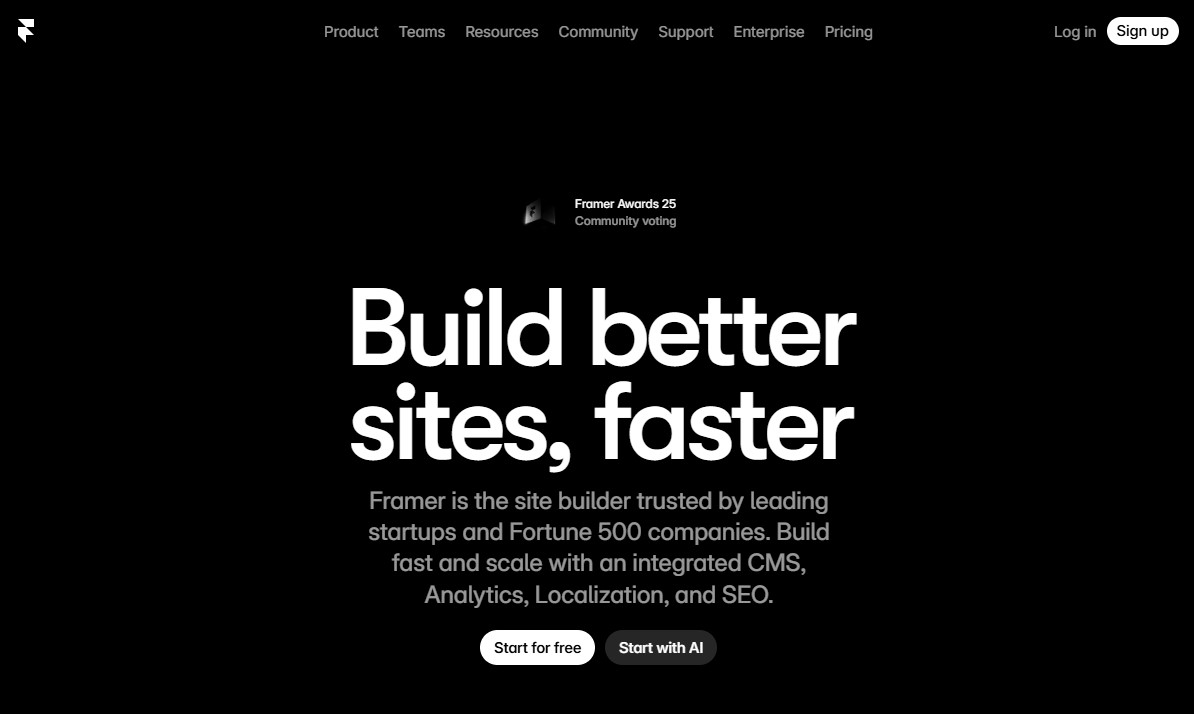
Framer is an advanced no-code website builder designed for designers and developers who want complete control over the aesthetics and structure of their websites.
One of Framer’s biggest strengths is how fast you can go from idea to live site. The editor feels smooth and intuitive. You can design directly on the canvas and see changes instantly. Animations, transitions, and interactions are easy to add, even if you’ve never built a website before.
Design flexibility is where Framer really shines. You’re not locked into rigid templates. Instead, you get layout freedom that feels closer to a design tool than a traditional website builder. This makes it an excellent choice for landing pages, portfolio sites, and business websites that want to stand out.
Framer also performs well on the technical side. Sites are fast, mobile-friendly, and optimized out of the box. You can edit meta titles, descriptions, and URLs, which helps with SEO. Built-in hosting and automatic updates mean you don’t have to worry about maintenance.
Another bonus is how well Framer works for teams. You can collaborate in real time, share previews, and publish updates quickly. This makes it a strong option for agencies and fast-moving startups.
Overall, if your goal is to launch a sleek, high-performing site that feels custom, Framer is an excellent no-code choice. However, it may not be the best fit for complex ecommerce or content-heavy sites.
Pros:
- Ideal for interactive website elements and apps
- Excellent animation features compared to other site builders
- Developer-friendly with code export options
- Integration with Figma and Sketch for seamless design workflows
- Great for team collaboration
Cons:
- Not as beginner-friendly due to advanced features
- Requires design and coding skills
- The CMS is not as robust as compared to tools like WordPress or Webflow
Pricing:
Framer offers a free plan for basic use. The pro plan starts at $5/month.
6. Carrd
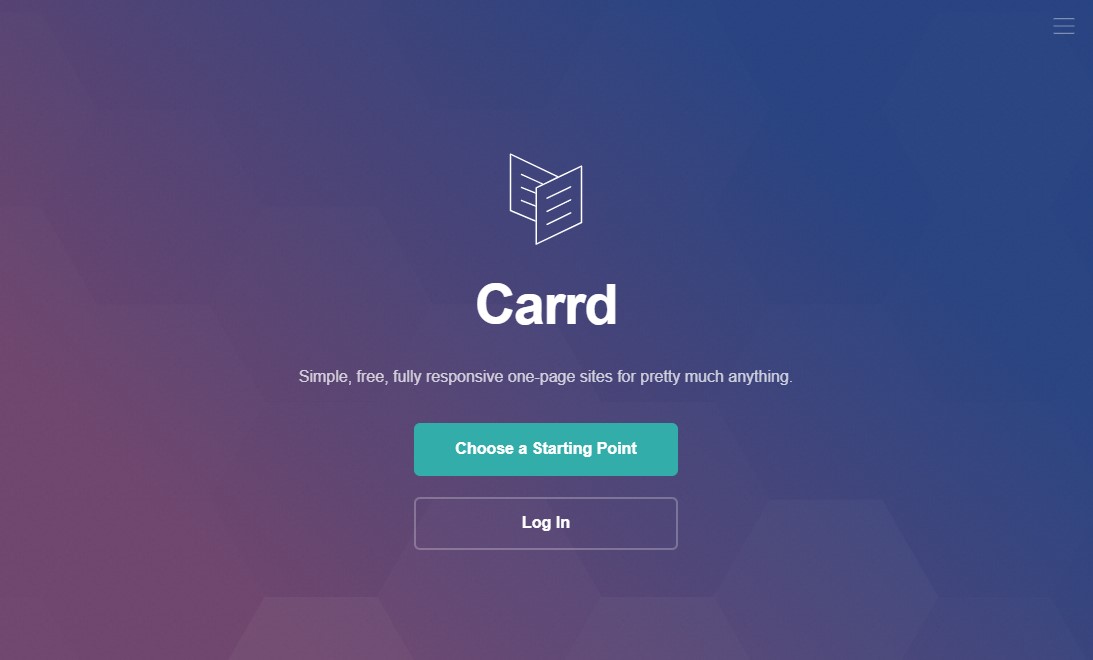
Carrd is a free, no-code website builder made for one thing: simple, one-page websites. It’s an excellent fit for landing pages, portfolio websites, personal sites, or any small project that doesn’t need a full-blown website.
What really sets Carrd apart is how easy it is to use. There’s no clutter and no steep learning curve. You get just the tools you need to build a clean, polished one-page site—nothing more, nothing less.
You start by picking from a collection of modern, well-designed templates. From there, you can add basic elements such as text, images, buttons, and forms. Styling is simple and intuitive, so you can tweak the look without getting stuck in endless settings. The whole experience feels fast and refreshingly straightforward.
And the free plan is genuinely helpful. You can create and publish up to three websites at no cost, which is more than enough to get started. If you need more features, the Pro plans are very affordable. They unlock custom domains, extra design controls, Google Analytics, and remove Carrd branding.
If you want a good-looking, functional single-page website without spending much time or money, Carrd is a solid choice.
Pros:
- Easy to use visual builder
- Affordable pro pricing plans
- Blank, elegant templates
- Best for landing pages, portfolio, and personal profile sites
Cons:
- Limited to one-page sites
- Fewer features compared to other website builder platforms
Pricing:
Carrd offers a free plan, with paid plans starting at just $19/year, making it one of the most affordable no-code website builders.
7. Duda
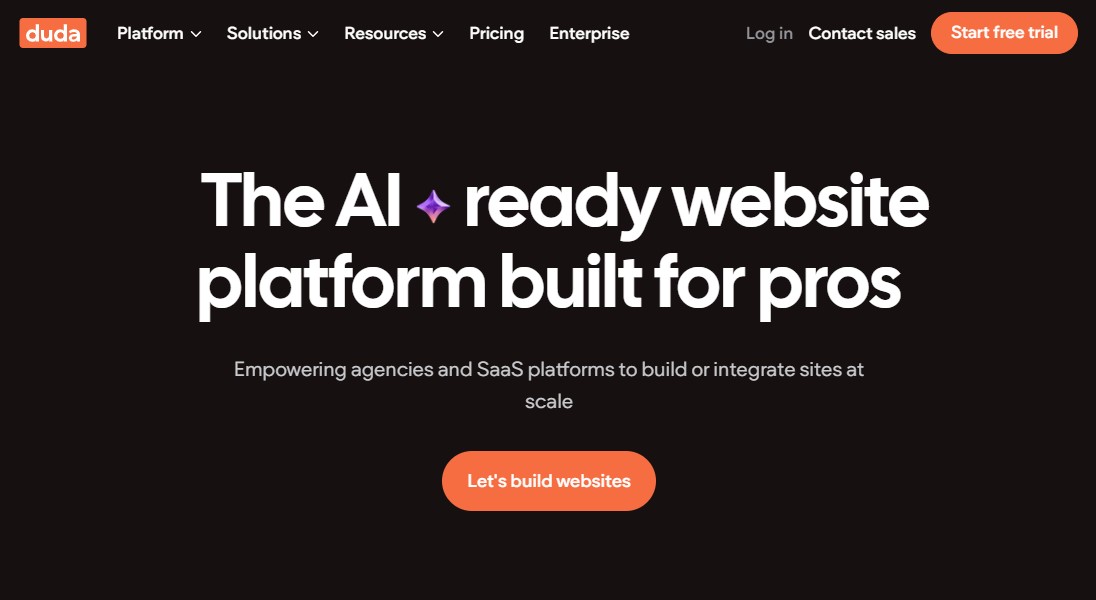
Duda is a no-code website builder designed for professionals. It’s especially popular with agencies, freelancers, and SaaS teams that need to build and manage multiple websites without slowing down.
What stands out right away is how fast Duda feels. The editor is clean, responsive, and easy to work with. You can drag and drop elements, adjust layouts, and preview changes in real time. There’s very little friction, even if you’re building a site from scratch.
Where Duda really shines is in client management. You can assign team members to specific sites, control who can edit what, and collect client feedback right inside the platform. Everything lives in one place, which makes it much easier to keep projects organized and conversations on track.
Collaboration is another strong point. Teams can share reusable sections, store assets in a central library, and leave comments directly on designs. That cuts down on back-and-forth and helps everyone stay aligned as projects move forward.
Duda also includes ecommerce tools. They’re not built for massive online stores, but they work well for small to mid-sized shops. You can add products, track inventory, and take payments without relying on third-party tools.
All things considered, if you run an agency and need a reliable way to build websites for multiple clients, Duda is a strong option worth looking at.
Pros:
- Great for agencies with multiple clients
- Powerful team collaboration features
- Plenty of design options with responsive templates
- White-label plan for agencies
Cons:
- Not the best option for individuals looking to build a single business website
- Limited built-in blogging capabilities compared to others
Pricing:
Duda plan starts from $19/month (billed annually).
8. Elementor
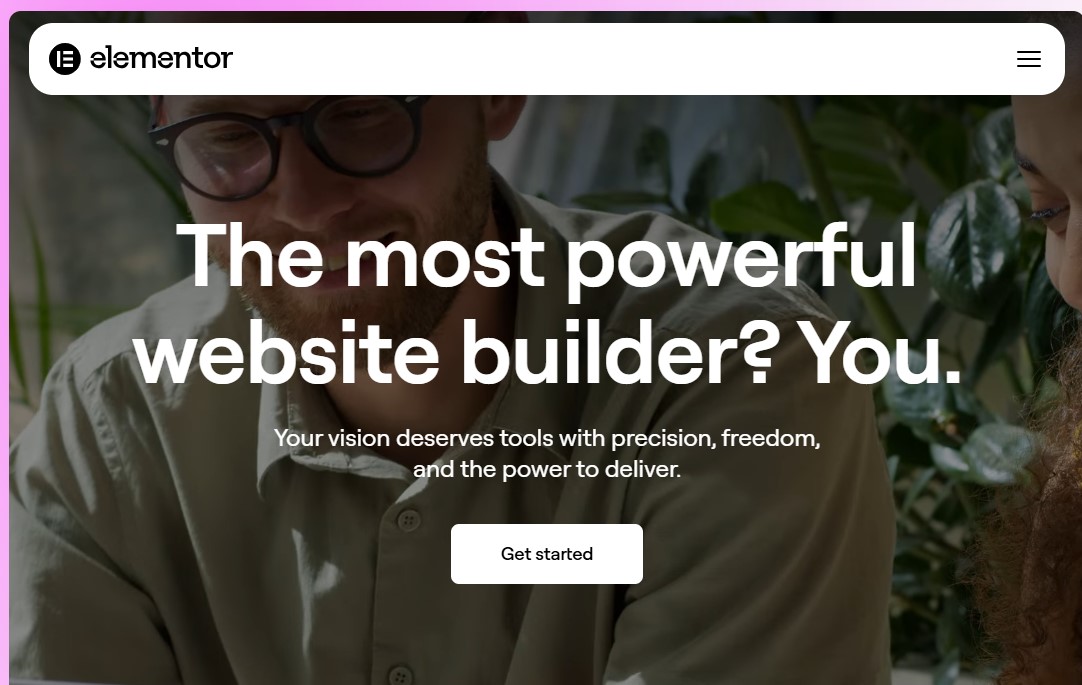
If you are looking for a website builder to build a WordPress website, Elementor is your best option. It’s a real game-changer for WordPress users. You get a smooth, visual way to build your site, with full control over how everything looks and works—no guessing, no back-and-forth. You’re in the driver’s seat from start to finish.
The editor works on a simple drag-and-drop system. You can see changes in real time, which makes building pages feel fast and intuitive. Want to add a headline, image, button, or form? Just drag it into place and tweak the settings. No guessing. No switching between tabs.
Design flexibility is where Elementor really shines. You get complete control over layouts, spacing, colors, and fonts. It’s easy to match your brand or create something unique. For users who want more polish, Elementor also offers an extensive library of pre-designed templates. You can use them as-is or customize every detail.
Another big plus is scalability. Elementor works just as well for simple landing pages as it does for full business websites. You can build blogs, portfolios, sales pages, and even ecommerce stores using WooCommerce. As your site grows, Elementor grows with you.
What’s more, it offers robust, integrated AI tools to help you speed up and revolutionize the web design process. These include text, image, and code generation, as well as layout creation.
All in all, if you want a no-code WordPress website builder that offers freedom and flexibility, Elementor is a solid choice. It’s powerful enough for professionals, yet approachable for beginners.
Pros:
- Easy to use from an end-user perspective
- Provides extensive customization options
- Wide range of pre-designed templates, blocks, and widgets
- Integrates seamlessly with popular WordPress plugins
- Native AI tools help generate copy, images, and even entire wireframes
- Free version to test it out
- Strong community and available resources
Cons:
- Can lead to “code bloat” and slower page speeds
Pricing:
Free version available on WordPress.org. The pro plan starts from $60/year.
9. Siter.io
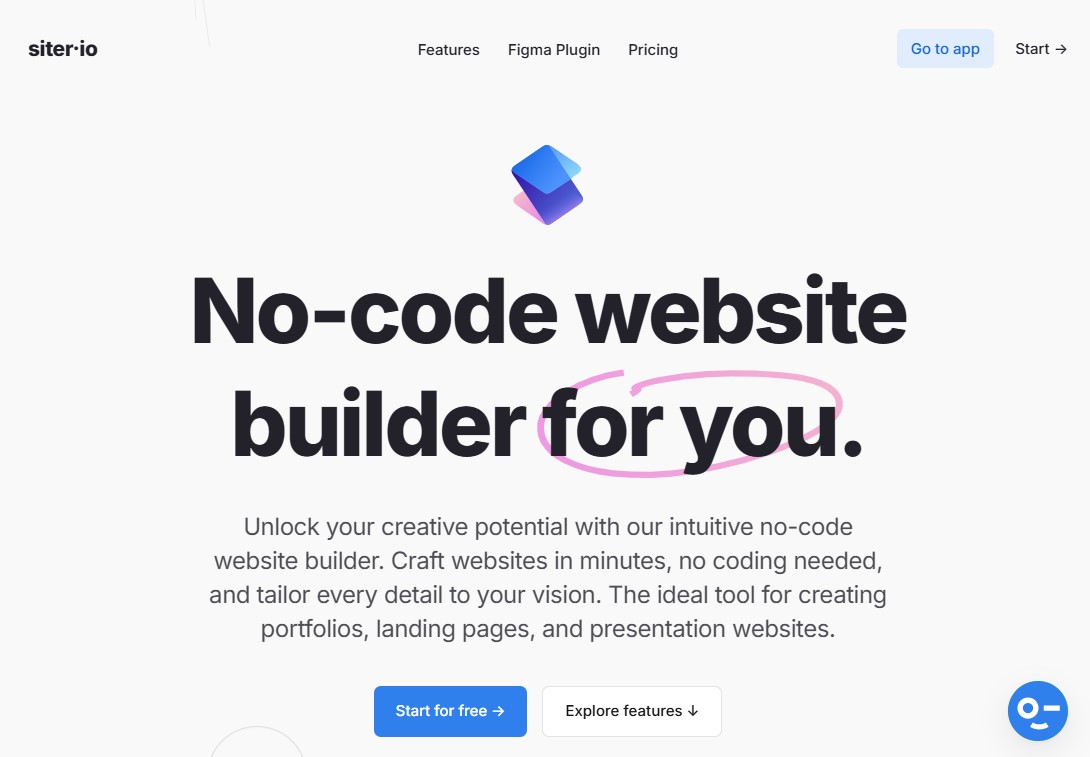
Siter.io is a no-code web builder built for speed and simplicity. It’s a solid option if you want to turn a design into a live website without dealing with code, plugins, or complicated setups. Everything feels lightweight, clean, and focused on getting your site online fast.
One of Siter.io’s biggest strengths is its visual editor. You can design pages freely using a canvas-style layout that feels familiar to anyone who has used tools like Figma or Sketch. Elements move where you expect them to. Spacing is easy to control. You’re not locked into rigid sections or layouts.
Another standout feature is collaboration. Siter.io makes it easy for teams to work together in real time. Designers, marketers, and founders can all jump in, leave feedback, and make updates without slowing things down.
Siter.io may not have advanced ecommerce or complex integrations, but that’s not the point. It’s built for simple websites, landing pages, and marketing sites that need to look good and work smoothly.
If you want a zero-code website builder that stays out of your way and lets you focus on design and content, Siter.io is worth a look.
Pros:
- Intuitive interface suitable for designers and beginners
- Figma integration to export your design
- Fast setup for creating portfolios and landing pages
- Built-in collaboration for working together
Cons:
- Does not have the extensive app marketplace found in builders like Wix or Shopify
- Limited features
Pricing:
Siter.io offers a free plan for basic use. The pro plan starts at $7/month (billed annually).
10. Weebly

Weebly is a free no-code website maker designed for people who want to get online fast without feeling overwhelmed.
The drag-and-drop editor is easy to use and doesn’t require any technical knowledge. You can move sections around, add images, update text, and publish your site with just a few clicks. There’s no steep learning curve, which makes it a good option for beginners and small business owners.
Weebly also comes with a good selection of mobile-responsive templates. They’re not overly flashy, but they look professional and load quickly. You can customize colors, fonts, and layouts without feeling overwhelmed.
When it comes to ecommerce, Weebly gets the job done. You can sell physical products and digital items, and even manage inventory, without extra tools. Since Square owns Weebly, it integrates smoothly with Square payments, making it a practical choice for small online stores.
In addition, it also includes blogging tools, contact forms, and basic analytics. Everything you need to get online is already there. You won’t have to install extra plugins or manage updates.
If your goal is to launch a website fast and keep things simple, Weebly is a reliable no-code website builder for building a website for free.
Pros:
- Beginner-friendly with a minimal learning curve
- Excellent features for setting up and managing an online store
- App Center to extend the website functionality
- Free templates and themes
- Square POS integration supports sales in person
- Offers a free plan with budget-friendly paid plans
Cons:
- Limited design flexibility
- Template selection is relatively small and outdated
Pricing:
Weebly offers a free plan with essential features. The pro plan starts at $10/month (billed annually).
11. Strikingly

Strikingly is built for speed and simplicity. If your goal is to get a website online fast—without overthinking design or setup—this free website builder makes the process refreshingly easy.
It’s especially popular with solo founders, creators, and small businesses that want results without a steep learning curve.
The platform focuses on one-page websites, making it an excellent fit for landing pages, personal brands, portfolios, and small-business sites. You choose a template, add your content, and customize it using an easy drag-and-drop editor. Everything feels guided, so you’re never stuck wondering what to do next.
Design-wise, Strikingly keeps things clean and modern. The templates are mobile-responsive by default, so your site looks good on phones, tablets, and desktops without extra work.
However, you won’t have the same level of design freedom as some advanced builders, but that’s also what makes Strikingly beginner-friendly.
Strikingly also includes built-in ecommerce tools. You can sell products, digital downloads, or services right from your site. Setup is simple, and payments are handled through supported gateways, making it a solid option for small online sellers or creators testing an idea.
Pros:
- Easy drag-and-drop editor to build a site without code
- Responsive templates that look good on mobile devices automatically
- eCommerce is ready for selling products, managing inventory, and handling payments
- Free plan with affordable paid plans
Cons:
- Limited customization compared to other code-free platforms
- Not suitable for large-scale websites or complex eCommerce sites
Pricing:
Strikingly offers a free plan with essential features. The pro plan starts at $16/month (billed annually).
12. Dorik
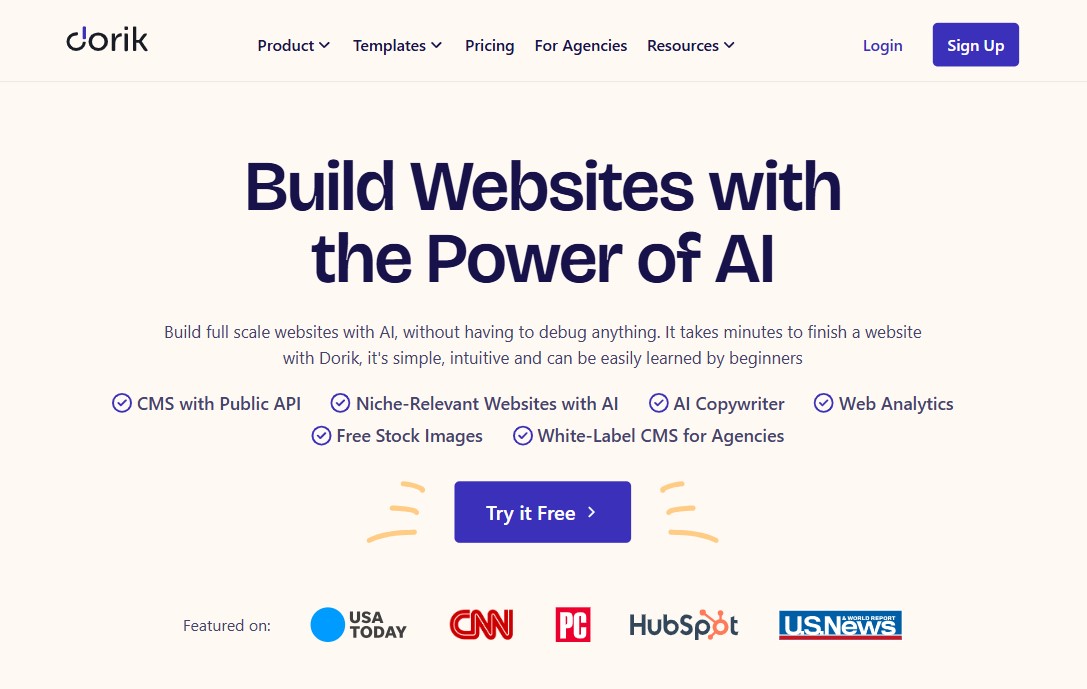
Last on our list of the best no-code website builders is Dorik. Dorik may be one of the newer players in the no-code world, but it didn’t take long for it to earn a good reputation.
It’s a lightweight and user-friendly website builder that’s easy to use and doesn’t feel overwhelming.
The best way to think about Dorik is as a sweet spot between Carrd and Webflow. It offers more features than Carrd, but it’s far simpler—and more affordable—than Webflow.
Dorik is built with speed and simplicity in mind. The interface is clean and intuitive, so getting started feels natural. You can choose from a range of modern templates or build your site using ready-made blocks. These include headers, pricing sections, FAQs, testimonials, and more, which saves a lot of time.
One feature that really sets Dorik apart is its lifetime pricing. Instead of paying every month, you can make a one-time payment, which can be a big win if you’re watching your budget. It also supports custom domains, contact forms with email integrations, blogging tools, and a simple CMS for dynamic content.
If you’re more technical, Dorik still gives you room to grow. You can add custom CSS, HTML, or JavaScript when needed. That flexibility makes it appealing without losing its no-code feel.
When it comes to performance, Dorik does a solid job. Sites load quickly, and the platform handles hosting, SSL, and basic SEO for you.
If you want a clean, fast, and affordable no-code website builder without the complexity of larger platforms, Dorik is definitely worth a look.
Pros:
- Simple drag-and-drop website builder
- Leverage AI to generate your website instantly
- Let’s you build branded websites for clients
- Manage content with a built-in content management system
- Large Library of templates and UI blocks
- Make money from your premium content by adding a paywall
Cons:
- Limited design flexibility and customization
- limited eCommerce capabilities
- No free plan, only 14-days free trial
Pricing:
Dorik offers a free plan with 14 days free trial. The pro plan starts at $3.29/month (billed annually). Dorik also offers lifetime plans that cost $349 for a single site and $749 for 3 websites.
Best No-Code Website Builders by Use Case
- Best for Beginners: Wix – Easy to use, beginner-friendly editor, and AI setup.
- Best for Small Businesses: Squarespace – Professional designs with built-in business tools.
- Best for Ecommerce: Shopify – The strongest platform for selling products online.
- Best for Landing Pages: Carrd – Simple, fast, and perfect for one-page sites.
- Best for Agencies: Duda – Built for managing multiple clients and team collaboration.
- Best Free No Code Website Builder: Wix – The most usable free plan for launching a real site.
Final Thoughts
No-code website builders have completely changed how websites are built—and that’s a good thing. You no longer need a big budget, a developer on speed dial, or weeks of back-and-forth to get online. With the right no-code tool, you can go from idea to live website faster than ever.
As you’ve seen in this comparison of the 12 best no-code website builders, there’s no single “best” option for everyone. The right choice depends on what you’re building and how far you want to take it.
Some platforms shine at simplicity and speed. Others offer deep customization, advanced design control, or powerful ecommerce features.
If you’re a beginner or small business owner, tools like Wix or Squarespace make launching stress-free. If you care deeply about design and flexibility, Webflow or Framer might be worth the learning curve.
And if your focus is on selling online, Shopify remains the gold standard. Even lightweight tools like Carrd or Dorik have their place when speed, budget, or simplicity matter most.
The key takeaway is this: no-code doesn’t mean low-quality. Today’s platforms are more than capable of powering professional, high-performing websites that grow with your goals.
Pick the builder that fits your use case, start small if needed, and don’t overthink it. The hardest part is getting started—and now, you have all the tools to do precisely that.
That’s it from this list of the best no-code website builders.
For more, check out these other helpful resources:
- 9 Best Free Website Builders for Small Businesses
- 8 Best AI Website Builders [Create a Website in Minutes]
- Best Website Builders for SEO: 7 Powerful Options Reviewed
Lastly, follow us on Facebook and X (formerly Twitter) to stay updated on the latest WordPress and blogging-related articles.
Frequently Asked Questions
What is the best no-code website builder in 2026?Wix is widely considered the best overall no-code builder in 2026 due to its advanced AI site generator, massive template library, and intuitive drag-and-drop editor for all skill levels.
Wix is widely considered the best overall no-code builder in 2026 due to its advanced AI site generator, massive template library, and intuitive drag-and-drop editor for all skill levels.
Are no-code website builders good for eCommerce?Absolutely. Shopify is the gold standard for dedicated online stores, while Wix and Squarespace offer excellent integrated eCommerce features for small to medium-sized retail businesses.
Absolutely. Shopify is the gold standard for dedicated online stores, while Wix and Squarespace offer excellent integrated eCommerce features for small to medium-sized retail businesses.
Which no-code platform is best for designers?Webflow and Framer are top choices for designers. They offer “pixel-perfect” canvas control and advanced animations without coding, bridging the gap between high-end design and functional development.
Webflow and Framer are top choices for designers. They offer “pixel-perfect” canvas control and advanced animations without coding, bridging the gap between high-end design and functional development.
Is WordPress considered a no-code website builder?Yes, when used with page builders like Elementor, Beaver Builder, Divi, etc. While the core software is flexible, these visual editors allow users to build complex WordPress sites without touching code.
Yes, when used with page builders like Elementor, Beaver Builder, Divi, etc. While the core software is flexible, these visual editors allow users to build complex WordPress sites without touching code.
What is the difference between no-code and low-code builders?No-code tools (Wix) require zero technical knowledge. Low-code tools (Webflow, Bubble) allow visual building but offer more power if you understand basic HTML, CSS, or logic workflows.
No-code tools (Wix) require zero technical knowledge. Low-code tools (Webflow, Bubble) allow visual building but offer more power if you understand basic HTML, CSS, or logic workflows.
Can I build a professional website without coding?Yes. Modern no-code builders like Webflow and Framer allow you to create high-end, pixel-perfect professional sites using visual drag-and-drop interfaces without writing a single line of code.
Yes. Modern no-code builders like Webflow and Framer allow you to create high-end, pixel-perfect professional sites using visual drag-and-drop interfaces without writing a single line of code.
Are no-code websites good for SEO?Yes. Most top-tier builders like Wix, Squarespace, and Webflow now include built-in SEO tools for editing metadata, alt text, and schema markup to help you rank on Google.
Yes. Most top-tier builders like Wix, Squarespace, and Webflow now include built-in SEO tools for editing metadata, alt text, and schema markup to help you rank on Google.
Is Framer better than Webflow in 2026?Framer is generally faster for designers wanting a “Figma-to-Web” workflow, while Webflow remains superior for complex content management (CMS) and advanced database-driven site logic.
Framer is generally faster for designers wanting a “Figma-to-Web” workflow, while Webflow remains superior for complex content management (CMS) and advanced database-driven site logic.
Which no-code website builder is easiest for beginners?Wix and Squarespace are the most beginner-friendly. Their intuitive interfaces and “What You See Is What You Get” (WYSIWYG) editors require virtually no technical learning curve.
Wix and Squarespace are the most beginner-friendly. Their intuitive interfaces and “What You See Is What You Get” (WYSIWYG) editors require virtually no technical learning curve.
