21 January 2026
17 Best Booking Plugins for WordPress in 2026
Running a service-based website on WordPress without a reliable booking system can quickly turn into a headache. Missed appointments, endless email back-and-forth, and frustrated customers often become part of your daily routine.
As competition grows in 2026, users expect seamless, instant scheduling experiences—and falling short can cost you both credibility and revenue.
The good news? You don’t have to struggle with outdated tools or complicated setups anymore. The right WordPress booking plugins can automate your scheduling, accept payments, send reminders, and integrate smoothly with your existing site.
In this article, we’ve handpicked the 17 best booking plugins for WordPress. These plugins help you streamline your workflow, enhance user experience, and focus on what truly matters—growing your business.
Let’s dive in!
What is a WordPress Booking Plugin?
A WordPress booking plugin is a specialized software extension that transforms a standard WordPress website into a fully functional appointment scheduling and reservation system. It automates the process of capturing, managing, and tracking bookings directly through the WordPress dashboard, eliminating the need for manual back-and-forth communication via email or phone.
At its core, a booking plugin acts as a digital bridge between a service provider’s availability and a client’s need for an appointment.
What to Look for in a WordPress Booking Plugin?
At first glance, a booking system can feel like nothing more than a calendar with a form attached. But once you’ve run a real business, you quickly learn it’s far more involved than that. Every industry has its own moving parts, and your booking setup needs to keep up.
Take a gym, for example. You might have several personal trainers, each with their own availability. Your website should reflect that clearly and in real time. A dental clinic faces a similar challenge. Patients don’t just book time slots. They book specific services, and each one requires the right timing and staff.
That’s why choosing the right booking plugin matters. It should work for your business, not against it.
Here are a few key features to look for in a WordPress appointment booking plugin:
- Ease of Use: A booking and appointments plugin should be easy for both clients and admins. Clients should have a smooth time booking appointments on the website. And on the admin side, managing everything should also be a breeze.
- Customization: Let you tweak both the front and back ends for a great user experience. Allows you to put a booking button and form wherever you need and style them however you want. Plus, also be compatible with third-party tools such as calendars, payment gateways, or marketing platforms.
- Auto Notifications: Once a client books an appointment, you should get an email or SMS notification. This event should alert your agent and also send a confirmation to your client.
- Multi-Payment Support: A good booking plugin should provide a range of popular payment methods. This makes it easier for clients to pay in the way that suits them best. It’s a win-win: fewer no-shows and lower cart abandonment rates.
- Mobile-Friendliness: A booking plugin needs to be fully responsive and make it easy for clients to book on any device.
- Multi-User Support: If your business has multiple staff members or locations, ensure the plugin supports multiple users.
- Booking Analysis: Look for a scheduling plugin that analyzes booking trends and peak times, providing insights that help you make informed decisions.
Benefits of Having an Online Booking System on Your Website
Here are the main advantages of using a booking plugin for your website:
- 24/7 Availability: Your customers can book whenever it suits them, whether it’s early morning or late at night. That convenience often turns into more confirmed appointments for you.
- Decreased No-shows: Automatic email and text reminders keep your services top of mind. Clients are far less likely to forget or cancel at the last minute.
- Saves You Time: You don’t need to write things down or answer booking calls. The plugin does all the work for you, taking bookings, sending updates, and reminders.
- Take Payments Online: You don’t need to wait for payment on the day of the service. People can pay right when they book. These plugins work with PayPal, Stripe, and other popular ways to pay.
- Makes You Look More Professional: A smooth online booking system makes your site feel modern and trustworthy. It shows visitors you run a well-organized business.
- Data & Insights: Collects valuable customer data and booking analytics to help you make informed business decisions.
- Error Reduction: Minimizes human errors in scheduling and double-bookings.
17 Best Appointment Booking Plugins for WordPress
Let’s explore the complete list of the top booking system plugins for WordPress sites.
1. WP Booking Calendar
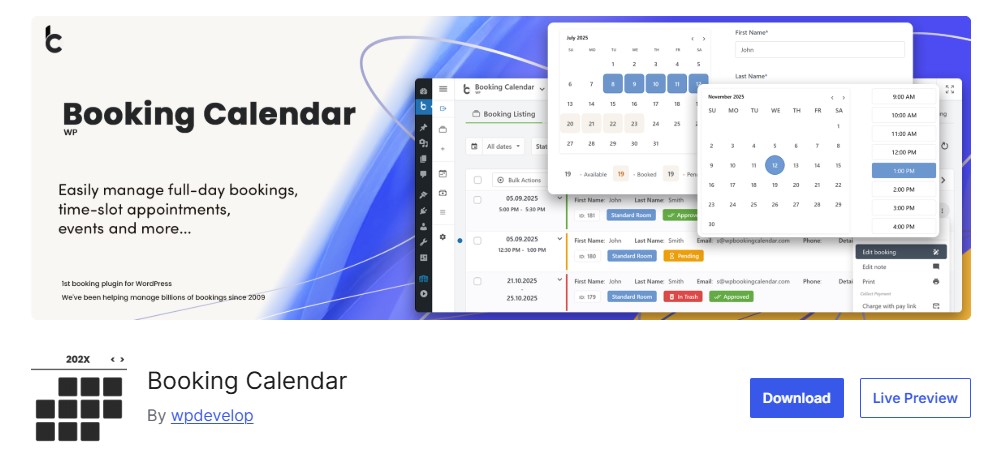
First on our list of the best WordPress booking plugins is WP Booking Calendar. It lets you handle both appointments and reservations directly from your WordPress site without unnecessary complexity.
This plugin works well for businesses of all sizes. Whether you’re running a personal website or managing larger setups like hotels, equipment rentals, or shared resources, it scales easily. Visitors can view real-time availability and book their preferred dates or time slots in just a few clicks.
Don’t let the simple front-end design fool you. Behind the scenes, WP Booking Calendar supports unlimited booking resources. Each resource has its own calendar, which helps prevent double bookings. You can clearly show available, pending, and booked dates using different colors.
Furthermore, the admin dashboard is clean and easy to navigate. You can manage bookings in a calendar view or a list, customize booking forms, adjust calendar styles, and edit email notifications. For multi-venue sites, each manager gets their own control panel, notifications, and payment options.
Upgrade to premium to unlock flexible pricing, seasonal rates, and even early-bird or last-minute discounts. It’s a powerful setup that adapts to almost any business model.
Key Features:
- User-friendly interface that makes booking a breeze
- Supports an unlimited number of booking resources
- Import and export bookings to your Google Calendar
- Allows you to customize the booking form with custom fields
- Send auto email notifications for pending and confirmed bookings
- Advanced features for offering seasonal discounts or coupons
- Configure forms and email templates however you want
- Restriction of access to plugin menus for standard WordPress user roles
- Accept online payments for your bookings, with support for various payment gateways
Pricing:
Free version available. The premium version starts at $79/year for a single-site license.
2. Amelia
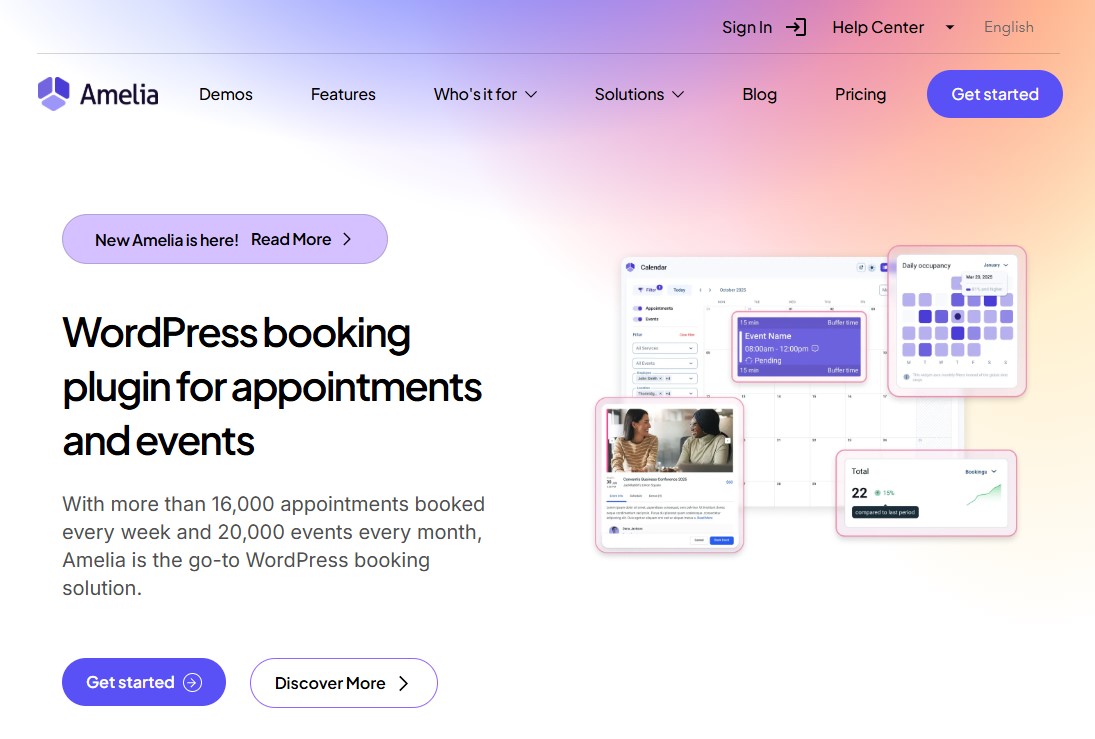
Amelia is a top-rated WordPress booking plugin for appointments and events, designed for businesses that need a reliable, easy-to-use booking system. It’s great for many industries, including gyms and health clinics, law firms, spas, salons, and photographers. If your business runs on a scheduled time, Amelia keeps everything moving.
One of its standout features is smart automation. You can send email, SMS, and WhatsApp notifications for new bookings, cancellations, or changes. Better yet, you control who gets them—your staff, your customers, or both.
Amelia also scales with your business. It supports multiple employees, locations, and payment methods, making it just as useful for solo operators as it is for growing teams. Since it works 24/7, customers can book anytime, even while you sleep.
With a strong 4.6/5 user rating, Amelia is a trusted, all-in-one booking solution that delivers real results.
Key Features:
- Book multiple services or appointments at once for easier client scheduling
- Step-by-step booking wizard
- Provides an insightful admin dashboard with key metrics
- Sends reminders via email, SMS, or WhatsApp
- Customize booking forms and calendars to match your website
- Accept online payments via PayPal, Stripe, or WooCommerce
- Offer recurring appointments, service packages, and discounts to increase retention
- Multiple language support for businesses with diverse clients
- Google Analytics integration for in-depth monitoring
Pricing:
Free version available. The premium version starts at $49/year for a single-site domain.
3. BookingPress
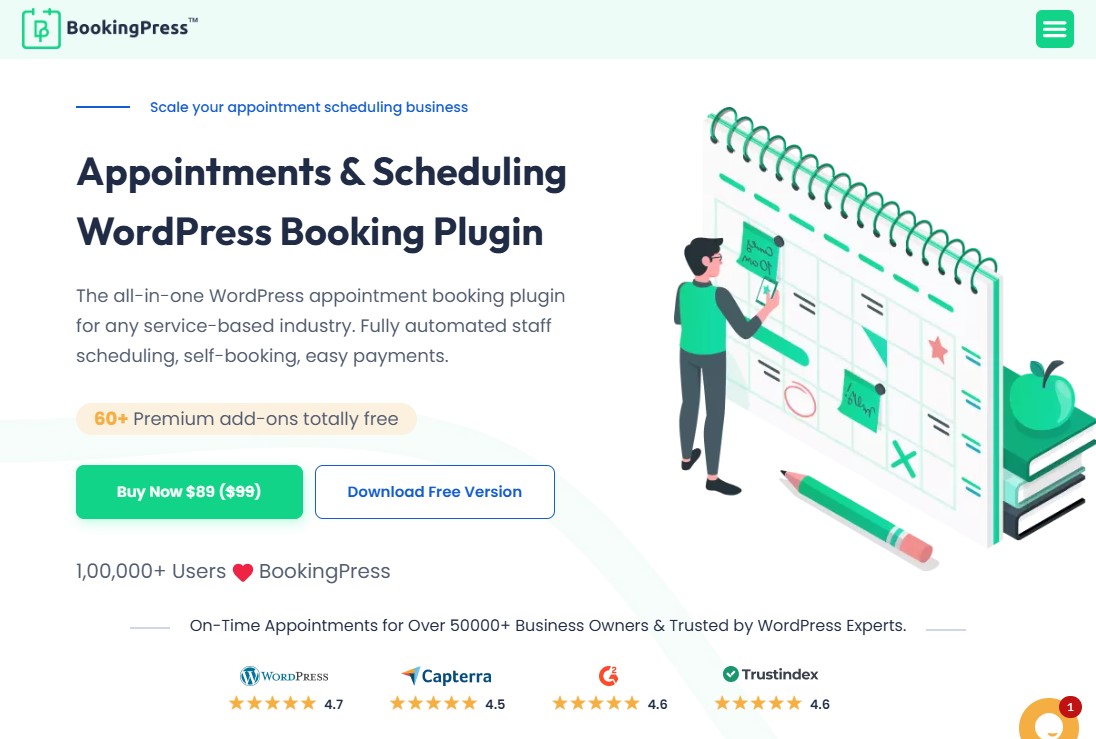
BookingPress is a powerful all-in-one appointment booking solution built for almost any service-based business. That includes salons, gyms, medical clinics, wellness centers, rental services, and professional firms. If your business runs on appointments, this tool is designed to keep things simple and organized.
Behind the scenes, you’ll find two clean, easy-to-use dashboards. One is for site admins. The other is for your staff. Each team member can manage their own bookings, block off days, add services, and track how they’re doing without stepping on anyone else’s toes.
In the admin panel, you can customize your booking form without touching a line of code. Change colors, fonts, layouts, and titles in just a few clicks. You can also set up automatic reminders through email, SMS, or WhatsApp. BookingPress syncs with Google, Apple, and Outlook calendars, so schedules stay aligned. There’s even support for overnight bookings, which works great for rentals, hotels, and 24-hour services.
On the front end, customers move through a simple, step-by-step booking flow. They pick a service, choose a staff member, select a time, add extras, apply a coupon, and leave a deposit—all in one smooth process.
The free plan comes with PayPal built in. Upgrade to premium to unlock 20+ payment gateways and over 60 free add-ons. These include coupons, gift cards, and deposit payments.
Key Features:
- User-friendly interface for managing advanced options and features
- Free PayPal integration with 20+ online payment gateways
- Wide range of notification methods: via SMS, Email & WhatsApp.
- Manage unlimited business locations effortlessly
- Fully customizable booking forms to match your website’s style and look
- 60+ premium add-ons are packed for free to optimize your booking business
- Custom booking fields with conditional hide/show options
- Advanced reports and analysis
- CAPTCHA-free anti-spam
Pricing:
Free plan available with PayPal integration. The premium version starts at $89/year or $229/lifetime for a single-site license.
4. Bookly
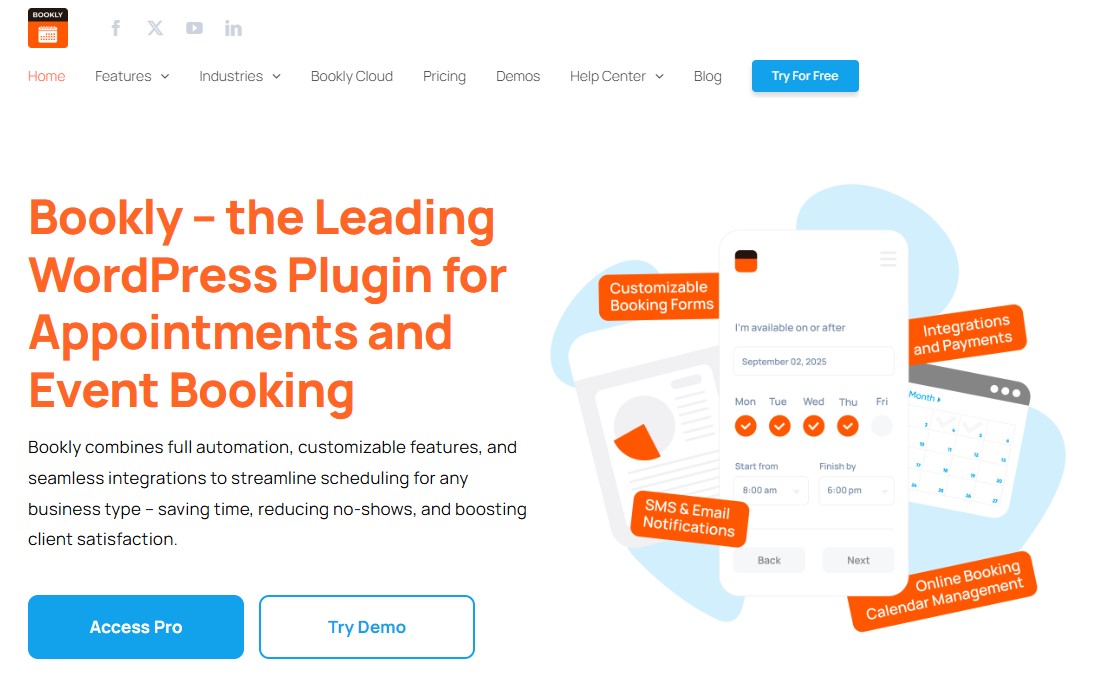
Bookly is a free WordPress booking plugin that makes it easy to handle online appointments and automate your entire reservation process. It works well for almost any type of business, whether you run a salon, offer consulting services, or manage a small team.
Everything happens right inside your WordPress dashboard. Your customers can choose a service, pick a time slot, and pay online in just a few clicks. If you’re working solo or with a growing staff, Bookly adapts to your needs without feeling complicated or overwhelming.
It also plays nicely with the WPML plugin, which means you can turn your site into a multilingual booking platform without touching a single line of code.
If you want more power, Bookly offers a range of add-ons. These let you add features like coupons, custom fields, group bookings, recurring payments, and even chained appointments.
Key Features:
- Option to add unlimited booking form, services, and staff members
- Send SMS and email reminders to customers
- Create a separate pricing structure for different staff members
- Integrates with Google Calendar and payment gateways
- Automatic or manual booking approval
- Easily integrate booking forms using blocks for Elementor and Gutenberg
- Scalable with add-ons for extended functionality
- Built-in analytics and WooCommerce compatibility
Pricing:
Free plan available. The premium version starts at $49/year or $129/lifetime.
5. WP Simple Booking Calendar
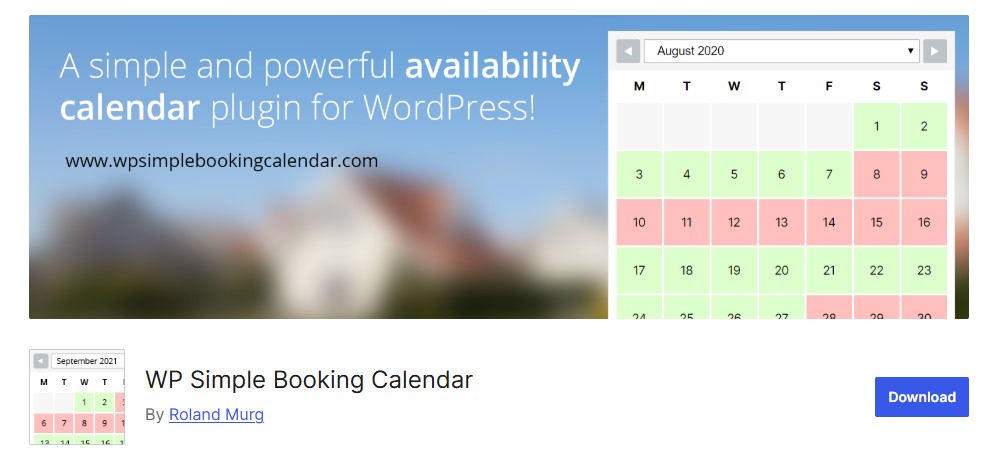
If you’re looking for a free booking calendar solution to show availability for your holiday home or hotel, WP Simple Booking Calendar could be a solid fit. It’s built for site owners who want a clean, straightforward schedule plugin without extra complexity.
The free version covers the basics well. You can add a booking calendar widget to your site, show what dates are available, and let visitors submit booking requests through a simple, easy-to-use interface. It also supports multiple languages, which is great if you serve an international audience.
One thing to keep in mind: this plugin doesn’t handle online payments. You’ll need to collect payments offline.
Upgrade to the premium version, and things get even smoother. You can sync your calendar with platforms like Airbnb, Booking.com, and FlipKey. Any changes you make to your site will be updated across those platforms in real time.
Key Features:
- Bulk edit dates in a single click
- Simple and responsive UI that works well on all devices
- Create unlimited calendars to refer to different products
- Google Calendar synchronization, data backup, and restoration
- Language translation options
- Sync your calendar with 3rd-party platforms
- Combine multiple calendars into one clear overview
Pricing:
Free version available. The premium version starts at $39/year for a single-site license.
Try WP Simple Booking Calendar Free
6. BirchPress
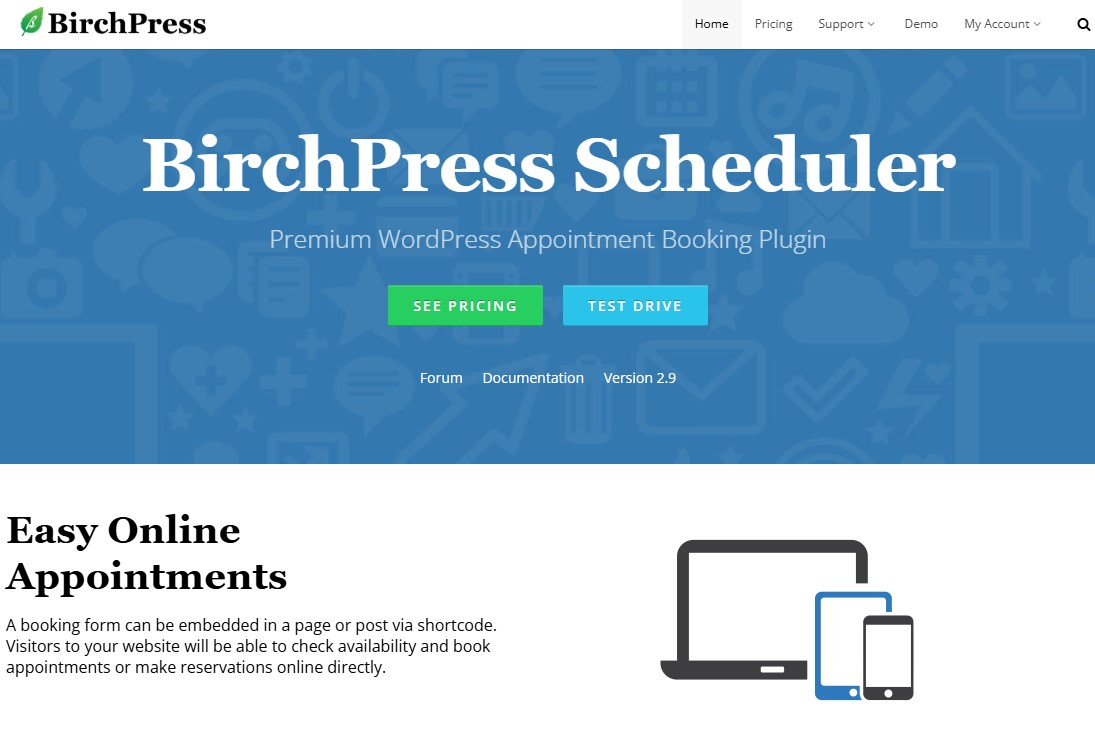
BirchPress is a powerful WordPress appointment booking plugin built for service businesses that want to schedule appointments and take payments online without the hassle.
You can create clean, professional booking forms using the built-in form editor. Once they’re ready, add them to any page with a shortcode.
The plugin syncs seamlessly with popular calendars like Google Calendar and iCal. This makes it easy to keep track of your availability and view upcoming appointments at a glance.
Communication is another strong point. You can send fully customized emails when an appointment is booked, rescheduled, or canceled. The plugin also lets you send appointment reminders, so you don’t need a separate email marketing service.
When it comes to payments, BirchPress includes built-in PayPal support. If you need more payment options, you can connect it to WooCommerce and expand from there.
For developers, BirchPress offers plenty of flexibility. It includes thousands of hooks and functions, making it one of the most developer-friendly appointment booking plugins available for WordPress.
Key Features:
- Embed a booking form via shortcode on any page or post
- Integrations with Google and iCal calendars for automatic appointment synchronization
- Accepts online payments via PayPal
- Offers reporting and analytics to track appointment trends
- Easily manages multiple locations, services, and staff within one system
- Configure and send customizable email notifications
Pricing:
The price starts at $99/year for a single-site license.
7. Easy Appointments
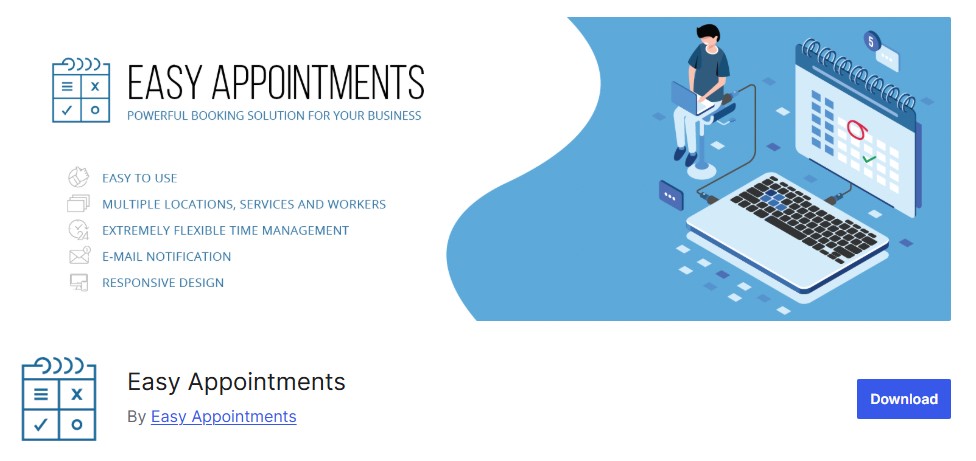
Easy Appointments is a free WordPress booking plugin that makes scheduling simple and stress-free. It helps you manage appointments directly on your WordPress site without unnecessary setup or clutter.
The plugin supports multiple locations, services, and staff members. That makes it a solid fit for a wide range of businesses, including law firms, salons, cleaning services, spas, personal trainers, and many others.
Easy Appointments also includes a complete booking system with a clean, easy-to-use interface. Admins can manage schedules without confusion, and customers can book appointments in just a few clicks.
You’ll find plenty of configuration options as well. The plugin handles complex schedules, different service types, and multiple locations with ease, even as your business grows.
It may not win design awards, but it’s reliable and efficient. If you’re looking for a lightweight, straightforward, and truly free booking plugin, Easy Appointments is a smart and practical choice.
Key Features:
- Create a dedicated calendar for a location, service, or agent
- Multiple locations, services, and workers
- Bookings can be confirmed via a link inside emails
- Dedicated calendars with flexible time slots
- Customizable email notifications for different appointment statuses
- SMS notification support via Twilio and Omnicom
Pricing:
Free version available. The premium version starts at $39/year for a single-site license.
8. FluentBooking
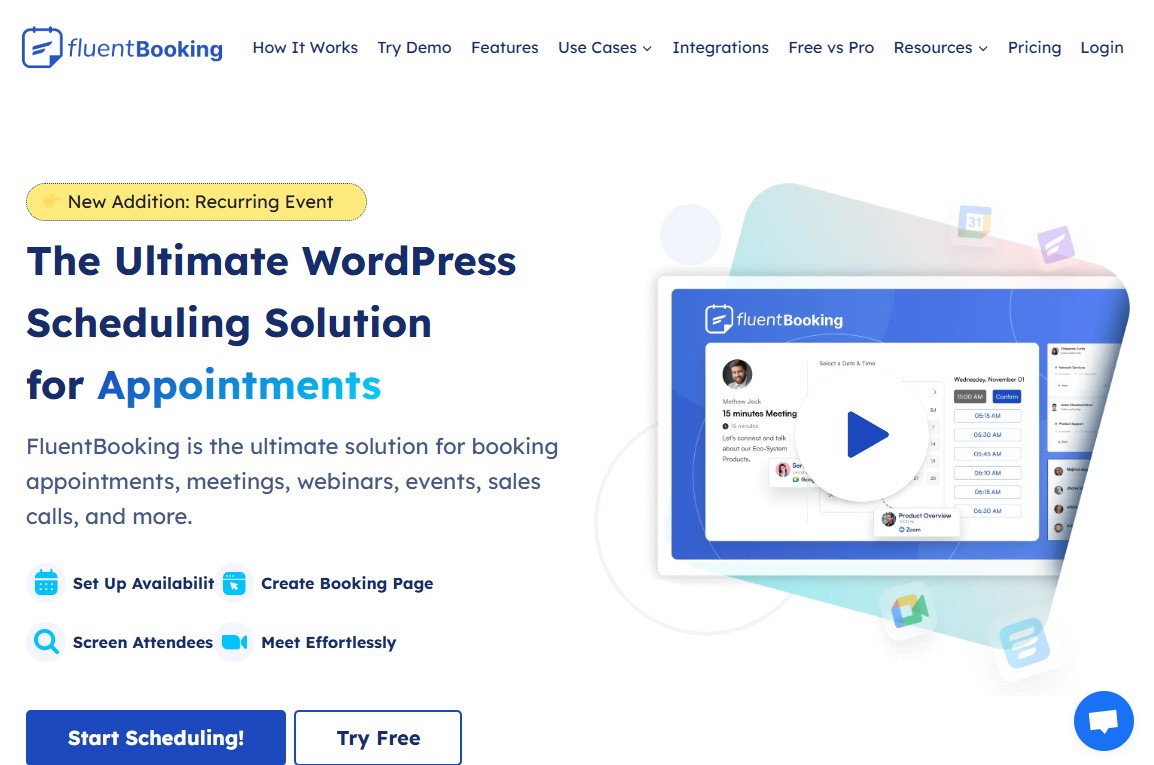
FluentBooking is an all-in-one appointment booking and management solution built for people who want to spend more time with clients and less time on busywork.
You can set your availability in minutes and let automated notifications handle the rest. No more back-and-forth emails or missed appointments. Everything runs smoothly, so you save time and stay focused.
FluentBooking supports multiple meeting types, syncs with your calendar, and handles secure payments with ease. It also connects seamlessly with the tools you already use, making your workflow faster and more reliable.
Whether you’re offering services solo or managing a growing team, FluentBooking gives you the tools you need to stay organized and work smarter every day.
Key Features:
- Automated email notifications and reminders
- Customizable booking forms and schedules
- Supports secure payments via Stripe or PayPal for a hassle-free client experience
- Includes custom branding options for a consistent user experience across booking and landing pages
- Supports multiple languages and full RTL for a global audience
- Two-way sync with Google Calendar & Outlook Calendar
- Direct integration with Zoom, Google Meet, and other tools
- Run automation funnel with FluentCRM for different booking events
Pricing:
Free version available. The premium version starts at $79/year or $199/lifetime for a single-site license.
9. Booknetic
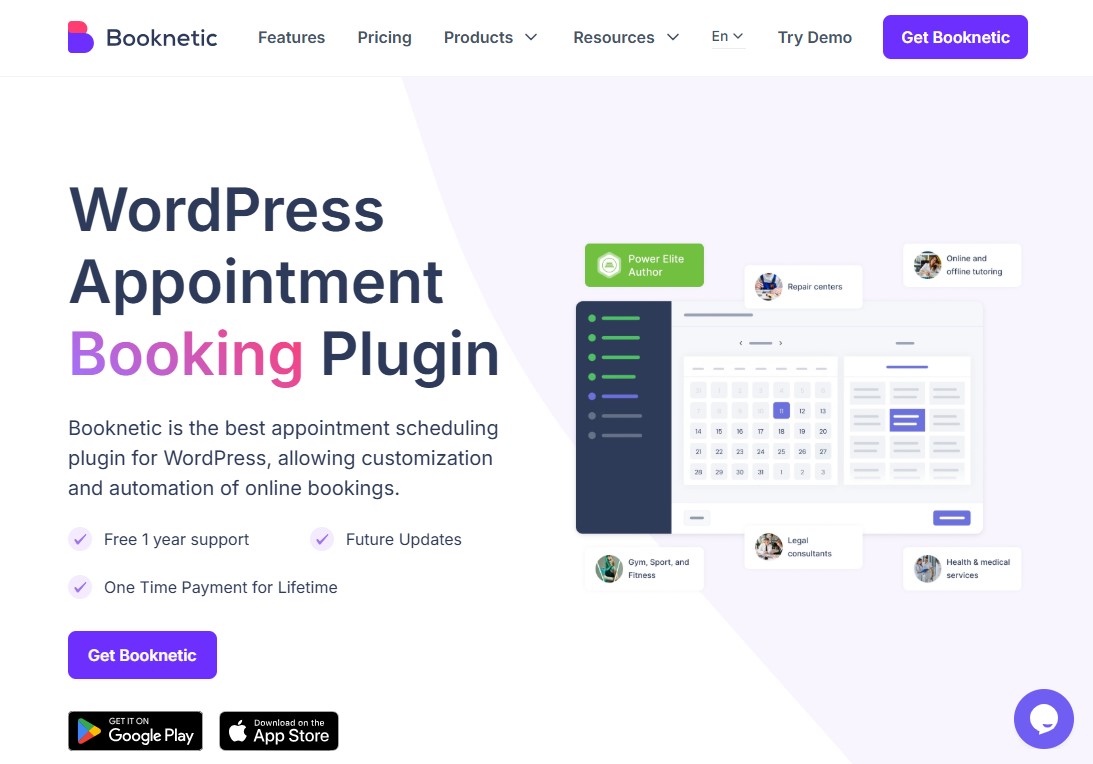
Booknetic is a powerful appointment booking plugin for WordPress that helps businesses take control of their scheduling and automate everyday booking tasks. It sends automatic notifications and reminders, reducing back-and-forth messages and saving time and money.
Beyond managing appointments, Booknetic gives you clear, detailed reports on sales, staff performance, and booking trends. This makes it easy to see what’s working, spot what needs improvement, and make smarter decisions based on real data.
Key Features:
- Drag-and-drop form builder for custom booking forms
- Streamline bookings with custom working hours, buffer times, holidays, and more
- Accommodates group bookings and recurring appointments
- Create and send payment links for appointments
- Recurring appointments to avoid repetitive bookings
- Customizable email/SMS notifications to reduce no-shows
- Gift cards and discounts to increase customer retention
Pricing:
The price starts at $79 for a one-time payment.
10. Start Booking
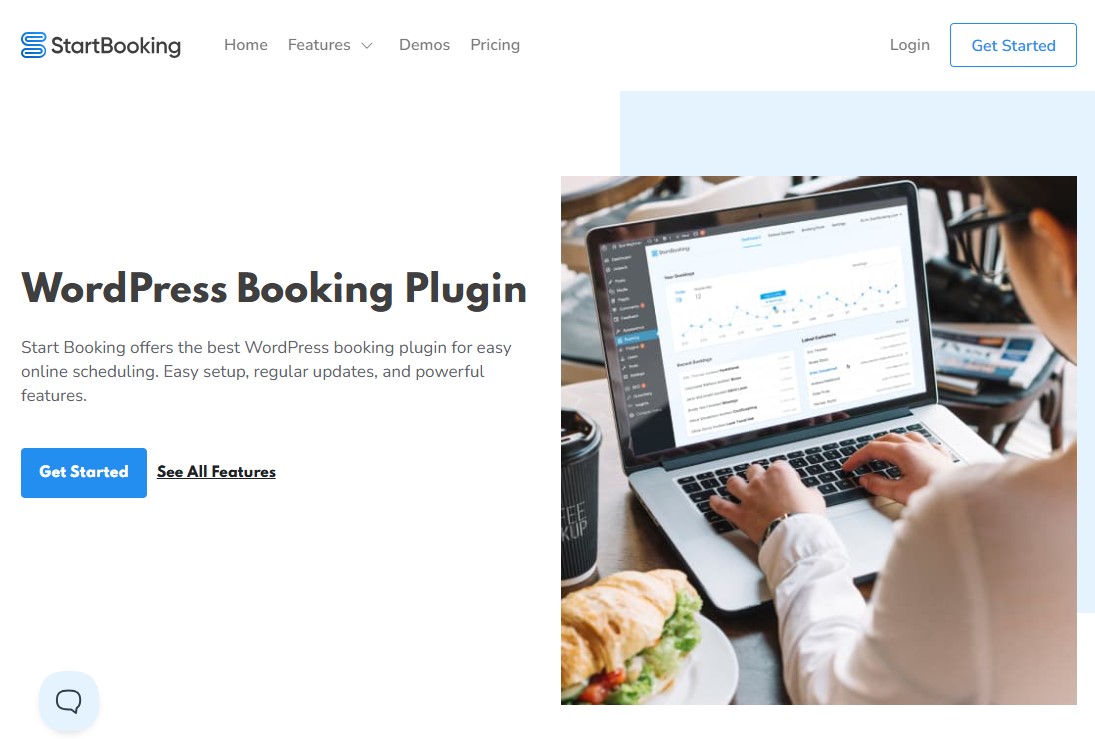
Start Booking stands out as one of the most reliable booking and scheduling plugins for WordPress. It’s easy to use, flexible, and built to handle everything from one-on-one appointments to full group classes without feeling complicated.
You can set class sizes, choose available time slots, and assign specific instructors to each session. This gives you real control over how your schedule runs and helps you make the most of every open spot.
If you already use Google Calendar, you can sync it with Start Booking in just a few clicks. That way, your availability stays accurate without extra work on your end.
When it comes to payments, you stay in charge. You can collect fees before, during, or after the session. The plugin connects easily with Stripe, so you can accept credit cards, debit cards, PayPal, and other popular payment methods.
Key Features:
- Fully integrated calendar system
- Customizable booking forms to capture relevant information
- Integration with Google Calendar and Zoom
- Comes with email and SMS support
- Comprehensive customer profile and preference management
Pricing:
The price starts at $79/year.
11. Booktics
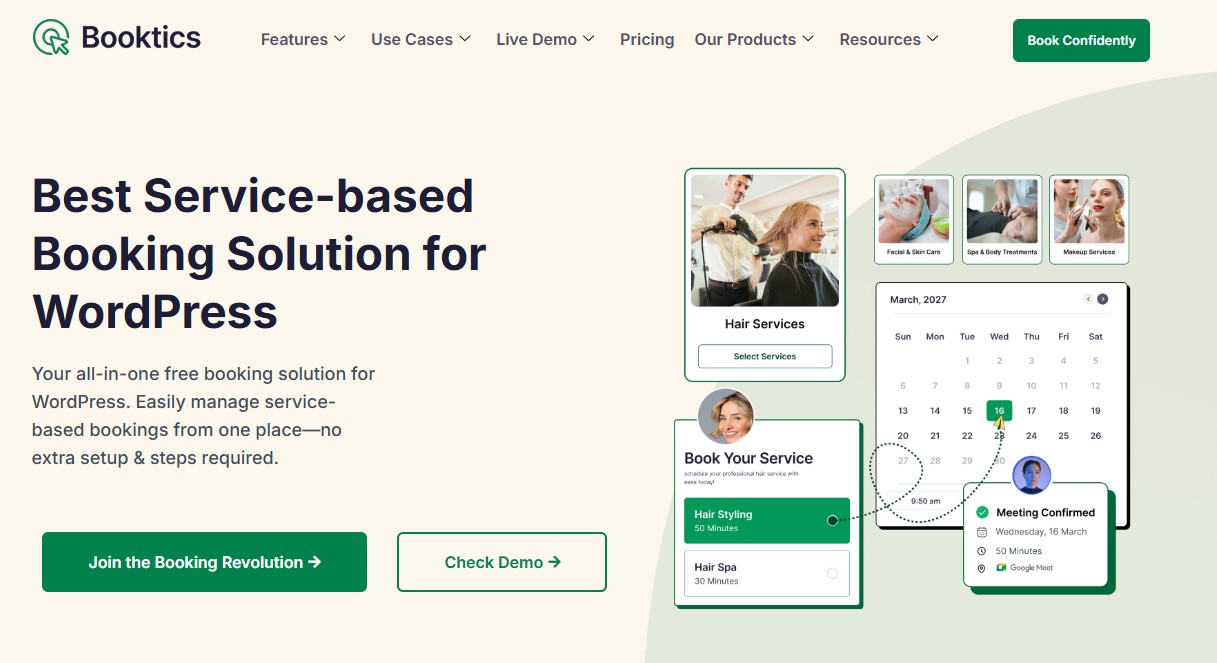
Booktics is a free WordPress booking plugin built for real service businesses. It makes appointment and service booking simple, fast, and stress-free. You can set it up quickly, manage your calendar with ease, and stay focused on your work instead of juggling schedules.
Whether you run a salon or spa, a dental clinic, a wellness center, or a cleaning service, Booktics fits right in. It also works great for fitness trainers, tutors, and home repair professionals. Your clients can book appointments online anytime, day or night, without back-and-forth messages.
Booktics also plays well with the tools you already rely on. Sync your schedule with Google Calendar and Outlook. Meet clients through Google Meet. Keep contacts organized with FluentCRM. Accept payments easily using PayPal or Stripe.
No matter what type of service you offer, Booktics keeps online booking simple for you and convenient for your clients. It’s a powerful yet easy-to-use booking solution for a WordPress site, for anyone who wants a clear, simple, and reliable booking system.
Key Features:
- Full online booking plugin where clients can book anytime
- Set flexible time slots based on your services
- Control how many bookings you accept per time slot or day
- Assign services and manage working hours for each staff member
- Track booking and payment status from one dashboard
- Multiple payment options to accept online payments for bookings securely
- Reporting tools to help you make data-driven decisions
- Automate and manage team scheduling in real time
- drag-and-drop builder to create custom booking forms with custom fields
- Send automated booking confirmations, reminders, & updates through email
Pricing:
Free version available. The premium version starts at $79/year or $219/lifetime for a two-site license.
12. LatePoint

LatePoint is one of those WordPress booking plugins that immediately feels well thought out. It delivers a complete system for scheduling and managing appointments without unnecessary complexity. Thanks to its flexible setup, it works just as well for small salons as it does for medical practices or larger teams handling multiple services and staff members.
The admin interface is clean and easy to navigate. Managing appointments, services, staff, and customers feels natural, even if you’re new to booking plugins. The dashboard shows upcoming bookings in real time, so you always know what’s happening and can stay on top of your schedule.
Getting started is simple. You can define your business hours, available days, time slots, and days off directly from the Settings menu. This makes it easy to shape the booking system around how you actually work, not the other way around.
LatePoint also gives you full control over how the booking form looks. You can tweak colors, button placement, and layout with just a few clicks. The result is a booking form that fits smoothly into your website and feels like a natural part of the user experience.
Key Features:
- Well-designed and a simple dashboard to control everything
- Send confirmations, reminders, and follow-ups via email/SMS
- Group booking support
- Webhooks are available for third-party tools such as Zapier or SureTriggers
- Multiple payment gateway support
- Full WPML compatibility and multilingual support
- Easily schedule recurring lessons or appointments
- Downloadable appointment, customer, and payment data
Pricing:
Free version available. The premium version starts at $79/year or $199/lifetime for a single-site license. You can also split the lifetime plan into 11 payments.
13. WooCommerce Bookings and Appointments
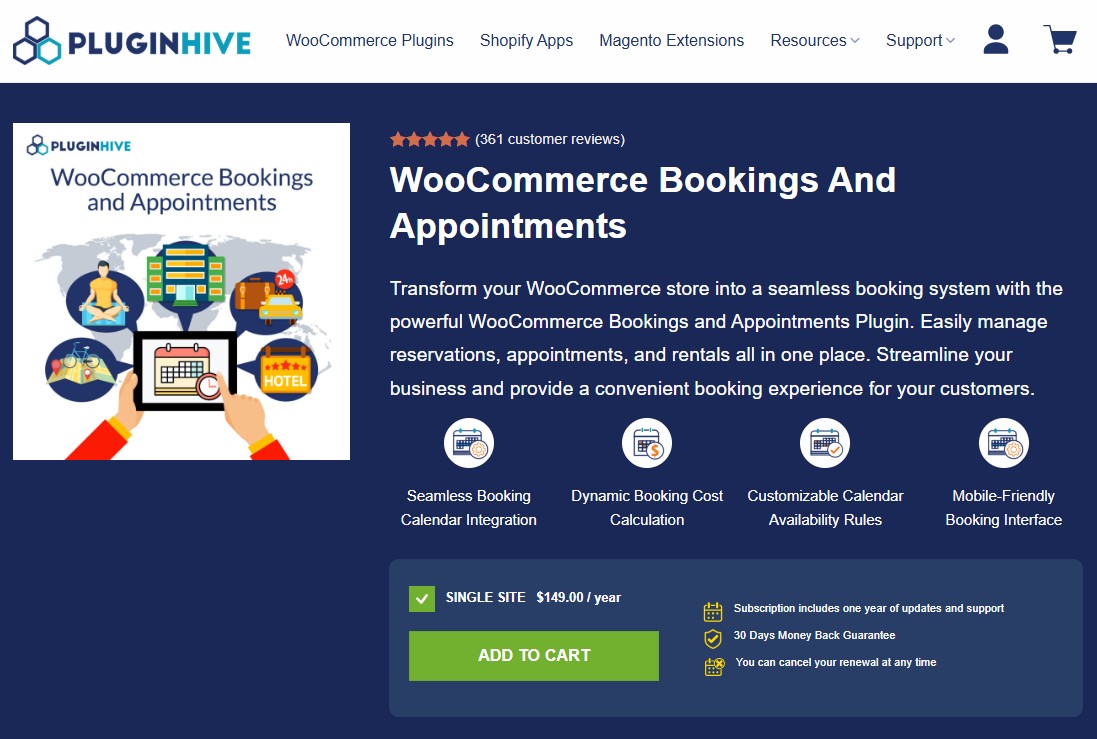
WooCommerce Bookings and Appointments is a premium plugin that turns your WooCommerce store into a fully featured booking system you can rely on.
It’s built to handle just about any booking need. That includes single-day tours, salon appointments, hourly rentals, and even recurring classes.
Because it’s tightly integrated with WooCommerce, taking payments is simple and secure. You also get plenty of options to customize the booking experience to match how your business actually works.
Check out some best payment gateways for WooCommerce.
Key Features:
- Single-day, multi-day, and flexible booking options with start and end dates
- 2-way Google Calendar sync for seamless scheduling
- Supports recurring and non-adjacent bookings
- Email notifications for new bookings, cancellations, and reminders
- Automatically calculate booking costs based on customer preferences
- support multiple languages
Pricing:
It costs $149/year for a single-site license.
Try WooCommerce Bookings and Appointments
14. Appointment Hour Booking
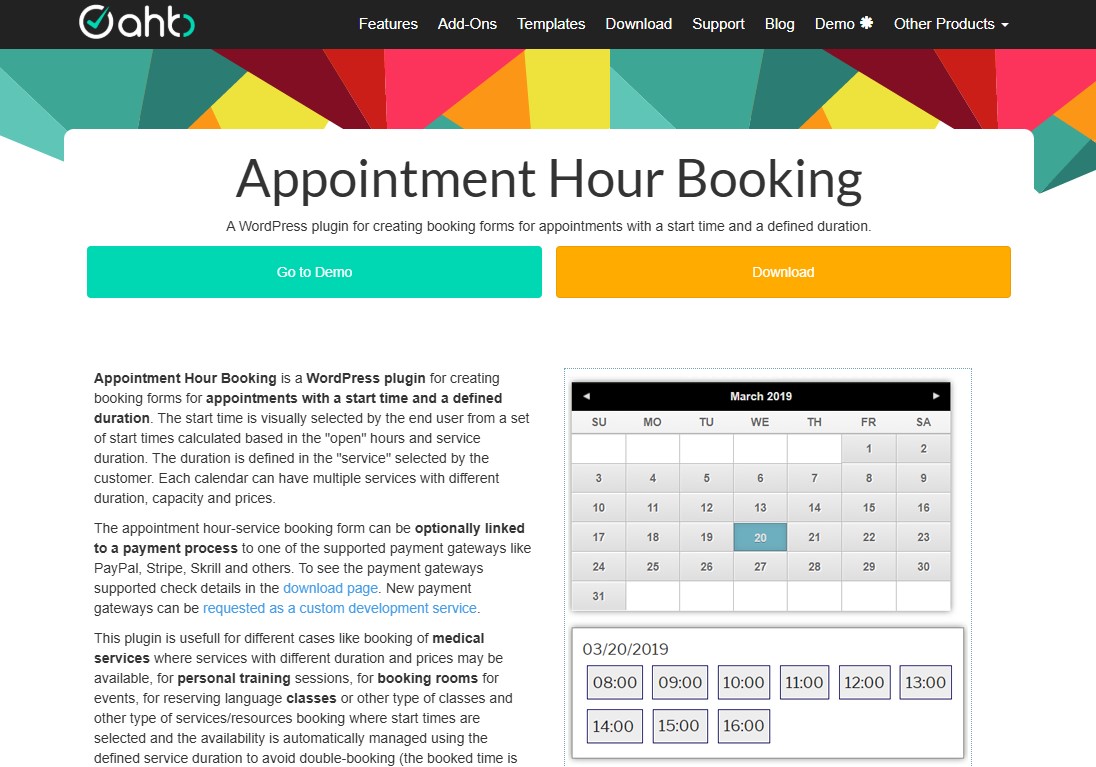
Next on our list of the best booking plugins for WordPress is Appointment Hour Booking. It’s a solid option if you need to create appointment-based booking forms with clear start times and fixed durations.
You can adjust service availability based on your working hours. Set how long each session lasts and assign prices with just a few clicks. The built-in booking system also prevents double bookings, so your schedule stays organized and stress-free.
Furthermore, you can style the booking form to match your site and add it anywhere using shortcodes or blocks. Payments are just as smooth, thanks to support for multiple popular gateways.
On top of that, it works well with most WordPress page builders and supports multiple languages.
All in all, it’s a great fit for medical appointments, personal training sessions, language classes, and any business that runs on scheduled services.
Key Features:
- Set fixed durations for services
- Prevent bookings within a certain timeframe
- Customizable email notifications for administrators and users
- Each calendar can have multiple services with their own prices and durations
- Form validation and built an anti-spam captcha protection
- Manual and automatic CSV reports for easy data management
- Blocks for Elementor and Gutenberg
- Visual form builder for creating the booking form fields
Pricing:
Free version available. The premium version starts at €59/year for a single-site license.
Try Appointment Hour Booking Free
15. Salon Booking System
Salon Booking System is a simple, powerful appointment scheduling plugin built for small businesses that want to take control of their appointments and grow their online bookings.
It works just as well for one-on-one services as it does for same-day slots or time-based reservations. If your business relies on individual appointments, this tool fits right in.
The clean, intuitive interface makes setup easy and daily use even easier. Behind the scenes, smart features save you time while your customers enjoy a smooth, hassle-free booking experience.
Key Features:
- Unlimited booking rules to represent the real salon timetable
- Ready to process online payments, full and partial, with PayPal and Stripe
- A mobile web app for your staff members
- Translated into more than 20 languages
- An advanced discount and coupons system to reward your loyal customers
- Supports recurring appointments and staff assignments
- Mobile responsive
Pricing:
Free version available. The premium version starts at €89/year for a single-site license.
16. Simply Schedule Appointments
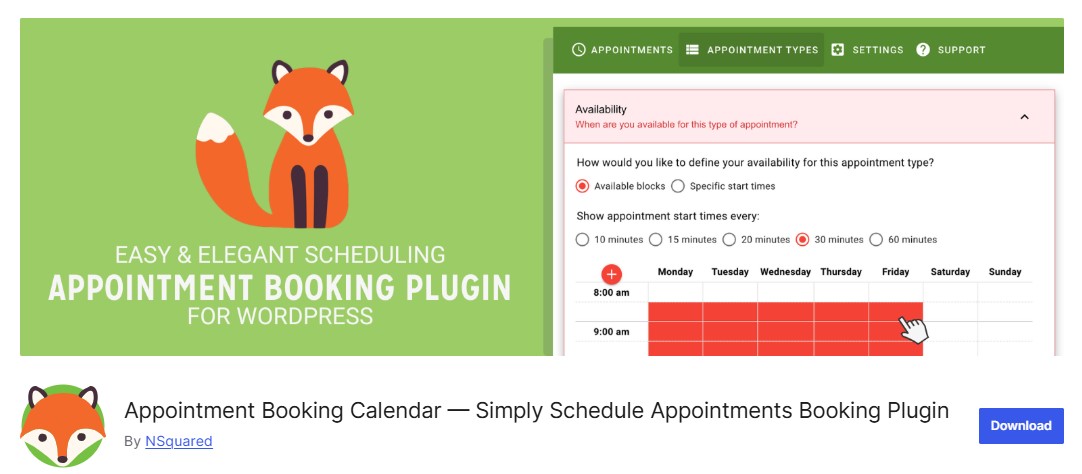
Simply Schedule Appointments is an easy-to-use WordPress appointment booking plugin known for its user-friendly interface and quick setup process.
It’s a great fit for consultants and small businesses that need to book phone or video calls for consultations, interviews, or set services. That said, it’s far from limited to those uses. You can just as easily use it to schedule lessons, home services, salon visits, or almost anything else. Visitors can even choose their preferred team member, consultant, or stylist when they book.
The plugin lets you control exactly when you’re available and automatically blocks off times you don’t want to take appointments. That means no more back-and-forth emails or missed calls to find a time that works. You can also add buffer and prep time between bookings to keep your schedule from feeling rushed.
The booking flow is flexible and customizable. You can choose the steps and layout that make the most sense for your business. If needed, you can also assign bookable resources, like a meeting room, to each appointment.
The free version is solid and covers the basics well. If you need more, the premium version unlocks payments through Stripe and PayPal, SMS notifications, Google Calendar sync, and other useful features.
In short, if you’re looking for a WordPress plugin that feels like Calendly, this is one of the closest matches you’ll find.
Key Features:
- Advanced scheduling options to customize availability and block out dates
- Block off dates when you’re unavailable for appointments
- Compatibility with popular page builders like Elementor, Brizy, and Divi
- Integration with Gravity Forms and Formidable Forms for advanced forms
- Group booking, booking flows, team booking, resource booking
- Create and manage multiple booking calendars for different services
Pricing:
Free version available. The premium version starts at $99/year for a single-site license.
Try Simply Schedule Appointments Free
17. Webba Booking
Webba Booking is a flexible WordPress booking plugin that makes online appointment and event scheduling easy.
It comes with clean, professional booking forms, a quick setup process, and plenty of customization options. Managing schedules is straightforward, even as bookings grow.
Like other booking tools we’ve covered, Webba Booking helps you manage appointments, track booking details, and create professional forms and calendars for your users.
Furthermore, the free version covers the basics well. However, if you want to accept payments, you’ll need to upgrade to the premium plan.
Key Features:
- Create unlimited services and events
- Allow customers to book multiple services or appointments at once
- Approve, add, edit, cancel any bookings with a few clicks
- Automatically send confirmation emails to you and your customers
- set dynamic pricing based on time, day, demand, and more
- Built-in translations and WPML compatibility
- Export your bookings to a CSV file for external management
Pricing:
Free version available. The premium version starts at $49/year for a single-site license.
How to Choose the Right One?
- Just starting out? Choose Simply Schedule Appointments. It’s easy to set up, beginner-friendly, and the free version covers the basics well.
- Have a small team? Go with Amelia. It handles multiple staff, services, and payments without feeling complicated.
- Need a multi‑location or many staff? Pick BookingPress. It’s built to scale and offers strong tools for managing teams and locations.
- Already using WooCommerce? Use WooCommerce Bookings and Appointments. It integrates directly with your store and payment system.
- Want many add‑ons? Go with BookingPress. It comes with a huge library of add-ons and payment options.
- Need a free option? Try Easy Appointments. It’s one of the most powerful free plugins for basic scheduling and team management.
Conclusion
If your business relies on people booking time with you, a booking plugin is a no-brainer. It cuts down on back-and-forth, keeps everything in one place, and gives customers an easy way to book without calling or waiting for replies. Most plugins also let you take payments online, send automatic reminders, and sync with your calendar, so nothing slips through the cracks.
All 17 of these plugins do a solid job, just in different ways. Some work best for solo business owners or small teams. Others are built for larger companies or online shops. The key is knowing what you actually need. Think about things like payment methods, calendar integrations, and whether multiple team members need access. Then choose the plugin that matches those needs.
If you’re not sure where to start, try a free version first. Get a feel for how it works. Upgrade only when you actually need the extra features.
With the right WordPress appointment booking plugin in place, your business will look more professional, and booking will be simple for both you and your customers.
We hope this article helped you find the best WordPress booking plugins.
For more, check out these other helpful resources:
- 8 Best WordPress CRM Plugins for Scaling Your Business
- 17 Best WordPress AI Plugins: A Game-Changer for Your Site
- 12 Best WordPress Payment Plugins For Easy Online Transactions
- 10 Best Live Chat Plugins for WordPress to Drive More Leads
Lastly, follow us on Facebook and X (formerly Twitter) to stay updated on the latest WordPress and blogging-related articles.
Frequently Asked Questions
What is the best overall WordPress booking plugin?While “best” depends on your needs, Amelia and Bookly are widely considered the top choices for general service businesses due to their modern interfaces, automated notifications, and robust payment integrations.
While “best” depends on your needs, Amelia and Bookly are widely considered the top choices for general service businesses due to their modern interfaces, automated notifications, and robust payment integrations.
Is there a free booking plugin for WordPress?Yes. Many plugins offer “Lite” versions. BookingPress and Simply Schedule Appointments have excellent free versions that allow you to accept unlimited appointments without a subscription.
Yes. Many plugins offer “Lite” versions. BookingPress and Simply Schedule Appointments have excellent free versions that allow you to accept unlimited appointments without a subscription.
Can I accept payments through a booking plugin?Most premium plugins (and some free ones like Booking Calendar) integrate with PayPal, Stripe, and Square. This allows you to charge clients at the time of booking to reduce no-shows.
Most premium plugins (and some free ones like Booking Calendar) integrate with PayPal, Stripe, and Square. This allows you to charge clients at the time of booking to reduce no-shows.
Can I manage multiple staff members' schedules?Yes. Plugins like Amelia and Bookly Pro allow you to create individual profiles for employees, each with their own specific working hours, services, and prices.
Yes. Plugins like Amelia and Bookly Pro allow you to create individual profiles for employees, each with their own specific working hours, services, and prices.
Can I send automated email or SMS reminders?Yes. Almost all top-tier booking plugins include automated email notifications. SMS reminders usually require a premium plan or an integration with a service like Twilio.
Yes. Almost all top-tier booking plugins include automated email notifications. SMS reminders usually require a premium plan or an integration with a service like Twilio.
Is it possible to offer group bookings or classes?Yes. Look for plugins that support “Group Bookings”. Booknetic and Amelia are particularly strong for managing classes with multiple participants.
Yes. Look for plugins that support “Group Bookings”. Booknetic and Amelia are particularly strong for managing classes with multiple participants.
Are these plugins mobile-friendly?Almost all leading WordPress booking plugins are fully responsive. This means the calendar and booking forms will automatically adjust their layout to look and function perfectly on smartphones and tablets.
Almost all leading WordPress booking plugins are fully responsive. This means the calendar and booking forms will automatically adjust their layout to look and function perfectly on smartphones and tablets.
